In This Article
Crypto gaming wallets let you store and use the tokens, NFTs, and rewards you earn from blockchain games. This guide goes through the best crypto wallets for gaming, covering both mobile options for quick access and hardware wallets for safer long-term storage. You’ll also see some of the most popular wallets for crypto gaming, making it easier to choose one that fits how you play and keep your assets secure.
Best Crypto Gaming Wallets for 2026 Ranked
Here’s a look at some of the most reliable wallets for storing and using gaming tokens, NFTs, and in-game rewards. Each one has its own strengths, so the right pick depends on how you play and what you need.
Top Gaming Crypto Wallets: Summary
In this guide, we’ll show you how to choose a crypto gaming wallet that fits your play style and security needs, while looking at the top wallets for blockchain gamers.
You’ll learn the differences between hot and cold storage, why multi-chain compatibility matters, and which security features protect your tokens, NFTs, and in-game rewards. By the end, you’ll know how to keep assets safe while staying connected to the games and networks you use most.
Key Takeaways
- Choosing the right wallet depends on your gaming style, whether you prioritise speed or maximum security
- Hot wallets give quick access for in-game transactions, rewards, and token swaps
- Cold wallets keep assets offline for stronger protection against hacks and malware
- Multi-chain compatibility lets you manage tokens and NFTs from different networks in one place
- Security features like private key control, encryption, and reliable backups are essential for safeguarding gaming rewards
Best Hot & Cold Crypto Wallets for Gaming
Choosing the right crypto wallet depends on how you play and what assets you manage. Some gamers need fast access for daily use, while others focus on security for long-term storage. This list covers multi-chain wallets for GameFi, the best wallet for NFT games, and tips on how to choose a crypto wallet for gaming based on your needs. But before you proceed, maybe you should first take a look at our ‘what blockchain gaming is‘ article.
Best Wallet- The Most Secure, Non-Custodial, Best Wallet Choice for Gamers
Best Wallet is a mobile app that gives you full control of your crypto, without asking for personal info. It’s made for people who care about privacy and want to do more than just hold coins. Inside the app, you can swap tokens, explore Web3 games, stake assets, and even join crypto presales, no extra logins or websites needed.
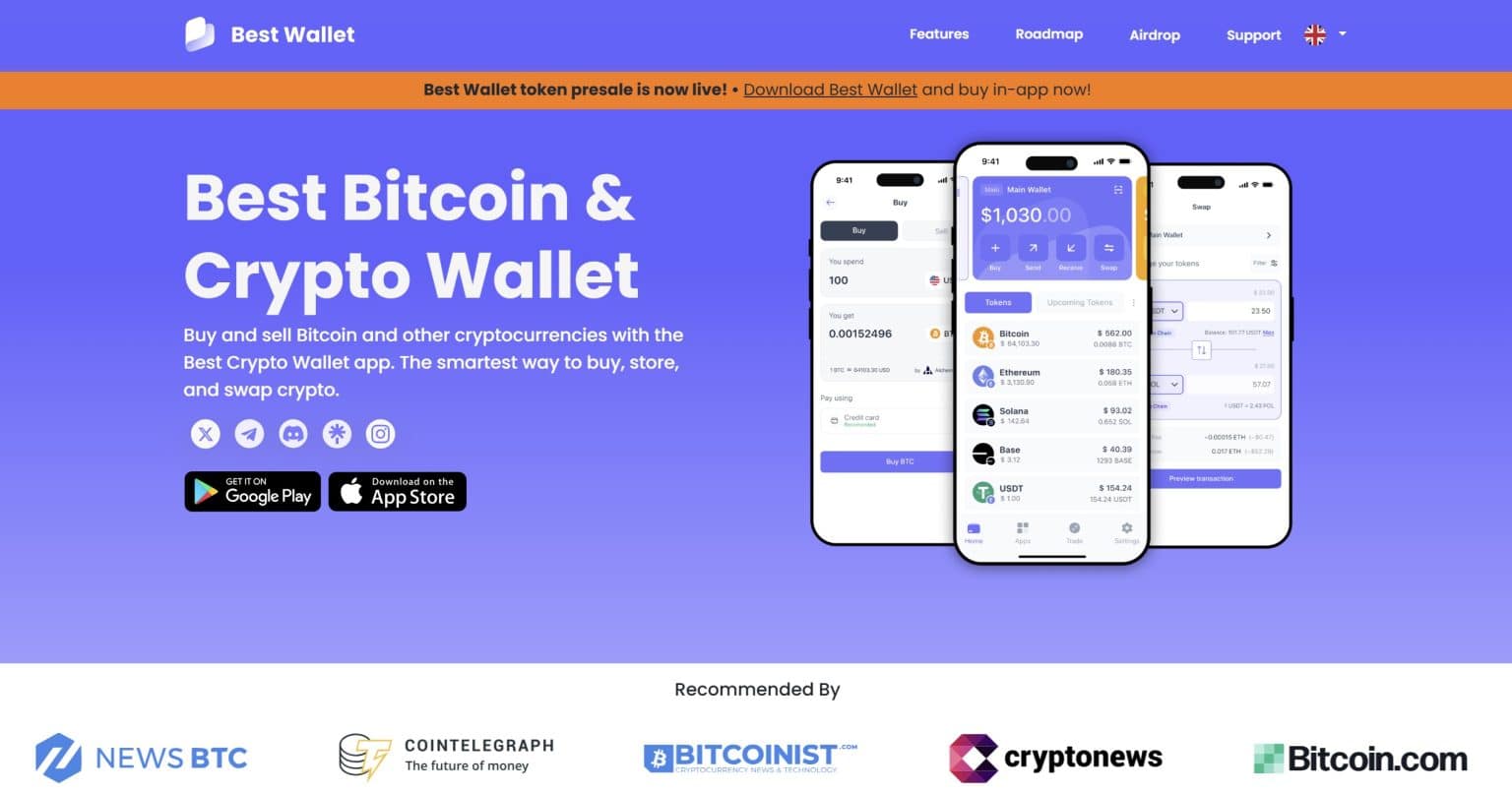
It works with more than 60 blockchains, covering a huge range of tokens, from gaming and meme coins to early presale projects. There’s no desktop version yet, but the mobile experience is solid. The layout is clean, and everything is easy to find.
Security is built in from the ground up. You get encrypted key storage, biometric login, optional two-factor authentication, and Fireblocks MPC for managing your private keys. If you’re into crypto gaming or just want one place to manage tokens without giving up your identity, this wallet gets a lot right.
Why Best Wallet Is Our Top Choice?
Best Wallet Pros & Cons
Pros
Cons
Take a look at our complete Best Wallet Review 2026: Is It a Safe Crypto Wallet? for more details.
Zengo – Crypto Wallet That Supports Play-to-Earn Games
Zengo is a self-custody wallet that skips seed phrases completely. Instead of storing one secret key, it splits the responsibility between your device and Zengo’s servers. That way, no one, neither you alone nor Zengo, can fully unlock the wallet without both parts working together.
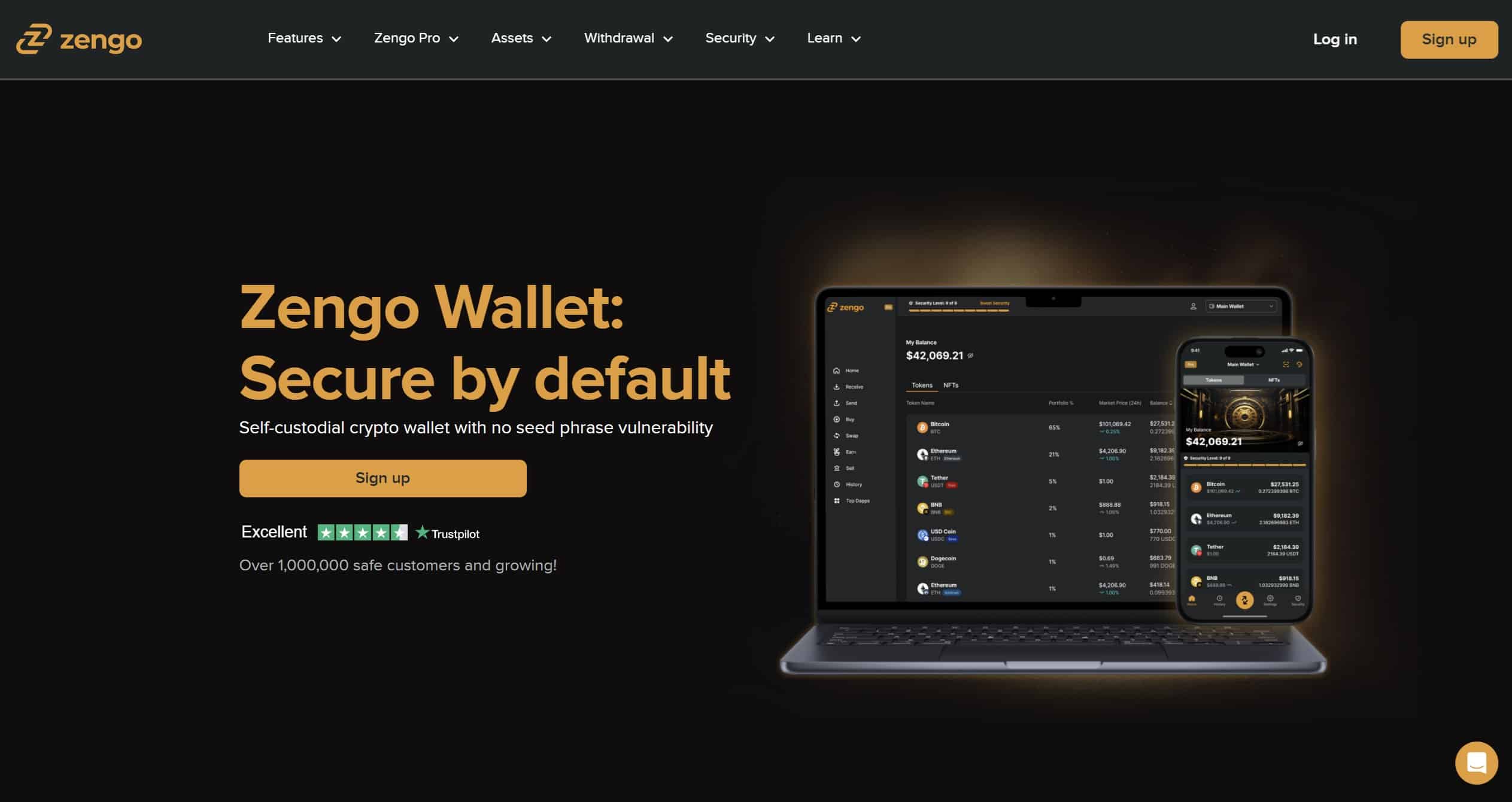
Since launching in 2018, it hasn’t had a single known security breach, even with over 1.5 million users.
What makes Zengo great for crypto gamers is how smoothly it connects to blockchain games, NFT platforms, and token reward systems. You can dive into staking drops, NFT games, and Web3 dApps directly through WalletConnect without copying keys or jumping between apps. It supports hundreds of tokens and GameFi assets across major chains like Ethereum, Polygon, Arbitrum, Base, Tron, and more.
The wallet’s recovery method is simple but strong. It uses a combination of Face ID, email confirmation, and a backup stored in your cloud drive. Even if you lose your phone, you won’t be locked out. The free version gives you the core setup with all essential protections. The Pro version adds extra tools like legacy transfer and a Web3 firewall, but it costs $19.99 a month.
You can buy or swap crypto inside the app, manage NFTs, and stake ETH or Tezos. The only catch is that fees for buying or swapping can be steep, sometimes around 3% or more. Still, Zengo is praised for how easy it is to use, and their in-app live support is always available if anything goes wrong.
Zengo Pros & Cons
Pros
Cons
Zengo is built for users who want to jump into crypto gaming without worrying about losing seed phrases or juggling complicated setups. It’s easy to use, works across many chains, and offers helpful support right inside the app. It’s not trying to be a trading platform or an all-chain solution, but for Play‑to‑Earn gamers and NFT fans, it gets the job done with minimal hassle. Just keep an eye on the swap fees and make sure the chains you care about are supported.
Take a read through our detailed Zengo review.
Binance Wallet – Gaming Wallet for Crypto Rewards
Binance Wallet is built right into the Binance mobile app, so there’s no need to install anything extra. It gives you control over your own wallet without needing a seed phrase.
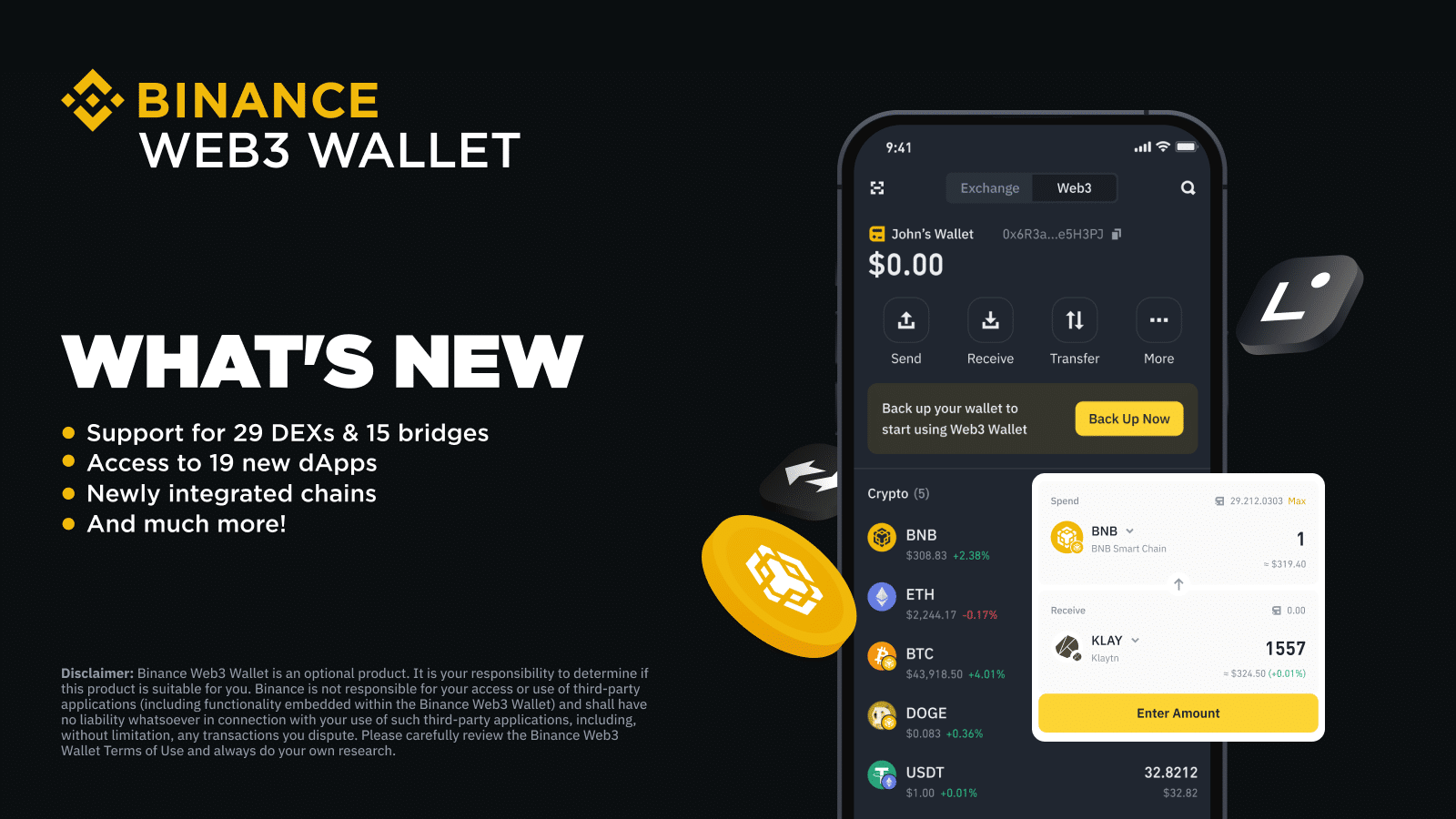
Instead, it splits your key into three parts, one on your phone, one on Binance’s servers, and one optional backup, so you can recover your wallet if needed without writing anything down.
It works across more than 60 blockchains, including big ones like Ethereum, Polygon, Solana, and BNB Chain. That means you can collect tokens from your favorite games, swap them in the app, and explore new Web3 games using the built-in dApp browser. There’s also a section called the ‘Reward Center’ where you can take part in token drops, quests, and other play-to-earn events.
Swapping and bridging tokens happens directly inside the wallet, so you’re not constantly jumping between apps. If something goes wrong or you’re unsure what to do during a drop, there’s also live chat support available right inside the app.
Binance Wallet Pros & Cons
Pros
Cons
Binance Wallet is a solid pick for gamers who already use the Binance app and want to dive into play-to-earn events, token quests, or NFT rewards. Everything’s right there, token swaps, staking, dApp access, and live support. Just remember it’s tied to your Binance login, so you’re not fully off the grid. If that works for you, it’s a convenient way to manage gaming assets and rewards in one place.
Check out the dedicated Binance Wallet review for more information.
Ledger Flex – Cold Wallet for Crypto Gamers
Ledger Flex is a hardware wallet made for people who want proper security but don’t want to wrestle with clunky tech. If you’re into Play-to-Earn games or collecting NFTs and want to actually own your stuff, this wallet helps you keep it all offline and protected without feeling like you need an IT degree.
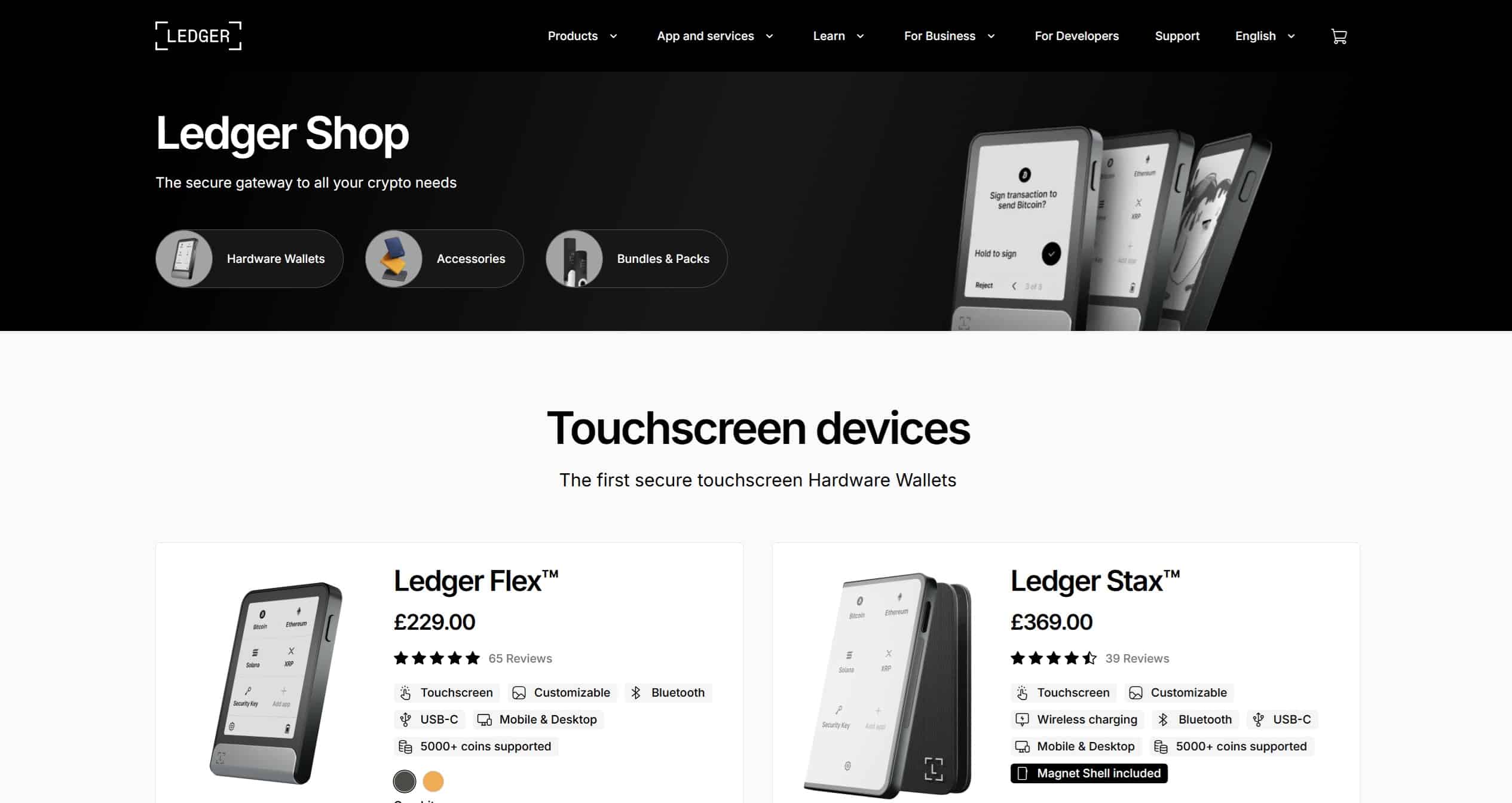
Instead of using buttons like older Ledger models, Flex has a full touchscreen that shows exactly what you’re approving. That means no more blind signing or second-guessing what’s going on when you connect to a game or marketplace. The screen uses E Ink, like a Kindle, so it’s easy to read and barely uses any battery.
Flex connects to your phone or laptop through Bluetooth, USB-C, or NFC, so it fits into whatever setup you’re already using. You can pair it with the Ledger Live app or third-party wallets like MetaMask, Rabby, or Phantom and manage over 5,500 coins and NFTs, including popular in-game tokens and Ethereum or Polygon collectibles.
You can also add your favorite NFT or image as the lock screen, which stays visible even when it’s off. That’s more fun than staring at a boring black rectangle.
It’s a bit pricier than some other options, and the screen isn’t backlit, so you’ll want some light around if you’re using it in a dark room. Still, it gets the job done without adding complications.
Ledger Flex Pros & Cons
Pros
Cons
Ledger Flex gives beginner gamers a way to secure their digital stuff without making it feel like a chore. It’s simple to use, works across most devices, and adds some personality with custom images. If you’ve got game tokens or NFTs you don’t want to lose, Flex keeps them safe and offline, while still being easy enough for anyone to handle. It costs more than the basics, but you’re getting a lot of peace of mind for the price. You can also use Ledger Stax for that matter. To know which one of the two is best, take a look at our Ledger Stax Vs. Flex Reviews 2026.
Trezor Safe 5 – Crypto Gaming Hardware Wallet
The Trezor Safe 5 is a hardware wallet designed to keep your crypto and gaming rewards safe without turning the setup into a chore. If you’re into Play-to-Earn games or NFT drops, it lets you store and approve transactions directly on a color touchscreen, keeping your private keys away from the internet.
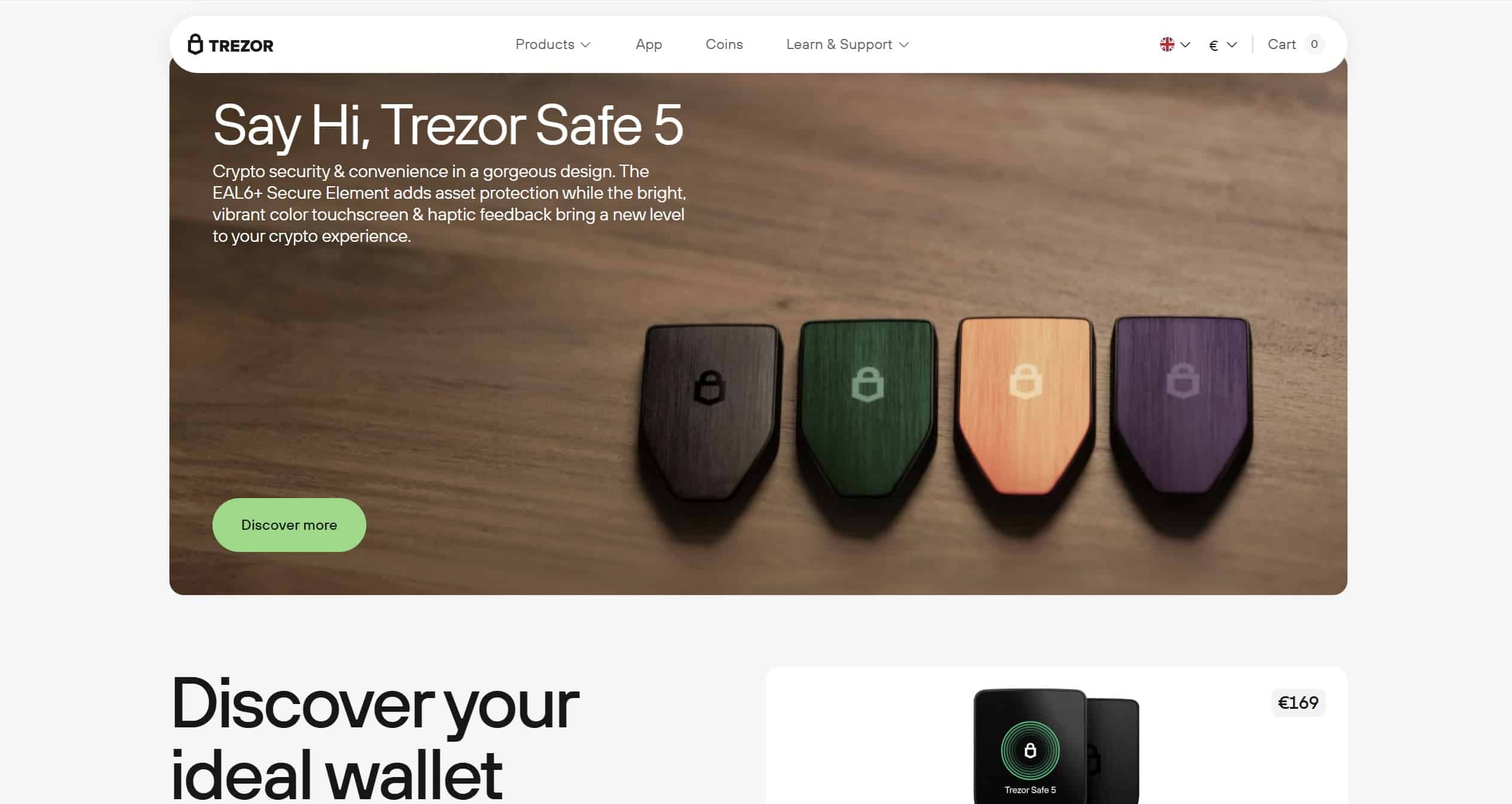
That touchscreen is 1.54 inches, has haptic feedback, and uses Gorilla Glass to help you clearly see what you’re signing, even when dealing with complicated contracts like staking or bidding on NFTs. Everything stays offline, and the security chip inside is rated for high-level protection.
The wallet works with major chains like Ethereum, Polygon, Avalanche, and others. You’ll still need to connect it to a hot wallet like MetaMask or Rabby to see your NFTs or interact with dApps, since Trezor’s own app doesn’t show NFTs yet.
A standout feature is the backup system. Instead of one recovery phrase, you can split it into multiple parts and give them to people you trust or keep them in separate spots. There’s also an option to use a microSD card as an extra key, without it, the wallet stays locked. This adds another layer of safety if you’re gaming on public or shared computers.
Trezor Safe 5 Pros & Cons
Pros
Cons
Trezor Safe 5 offers solid offline protection and a smoother interface than older cold wallets. It doesn’t try to do everything, but it nails the essentials: secure storage, clear signing, and support for the tokens and NFTs gamers actually care about. If you’re comfortable using MetaMask or Rabby alongside it, and want peace of mind when holding onto in-game rewards or collectibles, the Safe 5 is a strong pick for long-term security.
Read through our Trezor Safe 5 review 2026 to learn more.
Ellipal Titan 2.0 – Decentralized Crypto Gaming Wallet
The Ellipal Titan 2.0 is built for people who want to keep their crypto completely offline without giving up the ability to interact with blockchain games, NFTs, or DeFi apps. It’s fully air-gapped, meaning it never connects to WiFi, Bluetooth, USB, or NFC. Instead, you scan QR codes to sign transactions.
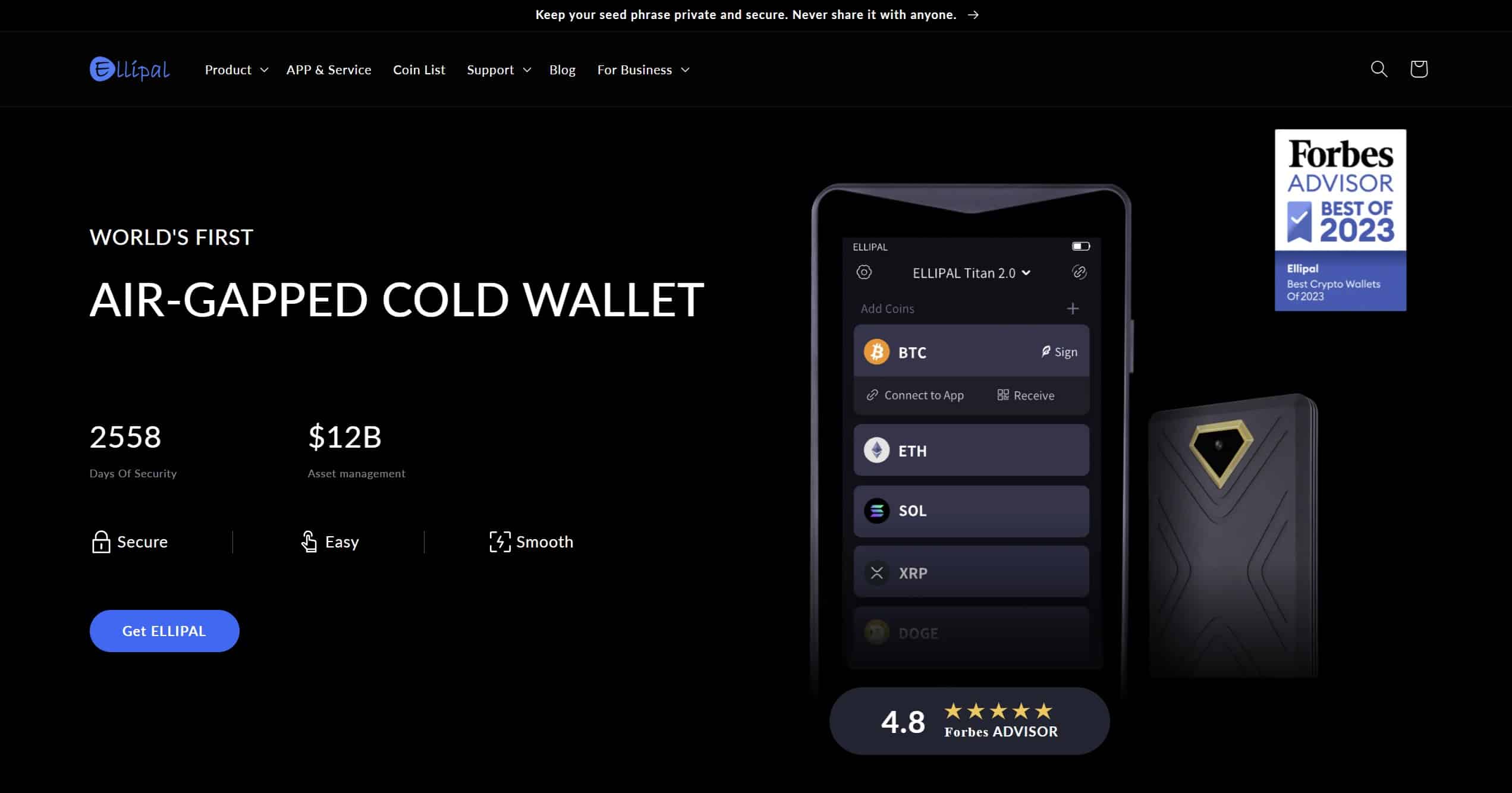
That makes it a solid pick for gamers who want tight control over their assets but still want to play in the Web3 world.
It supports over 10,000 tokens across 40+ blockchains, including game tokens and NFTs, and works with hundreds of dApps using WalletConnect from the mobile app. You can stake, swap, or even buy crypto directly through built-in tools like MoonPay and Changelly, without needing to plug the wallet into anything.
Physically, it’s a chunky device, about the size of a small phone, with a 4-inch color screen, metal body, and built-in camera. It even has a self-destruct feature that wipes the device if someone tries to tamper with it. It’s powered by a secure chip and has a battery, so it’s good to go wherever you take it.
Ellipal Titan 2.0 Pros & Cons
Pros
Cons
The Ellipal Titan 2.0 takes cold storage seriously. It’s great for gamers who want to keep their crypto and NFTs truly offline but still need access to swaps, staking, and dApps. The build is tough, the security is tight, and the QR system means your keys never go online.
It does take some getting used to, especially the update process and the lack of desktop support, but if you’re after a wallet that won’t cut corners on safety while still letting you dive into blockchain games, this is one of the more complete options out there.
Take a look at our dedicated Ellipal Titan 2.0 review to learn more about this wallet
Enjin Wallet – Web3 Crypto Gaming Wallet
Enjin Wallet is built for gamers and NFT collectors who want a smooth way to manage their assets across different blockchains without giving up control. The latest update, version 3.0, brings a cleaner layout, better speed, and support for even more networks, all while keeping things easy to use.
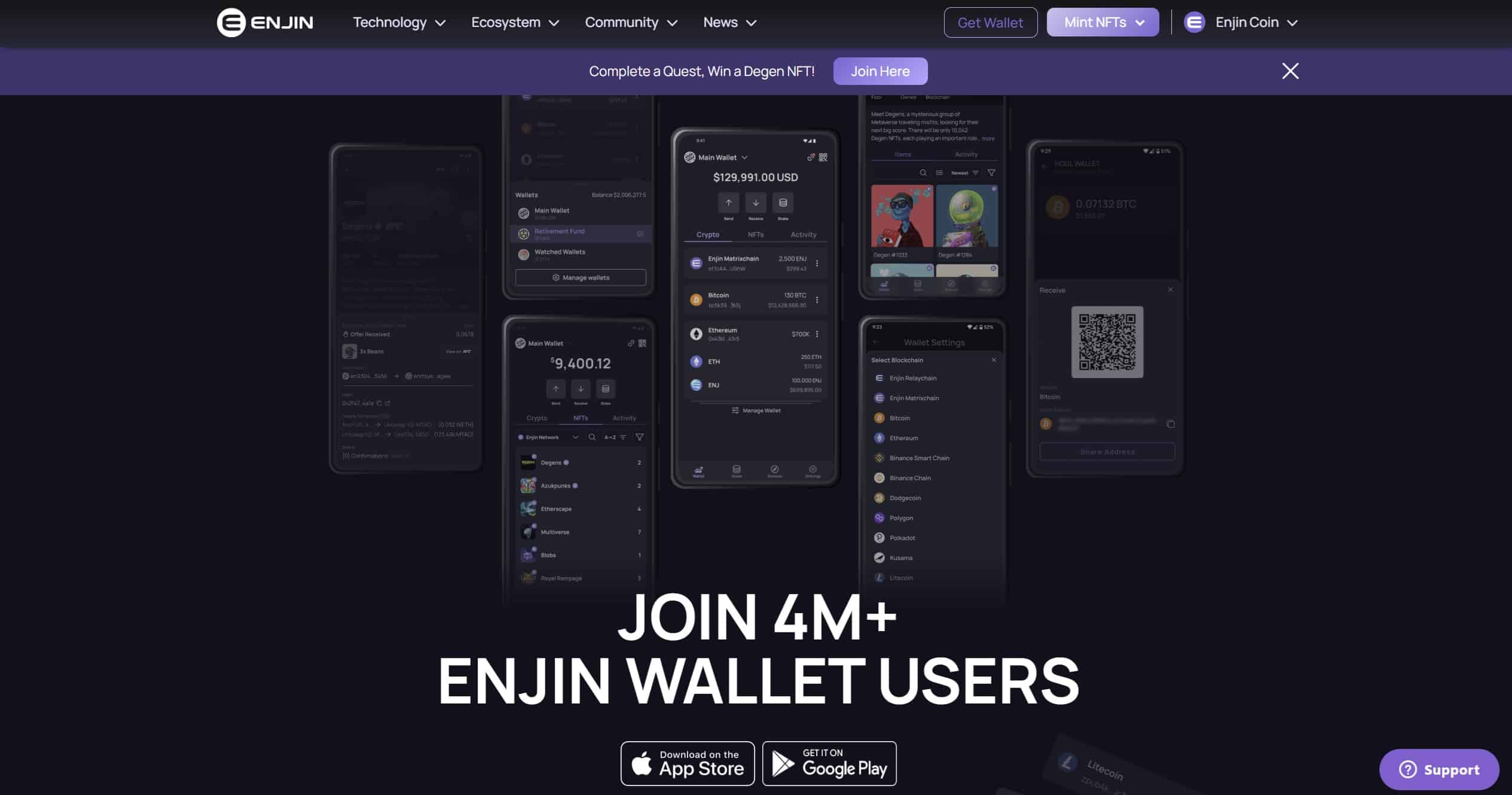
One of the features that really caught our attention is the Enjin Beam QR scanner. Instead of typing out wallet addresses or hunting down links, you can just scan a QR code and instantly receive an NFT from a game or event. It saves time and makes the whole process feel more natural, especially during drops or promotions.
Inside the wallet, your assets are automatically organized. NFTs and tokens from different blockchains show up in one view, making it easy to keep track of everything. You can also set up multiple wallet profiles under the same recovery phrase, which helps if you want to separate your gaming assets from your regular crypto or testing accounts.
It supports a wide range of chains, including Ethereum, Polygon, Polkadot, BNB Chain, and Enjin’s own Relaychain and Matrixchain. Bitcoin and Litecoin are also covered, and support for Solana is expected soon.
Security-wise, everything stays on your device. Private keys are protected with AES-256 encryption and wiped from memory right after use. There’s even a built-in secure keyboard to reduce the chance of keyloggers picking up your info.
Enjin Pros & Cons
Pros
Cons
Enjin Wallet is a good fit for gamers and collectors who want a no-fuss way to manage assets on the go. The Beam QR feature makes claiming NFTs simple, and the wallet handles everything from token storage to staking without getting in your way. It’s still mobile-only and doesn’t have the more advanced trading tools some users might want, but for handling GameFi tokens and NFT drops across several chains, it does the job well.
Since this wallet is purpose-built with gaming assets in mind, Enjin is one of the best crypto wallets for in-game assets and NFTs.
Best Crypto Gaming Wallets Compared
If you’re earning tokens through play-to-earn games, collecting NFTs, or staking across multiple chains, having the right wallet makes it easier to stay organized and secure. This table compares the most popular secure wallets for blockchain gaming, from cold storage to lightweight mobile apps designed for daily use. Each one supports different features, so picking the right fit depends on how you play and what you prioritize.
Wallet
Best For
Key Features
Supported Chains
Notable Drawbacks
Best Wallet
Best wallet for Web3 games
Non-custodial, 60+ chains, swaps, staking, presales access, dApp browser
Ethereum, BNB Chain, Polygon, Solana, more
No desktop version, no public audits
Zengo
Easy mobile crypto wallets for play-to-earn games
MPC security, 380+ assets, Web3-ready, cloud backup, live support
Ethereum, Polygon, Arbitrum, Base, Tron
High fees, lacks Solana and Cardano, some server-side reliance
Binance Wallet
Gaming rewards inside Binance
Built-in with Binance app, 60+ chains, reward center, dApps, live support
Ethereum, BNB Chain, Polygon, Solana
Tied to Binance login, no full custody, limited transparency
Ledger Flex
Cold wallet for NFT collectors
Touchscreen, E Ink, 5,500+ coins and NFTs, works with MetaMask and Phantom
Ethereum, Polygon, BNB Chain, others
$249 price, no wireless charging, screen not backlit
Trezor Safe 5
Offline security for serious gamers
Haptic touchscreen, split recovery, microSD option, open-source
Ethereum, Polygon, Avalanche, more
No native NFT display, no Bluetooth, limited iOS support
Enjin Wallet
NFT-compatible crypto wallets for games
Beam QR scanner, multi-chain asset view, gaming chain support
Polygon, BNB Chain, Polkadot, Ethereum
No minting, basic trading tools, mobile only
From cold wallets like Trezor and Ledger to versatile apps like Best Wallet and Zengo, these options help you safely store, stake, and interact with your favorite blockchain games. If you’re focused on privacy, Best Wallet offers non-custodial access with no KYC.
For hands-off users, Zengo simplifies security without seed phrases. Enjin makes it easy to scan and claim NFTs during live events, while Binance Wallet ties in directly with reward drops and token quests. Each one offers a different path to managing your in-game crypto rewards with control and ease.
How We Ranked Top Wallets for Crypto Gaming (Methodology)
We took a hands-on approach to evaluating each wallet, focusing on real usability, game compatibility, and overall control. Our goal was to find crypto gaming wallets that actually work for players earning tokens, exploring dApps, or managing digital assets. Instead of listing every feature under the sun, we looked at how these wallets perform when you’re actively involved in GameFi, not just holding coins.
Here’s what we focused on:
This methodology helped us surface crypto gaming wallets that actually matter to gamers navigating the Web3 world. The right wallet is more than just a place to store your tokens; it’s a powerful tool for discovery, engagement, and controlling your digital assets across games and platforms.
What is Crypto Gaming?
Crypto gaming, also known as play-to-earn gaming or blockchain gaming, is a type of video game built on blockchain networks where digital assets and in-game rewards hold real-world value.
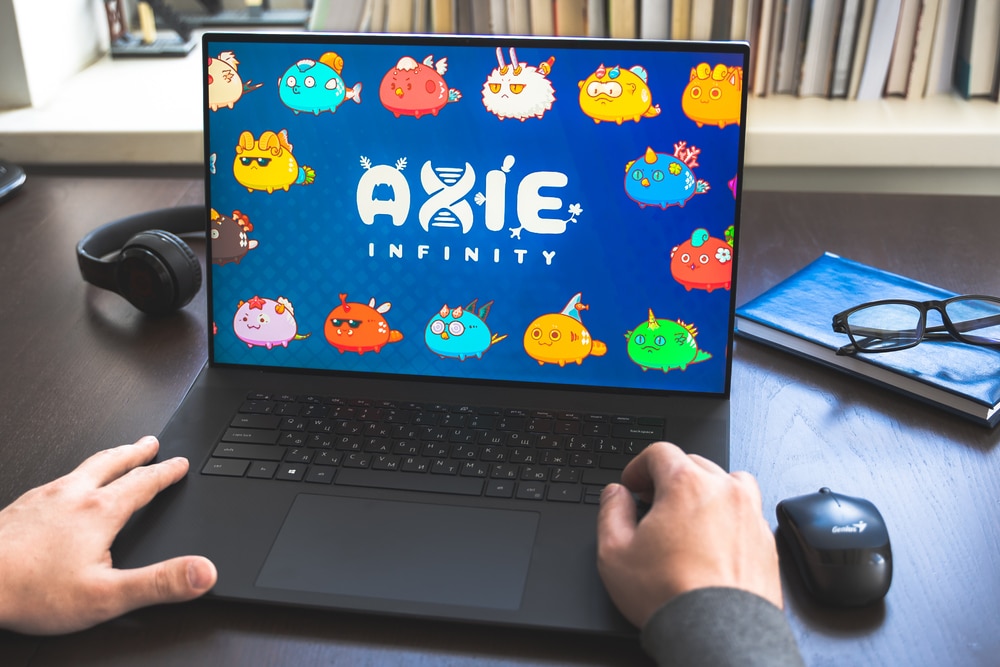
Unlike traditional games where coins and items stay locked within the game, crypto games let players earn crypto assets and NFTs they can trade, sell, or use across platforms. From completing quests to winning battles, your progress can translate into tangible value thanks to the immutable nature of blockchain and transparent asset ownership.
Why You Need a Gaming-Friendly Crypto Wallet?
A gaming-friendly crypto wallet is more than just a place to store tokens. It manages your crypto gaming wallets, handles gas fees, and secures access to everything you earn while playing. These wallets streamline transferring and staking, connect you to games with ease, and help protect against online threats. Without one, you risk losing your private keys, facing delays when claiming in-game assets, or paying extra during peak performance windows.
The right wallet also supports NFT-compatible crypto assets, handles both tokens and collectibles, and syncs across devices for gamers who move between desktop and mobile. Whether you’re playing on your phone or computer, a fast and responsive app can make all the difference.
Top Features to Look for in a Crypto Gaming Wallet
When you’re playing to earn, your wallet needs to do more than just hold tokens. It should make things easier, faster, and safer every time you jump into a game.
Here’s what to look for if you want a wallet that actually keeps up:
Choosing a wallet with the right features means you spend less time dealing with friction and more time focused on the game. Whether you’re swapping tokens or joining your next raid, it should feel quick, simple, and secure.
How to Set Up a Crypto Gaming Wallet?
Getting started with a crypto gaming wallet is simple and for this example, we’ll use Best Wallet. It’s a mobile wallet made for crypto gamers and NFT collectors, and you can set it up in just a few minutes.
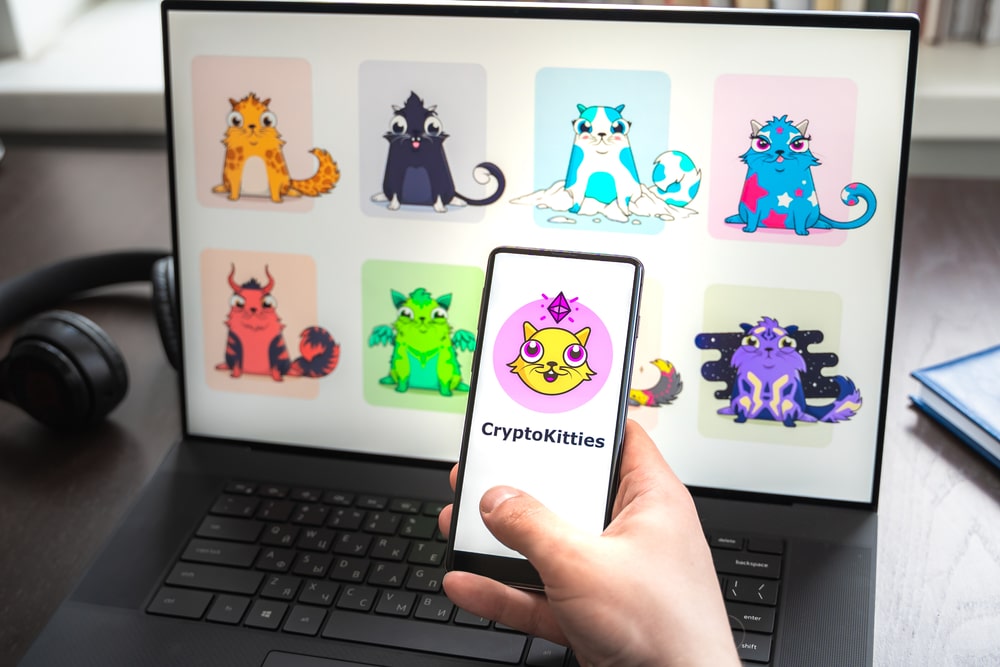
Once installed, you’ll be able to store tokens, receive in-game rewards, view your NFTs, and connect directly to blockchain games. Here’s how to get everything set up from scratch.
Find Best Wallet on the App Store or Google Play and install it. No signup or ID required.
Choose a PIN, turn on biometrics, and enable 2FA if you want extra protection.
Transfer tokens from another wallet or buy them using Apple Pay or your card.
Use the built-in browser to check out games, NFT platforms, and Web3 tools.
Swap tokens using built-in access to decentralized exchanges with live pricing.
Tap on “Upcoming Tokens” to explore early access game projects inside the app.
Stake tokens and track your performance with the portfolio tools in the app.
Download and Install
Set Up Security
Deposit or Buy Crypto
Explore Gaming dApps
Use the In-App DEX
Join Presales or Token Launchpads
Stake or Track Portfolio
Once your Best Wallet is ready, you can start using it for everything from claiming NFT drops to storing play-to-earn tokens. It supports many popular gaming chains and keeps your assets safe with local storage and encryption.
Tips for Keeping Your Gaming Wallet Secure
Securing your crypto gaming wallet helps protect everything you’ve earned, including tokens, NFTs, and in-game assets. Without strong protection, you could lose access to your wallet, fall victim to scams, or have your private keys stolen.
Here are the most important tips to help you stay safe:
These steps give you real protection without making things harder than they need to be. Good habits and a bit of caution go a long way in keeping your wallet, and your gaming rewards, safe.
Conclusion: Crypto Gaming Wallets
Picking the right crypto gaming wallet comes down to finding the balance between security, convenience, and the features you actually use. Hot wallets work best for fast, everyday gaming, while cold wallets keep your most valuable assets safe offline. By matching your choice to how you play, store, and trade, you can protect your rewards while making the most of what GameFi has to offer.
DISCOVER:
- Crypto Exchange Promos & Discounts
- Crypto Wallet Promos & Discounts
- Crypto Jobs Guide: How to Land Web3 Job in 2026
- Brawl Stars Esports & Future of Mobile Crypto Games
- Fortnite Esports & NFTs: Future of Digital Ownership
FAQs
Which is the best crypto gaming wallet for beginners?

A beginner should choose one that is simple to set up, easy to use, and has clear security options.
Can I store NFTs in a crypto wallet?
Yes. Most wallets can hold and display your NFTs.
Are crypto gaming wallets safe?
They can be. Hot wallets are online and more at risk, while hardware wallets keep keys offline and offer stronger protection.
Do I need a different wallet for each crypto game?
No. Many wallets work with multiple games and blockchains.
Do crypto gaming wallets support multiple blockchains?
Yes. A good gaming wallet will let you manage assets across different networks.
Is MetaMask a good wallet for gaming?
Yes, it connects to many games and dApps, but it’s less secure than hardware wallets.
References
- Kraken. “What Are Play-to-Earn Crypto Games?” Kraken, www.kraken.com/learn/what-play-to-earn-crypto-games.
- IBM. “What Are NFTs?” IBM, www.ibm.com/think/topics/nft.
- Ethereum. “Gas and Fees.” Ethereum, ethereum.org/en/developers/docs/gas/.
- Coinbase. “What Is Staking?” Coinbase, www.coinbase.com/en-gb/learn/crypto-basics/what-is-staking.

Why you can trust 99Bitcoins
Established in 2013, 99Bitcoin’s team members have been crypto experts since Bitcoin’s Early days.
Weekly Research
100k+Monthly readers
Expert contributors
2000+Crypto Projects Reviewed