




In This Article
- CRO Staking Guide: Summary
- What is Cronos (CRO) Staking?
- Tips and Strategies for Maximizing Cronos Staking Rewards
- Benefits and Risks of Staking CRO
- Cronos Staking vs. Other PoS Coins: A Comparative Analysis
- How to Unstake CRO: A Detailed Guide
- Future of Cronos Staking: Long-Term Trends to Watch
- Conclusion: Cronos Staking
Crypto staking has become one of the most exciting ways to earn passive income in the crypto world. Instead of letting your coins sit idle in a wallet, staking allows you to put them to work, securing networks, supporting transactions, and rewarding you with consistent returns. For many investors, it feels like the crypto version of earning interest, only with the added bonus of directly participating in the growth of blockchain ecosystems.
Among the many staking opportunities available, Cronos (CRO) has carved out a unique place. Backed by Crypto.com, Cronos powers a rapidly growing ecosystem of decentralized finance (DeFi) apps, NFT marketplaces, and Web3 services. By staking CRO, you’re not only earning rewards, you’re also supporting one of the fastest-rising platforms designed to bridge traditional finance with the new world of decentralized applications.
If you want to learn all about CRO staking, you’ve come to the right place. In this guide, you’ll discover how Cronos staking works, the best platforms for staking CRO, and the most common mistakes to avoid. We’ll also share tips to help you maximize your rewards and compare Cronos staking to other popular Proof-of-Stake (PoS) cryptocurrencies so you can see where it stands.
Key Takeaways
- CRO is the native token of the Cronos Chain, which Crypto.com developed.
- Cronos Chain uses a Proof of Authority (POA) consensus mechanism. This mechanism relies on pre-approved validators to generate new blocks.
- Cronos can be staked on the Crypto.com exchange and app and the Crypto.com Onchain Wallet, ex Crypto.com DeFi Wallet.
- There are no minimum staking requirements. Users will be able to stake/unstake CRO tokens whenever they want. However, they won’t be able to use their tokens during the unbonding period, which lasts 28 days.
- The staking rewards will be generated and distributed per block, every 5–6 seconds.
CRO Staking Guide: Summary
Cronos, developed by Crypto.com, is a Web3 platform designed to support decentralized applications (dApps) in areas like decentralized finance (DeFi), non-fungible tokens (NFTs), and the metaverse. Its native token, CRO, serves multiple functions within the ecosystem, including staking, transaction fee payments, and governance participation. Cronos utilizes a Proof of Authority (PoA) consensus mechanism, which enhances scalability and efficiency through a semi-decentralized approach. Users can stake CRO tokens without a minimum requirement, earning rewards based on the performance of their chosen validators and the amount staked. When unstaking, there is a 28-day unbonding period during which tokens are locked and do not accrue rewards.
What makes Cronos staking particularly appealing is its blend of accessibility and growth potential. Unlike some Proof-of-Stake networks that require technical expertise or large upfront commitments, Cronos is designed to lower the barrier to entry, making it easy for everyday users to participate. Stakers not only earn passive income through rewards but also play a role in securing the network and supporting its expanding ecosystem of dApps, NFT marketplaces, and DeFi platforms. As adoption of Cronos continues to grow, staking CRO becomes more than just a way to generate yield, it’s a way to have a direct stake in the evolution of one of the fastest-rising blockchains in the Web3 space.
What is Cronos (CRO) Staking?
Cronos’ staking mechanism enables users to actively participate in its consensus and contribute to its network’s efficiency and security. The staking process includes delegating CRO tokens to selected validators who will run nodes and validate new blocks on the chain.
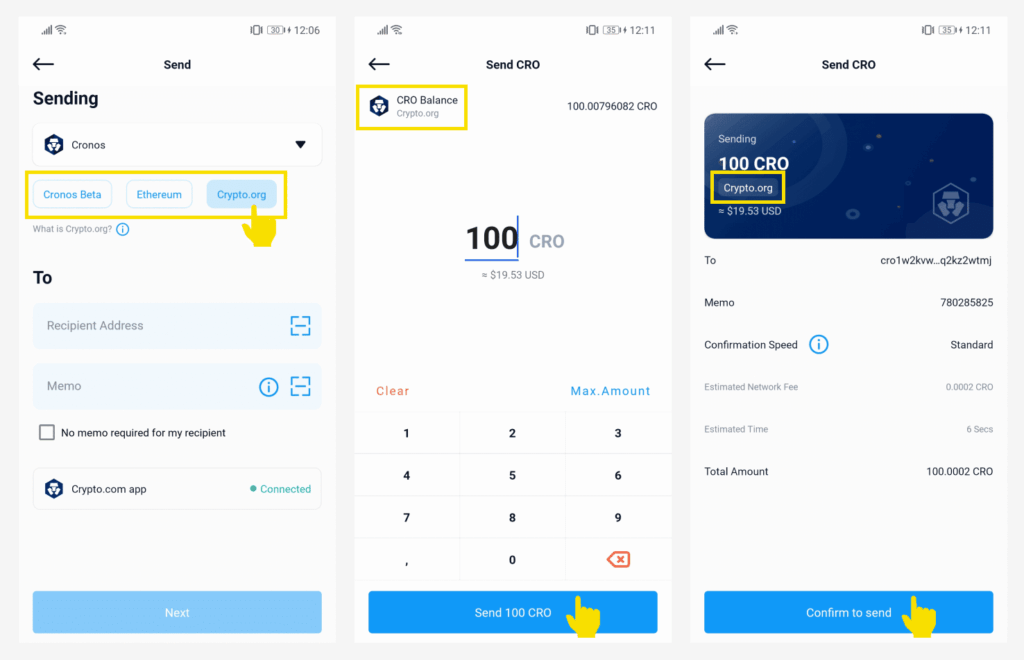
By staking CRO tokens, users will earn rewards through additional CRO tokens. CRO tokens can be used for transaction fees and governance. The purpose of the staking process is to enable users to earn passive income by supporting the stability and growth of the Cronos network. CRO tokens can be staked on centralized exchanges (CEXs), like the Crypto.com exchange and app, while decentralized exchange staking is possible through the Crypto.com Onchain Wallet.
Top Platforms For Staking CRO in 2026
If you are looking to earn rewards on your CRO holdings? Here are the top platforms for staking CRO in 2026, including wallets, exchanges, and DeFi options trusted by the community.
Best Wallet – Top Non-Custodial Wallet That Offers Staking
While CRO staking may feel currently limiting, users seeking a broader, mobile-first staking experience may want to consider Best Wallet. This non-custodial wallet app supports staking for several major cryptocurrencies and offers a sleek interface with built-in token swaps, crypto presale access, and complete ownership of private keys.
Although Cronos (CRO) staking is not yet integrated, Best Wallet continues to roll out new chain support and remains a strong alternative for users looking to diversify their staking strategies across chains like Solana, Ethereum, and more.
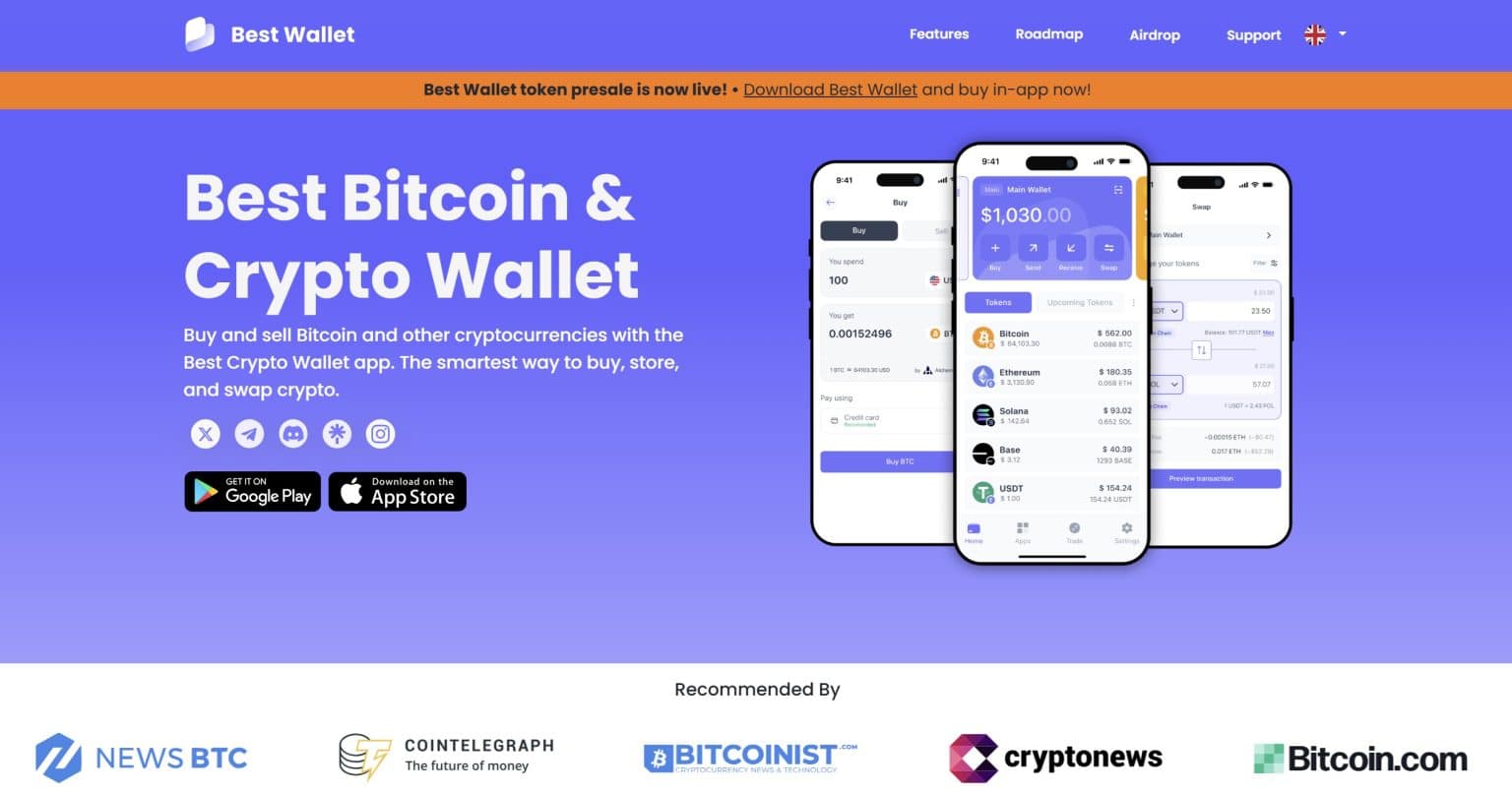
With no mandatory KYC and seamless access to DeFi tools, Best Wallet is ideal for those who value privacy, flexibility, and early access to high-return crypto opportunities. Whether you’re staking assets today or preparing for future CRO support, Best Wallet offers a flexible toolkit for long-term crypto holders. Also, visit our Best Wallet Review 2026 for more.
Best Wallet Key Features
- Fully non-custodial, with private key control
- Mobile Wallet app with staking, DEX, and fiat onramp built in
- No KYC required for most features
- Support for crypto presales, swaps, and cross-chain assets
- Buying $BEST token unlocks further in-app benefits
Best Wallet Pros & Cons
Pros
-
User retains full control of private keys
-
Integrated staking dashboard and token swap features
-
No sign-up or KYC needed
-
Presale and DeFi access across supported chains
Cons
-
Does not yet support CRO staking
-
Available only on mobile, no desktop version
You can stake Cronos via the Crypto.com app, the Crypto.com exchange, and the Crypto.com Onchain Wallet (ex Crypto.com DeFi Wallet). You can also use other popular crypto wallets like Trust Wallet and Ledger. In the following section, we’ll review these top-rated platforms to help you choose the one that best suits your needs.
Crypto.com App – Top Cronos Staking Platform
The Crypto.com staking app offers a convenient way to stake Cronos for rewards. Its users will be automatically enrolled in Crypto.com’s Rewards+ loyalty hub, enabling them to earn more rewards and discounts on trading fees. The Crypto.com App has recently added the DeFi staking option, allowing users to earn up to 212.10% p.a. in rewards.
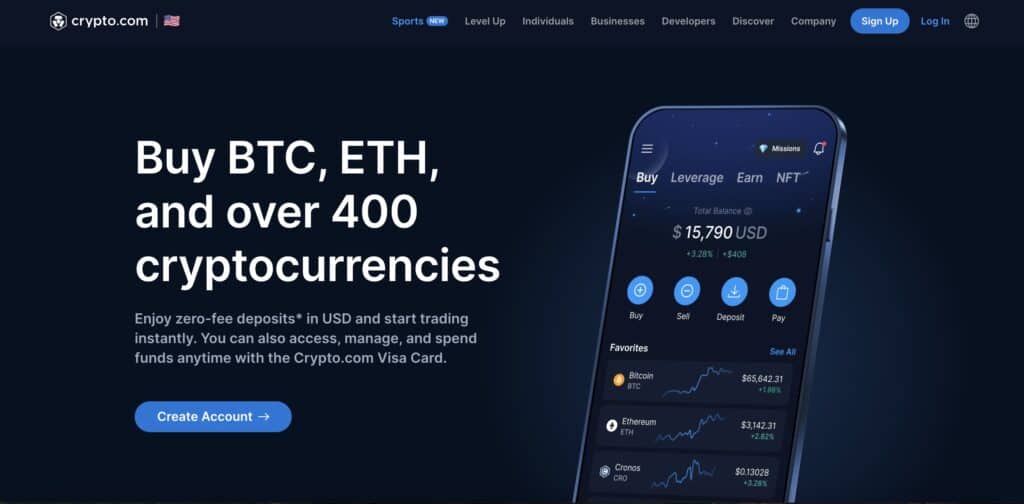
To start the staking process, you must first download the app and create an account. There is no minimum staking requirement for CRO, meaning you can stake as little as 0.00000001 tokens. Moreover, you’ll receive rewards up to three times a week. The app is available on mobile and desktop versions.
Crypto.com App Key Features
- Convenience: Users can stake their CRO tokens directly from the app
- Regular payouts: Users will receive staking rewards up to three times a week
- Crypto.com’s Rewards+ loyalty program: By participating in this program, users will be able to earn additional rewards and trading fee discounts.
Crypto.com App Pros & Cons
Pros
-
User-friendly interface
-
Available as a mobile and desktop version
-
No minimum staking requirement
-
DeFi staking option
Cons
-
20% of service fees will be deducted from the staking rewards
-
The staking feature is not available in New York, California, Maryland, New Jersey, South Carolina, and Wisconsin
Crypto.com Exchange – Best Centralized Exchange to Stake CRO
Crypto.com crypto exchange enables users to earn staking rewards in multiple ways. For example, they can stake CRO directly on the Crypto.org chain for an APY that currently stands at 7.5%.
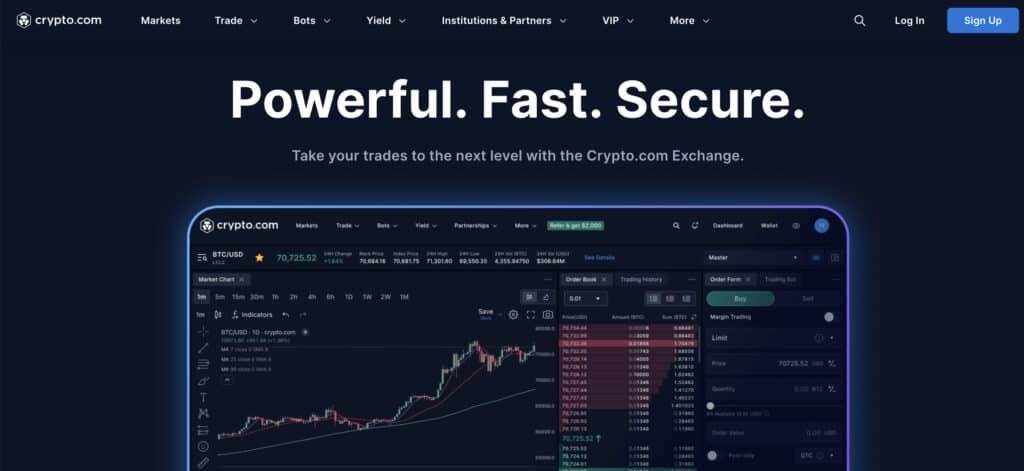
They can also take advantage of the Cardholder CRO staking rewards. For example, Royal Indigo/Jade Green cardholders can stake their tokens to earn rewards at an estimated APR of 4%. Frosted Rose Gold, Icy White, and Obsidian cardholders will earn staking rewards at an estimated APR of 7%. The Cardholder CRO staking rewards will be distributed every week.
One of the most significant features on the Crypto.com exchange is the Supercharger. Supercharger enables users to earn Cronos ecosystem tokens and other popular coins by depositing a minimum of 100 CRO. Users can also win a ‘Booster Bonus’ NFT that multiplies their rewards.
Crypto.com Exchange Key Features
- On-chain staking: Users will be able to stake Cronos directly on the Crypto.org chain
- Supercharger: Supercharger lets users earn Cronos ecosystem tokens by locking up their CRO tokens.
- Cardholder CRO staking rewards: Crypto.com cardholders will be able to earn staking rewards every week.
Crypto.com Exchange Pros & Cons
Pros
-
Multiple ways to earn staking rewards
-
Competitive APYs
-
Reward boosters
-
On-chain staking and DeFi staking options
Cons
-
U.S. residents won’t be able to use the Cardholder CRO staking feature
-
Ruby Steel and Midnight Blue cardholders won’t be able to earn staking rewards
Crypto.com Onchain – Top Decentralized Platform to Stake CRO
The Crypto.com Onchain (ex Crypto.com DeFi wallet) is a non-custodial wallet that comes as a desktop extension and a mobile app. Its users can earn rebates on over 25 tokens, including CRO.
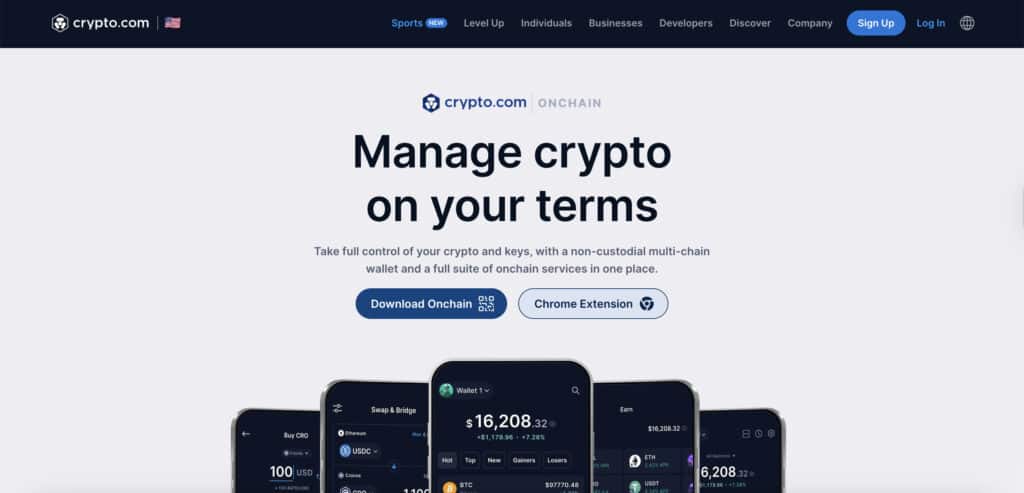
They can also use the wallet to connect to various DeFi protocols. The Crypto.com Onchain wallet enables users to stake CRO directly on the Crypto.org chain, which can lead to potentially higher returns.
Its key features include the Discover section, which delivers personalized insights and details about staking pools, and the Quests section, which allows users to earn rewards by completing various tasks. Since this is a non-custodial wallet, users will have full control over their assets and private keys. Starting November 18, 2025, all DeFi wallet users will be able to gain access to Crypto.com Onchain by updating their app.
Crypto.com Onchain Key Features
- Rebates: Users can earn rebates on 25+ tokens, including CRO, VVS, TONIC, ATOM, and stablecoins.
- Quests: Users can complete various tasks in return for rewards.
- Integration with DeFi protocols: The wallet can be integrated with Compound Lending, Cosmos Staking, Yearn Earn V2, Cronos POS Chain Staking and Aave Lending V2 protocols, Tectonic, Ferro, and VVS Finance.
Crypto.com Onchain Pros & Cons
Pros
-
It comes as a desktop extension and a mobile app
-
Can be connected to various DeFi protocols
-
Users will have full control over their assets
-
Biometric and 2-factor authentication
Cons
-
A bit complicated for beginners
-
Users will have to pay a transaction fee since all transactions take place on-chain
Trust Wallet – Best Crypto Wallet For Staking Cronos (CRO) Tokens
Trust Wallet is a self-custody web3 wallet you can trust, which is available as a mobile app and browser extension. It allows users to stake 24+ established and new tokens, including Cronos, whose current APY stands at 8%.
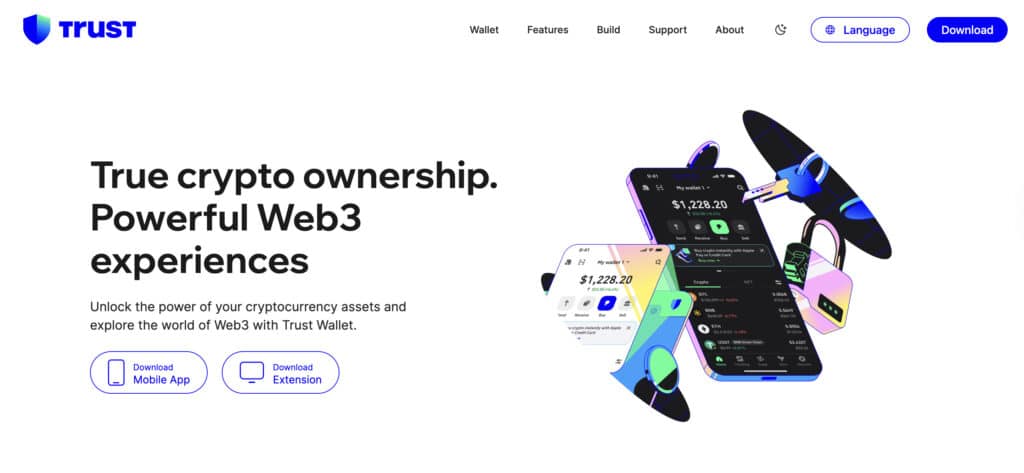
Users can start the staking process by locking up a minimum of 0.00000001 CRO tokens. The staking rewards will be distributed periodically, and users can monitor their rewards via the Trust Wallet app.
This wallet enables users to stake their tokens directly within the Trust Wallet app and provides an earning estimator. This useful tool will help users estimate their daily, monthly, and annual earnings by entering the amount of CRO tokens they intend to stake. Also, see our Trust Wallet Review to learn more.
Trust Wallet Key Features
- In-wallet staking options: Users can stake Cronos directly within the Trust Wallet app.
- Earning estimator: A tool that estimates potential earnings based on Cronos’ current APR.
- Non-custodial security: Users will have full control over their private keys.
Trust Wallet Pros & Cons
Pros
-
User-friendly design
-
Available as a mobile app and browser extension
-
Staking features are available to U.S. residents
-
No sign-up required
Cons
-
Lack of 2-factor authentication
-
Limited customer support
Ledger – Popular Cold Wallet For Cronos Staking
Ledger is one of the best hardware wallets that allows its users to stake CRO for an APY of around 11%. The staking process includes installing the Crypto.org Chain app, downloading the Crypto.com wallet, and connecting it to the Ledger device.
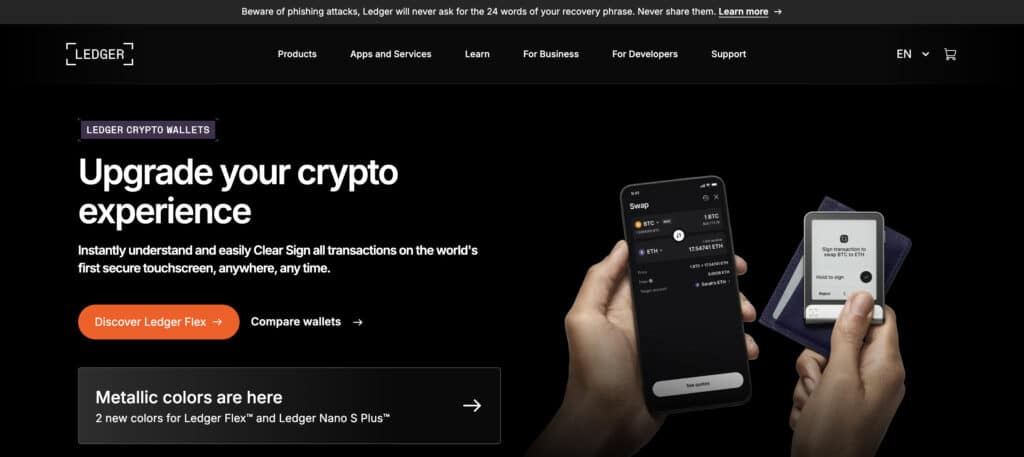
Ledger is known for its EAL5+ certified Secure Element chips and BOLOS operating system, which enhance its overall security. Users will also be able to stake and monitor their staking rewards through the Ledger Live app, which is available as a desktop and mobile app.
Ledger users can stake other popular Proof-of-Stake (PoS) cryptos besides CRO tokens, such as Ethereum, Solana, Cardano, Polkadot, Near, Cosmos, and Polygon. For more details, see our Ledger Staking Review.
Ledger Key Features
- Robust security: Ledger uses Secure Element chips designed to be tamper-resistant.
- Full control: Staking on Ledger allows users to maintain full control over their assets.
- Ledger Live: The Ledger Live app enables users to stake Cronos directly from the app.
Ledger Pros & Cons
Pros
-
Competitive APY
-
Multi-currency support
-
Intuitive dashboard that enables users to manage their staked assets
-
EAL5+ certification
Cons
-
Stakers will have to own a Ledger hardware wallet
-
Setting up a Ledger wallet may be challenging for crypto beginners
Here’s a step-by-step guide to understand “how does Cronos (CRO) staking work.” The process is easy and straightforward. How to Stake CRO: A Step-by-Step Guide
Go to Crypto.com Onchain app
Open the Crypto.com Onchain app and tap the Earn button
Tap Start Earning
Tap the Start Earning or Earn More button and select CRO
Enter amount
Enter the amount you wish to stake
Select a validator from the list
Click on the ‘To Validator’ drop-down menu and select a validator from the whitelisted validator list
Confirm and authorize the stake
Click on the Confirm Stake button and authorize the staking request with your passcode
Claim your staking rewards
To claim the rewards, you’ll need to do the following:
How Much Can You Earn by Staking CRO?
Potential returns will depend on the platform. For example, Crypto.com exchange users who stake their tokens directly on the Crypto.org chain will be able to earn an APY of 7.5%. On the other hand, Crypto wallets, like Trust Wallet and Ledger, will generate an APY of 7.84% and 11%, respectively.
In the next 10 years, Cronos will distribute 5 billion CRO tokens towards the staking rewards. The rewards will be generated and distributed per block (every 5-6 seconds).
Tips and Strategies for Maximizing Cronos Staking Rewards
Benefits and Risks of Staking CRO
Benefits of staking Cronos:
Risks of staking Cronos:
Cronos Staking vs. Other PoS Coins: A Comparative Analysis
In this segment, we’ll compare Cronos staking and Ethereum, Solana, Cardano, and Avalanche staking. We’ll focus on their consensus protocols, minimum staking requirements, annual percentage yields (APYs), unbonding periods, reward distribution, and risk levels.
| Features | CRO | ETH | SOL | ADA | AVAX |
| Consensus mechanism | PoA | PoS | PoS | Ouroboros | Avalanche Consensus Protocol |
| APY | 7.84% | 3.3% | 8.68% | 2.62% | 7.60% |
| Minimum staking requirement | No minimum requirement
(0.00000001 CRO on Trust Wallet) |
32 ETH (for solo staking) | 0.1 SOL | No minimum requirement to participate in the stake pools | 25 AVAX (delegators) and 2,000 AVAX (validators) |
| Unbonding period | 28 days | Depends on the exit queue | 2-4 days and one epoch | No unbonding period | No unbonding period |
| Reward distribution | Per block (every 5-6 seconds) | Per epoch (every 6.4 minutes) | Per epoch (every 2-3 days) | At the end of each epoch (every 5 days) | Once the stake period ends (typically every few minutes) |
| Risk level | Slashing risks | Slashing risks | Slashing is not automatic | No slashing risk for delegators | No slashing risks |
Mistakes to Avoid When Staking CRO
Staking enables CRO holders to earn passive income. However, to maximize their returns, they’ll have to avoid the following mistakes:
Best Practices to Stake Cronos
CRO holders should select reputable validators to maximize the staking rewards. The list of the top-rated validators can be found on the Cronos POS Chain Explorer. They should also leave enough CRO tokens in their wallet to cover network fees and regularly monitor their stakes to ensure their chosen validators provide the best returns. For example, if the performance of their selected validators declines, delegators should redelegate their tokens to avoid losing their rewards. Finally, CRO holders should stay current with the latest network updates and changes that could impact the staking mechanism and the distribution of rewards.
Want a Different Staking Coin?
While Cronos delivers solid passive income, real staking pros know the best portfolios are diversified. Check out our new breakdown of the 13 Best Crypto Staking Coins for fresh staking ideas across DeFi, modular chains, and Layer 1 ecosystems.
How to Unstake CRO: A Detailed Guide
To unstake your CRO tokens, you must do the following:
Step 1. Open the Crypto.com Onchain app and tap the Earn button
Step 2. Click on your CRO assets to see the staking details
Step 3. Tap the Unstake button and enter the amount you wish to unstake
Step 4. Confirm your choice by tapping the Confirm Unstake button
Step 5. Enter your passcode to authorize the request. Your unstaked balance will be moved into the Unbonding Balance section
Step 6. You’ll be able to withdraw your tokens after the unbonding period ends (after 28 days)
Future of Cronos Staking: Long-Term Trends to Watch
The Crypto.com App and the Crypto.com Exchange have recently added DeFi lending to their list of services. This move will strengthen Crypto.com’s presence in the DeFi space and expand the use cases of CRO tokens.
According to the Crypto.com 2025 roadmap, the company plans to launch major product and service updates to improve the user experience. Some of them include launching the Cortex AI, introducing the Crypto.com stablecoin, and creating Cronos One, an agent to help users manage their savings and self-custodial payments. Crypto analysts believe these upgrades will help the CRO token trade between $0.25 and $0.35 by 2026. Visit our CRO Price Prediction for more analysis.
Conclusion: Cronos Staking
CRO staking enables users to earn rewards by contributing to the network’s growth, decentralization, and security. Anyone who holds CRO tokens can participate in the staking process without the need for technical knowledge. By delegating their stakes to a selected validator, users can earn rewards every 5-6 seconds. Since there are no minimum staking requirements, users can delegate as many CRO tokens as they want to their chosen validator.
At the time of writing, staking Cronos is available via the Crypto.com App, the Crypto.com exchange, and the Crypto.com Onchain Wallet. You can also stake Cronos via Trust Wallet and Ledger. We have also added an elaborate list of crypto wallets for staking in our guide for your reference.
DISCOVER:
- Crypto Exchange Promos & Discounts
- Crypto Wallet Promos & Discounts
- TRON Staking: How to Stake TRX in 2026
- Injective Staking: Beginner’s Guide to INJ Staking
- Helium Staking: How to Stake HNT in 2026
- Filecoin Staking: How to Stake FIL in 2026
FAQs
Is staking Cronos worth it?

Staking Cronos (CRO) can be worth it for earning passive income, especially via the Crypto.com app or DeFi wallet.
How much do you get for staking CRO?
Stakers can earn an APY between 7% and 11%, depending on the platform. Users can also boost their rewards by participating in the Level Up Staking Program or the Cardholder CRO staking program.
How do you stake CRO?
To stake Cronos, you first need to download the Crypto.com Onchain app. Next, tap the Start Earning or Earn More button and enter the amount you wish to stake. Once you select a validator, confirm your choice by tapping the Confirm Stake button and authorize the request by entering your passcode.
Does crypto.com support Cronos staking?
Yes, Cronos staking is available via the Crypto.com app, the Crypto.com exchange, and Crypto.com Onchain (prev. Crypto.com DeFi Wallet). However, the staking feature on the Crypto.com app is not available in New York, California, Maryland, New Jersey, South Carolina, and Wisconsin.
How long do you have to stake CRO?
There is no minimum stake requirement, meaning you’ll be able to unstake your tokens whenever you want. However, some jurisdictions will require users to lock their tokens for 180 days.
References
- Jermann, Urban. Optimal Issuance for Proof-of-Stake Blockchains. Wharton School of the University of Pennsylvania, 2025. https://finance.wharton.upenn.edu/~jermann/ETHIssuanceSSRNv2.pdf
- Harvey, Campbell R., Ashwin Ramachandran, and Joey Santoro. DeFi: Your Guide to Decentralized Finance. Rutgers Business School, 2022. https://www.business.rutgers.edu/sites/default/files/documents/defi-your-guide-to-decentralized-finance.pdf
- Universitat Politècnica de Catalunya. Blockchain Layer 2 Scalability Solutions: A Framework for Comparison. UPCommons, 2022. https://upcommons.upc.edu/bitstream/handle/2117/388220/blockchain-layer-2-scalability-solutions.pdf
- Gogol, Krzysztof, et al. Empirical and Theoretical Analysis of Liquid Staking Protocols. arXiv, 2024. https://arxiv.org/abs/2401.16353

Why you can trust 99Bitcoins
Established in 2013, 99Bitcoin’s team members have been crypto experts since Bitcoin’s Early days.
Weekly Research
100k+Monthly readers
Expert contributors
2000+Crypto Projects Reviewed