In This Article
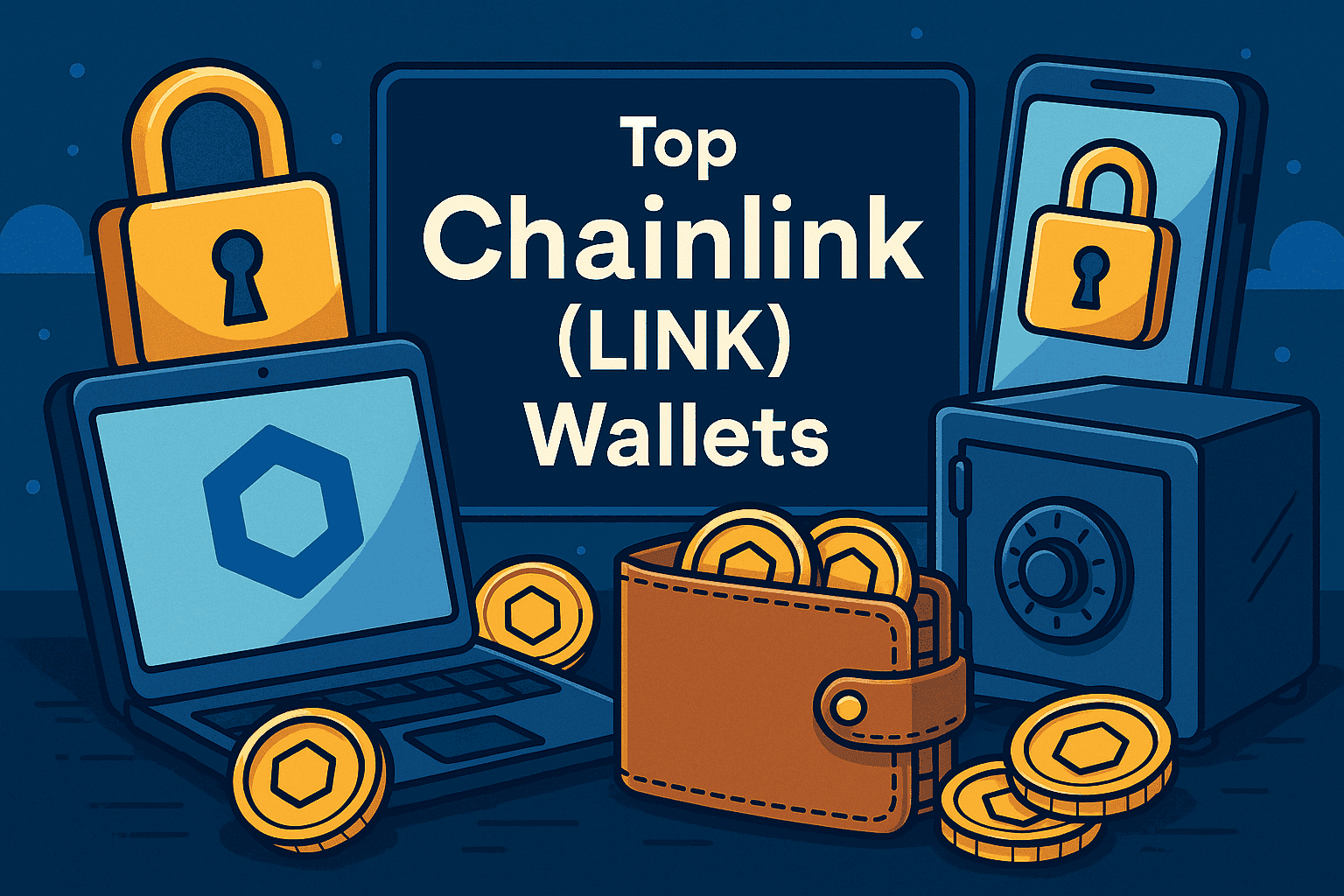
Finding a safe place for your Chainlink is just as important as buying it. With so many wallets to choose from, it can be tough to know which one makes the most sense.
To help you with this, we’ve put together this Chainlink wallets guide, where we look at the top Chainlink wallets available today, breaking down security, features, and ease of use.
Once you’ve had a thorough read-through, you’ll be able to pick from the best wallets to store LINK token with confidence.
These are the top Chainlink wallets based on security, features, ease of use, supported networks, and overall reliability.Best Chainlink Wallets for 2026 Ranked
Top Chainlink (LINK) Wallets: Summary
This guide will walk you through the best ways to store LINK securely, comparing hardware, mobile, browser, and exchange options. The focus is on finding the top wallets for LINK token that balance safety with everyday use.
If you’re looking for secure wallets for Chainlink, hardware devices like Ledger and Trezor are best for long-term peace of mind. For quick access, Best Wallet, Zengo, and MetaMask make managing LINK simple, while Binance and Bybit wallets work well for traders who want everything in one place.
Key Takeaways
- Hardware wallets like Ledger and Trezor are the safest way to store LINK
- Mobile wallets such as Best Wallet and Zengo are simple for everyday use
- Exchange wallets from Binance and Bybit offer convenience but less control
- MetaMask is one of the top wallets for LINK token when it comes to Web3 access
- You can store LINK securely with wallets that keep your keys in your hands
- The right choice depends on whether you want long-term storage or quick access
Best Hot Wallets for Chainlink (LINK)
Hot wallets are normally the go-to choice if you want quick and easy access to your LINK. They run on your phone, browser, or exchange app, making it simple to buy, send, or swap tokens whenever you need.
While they don’t match the offline protection of hardware devices, they’re often the best crypto wallets for LINK when it comes to speed and convenience.
Best Wallet: Overall Best Non-Custodial, No-KYC Wallet for Chainlink
Best Wallet is a mobile-first crypto wallet designed for people who want full control over their assets without going through identity checks. Available on iOS and Android, it supports more than 60 blockchains and thousands of tokens, including Chainlink (LINK).
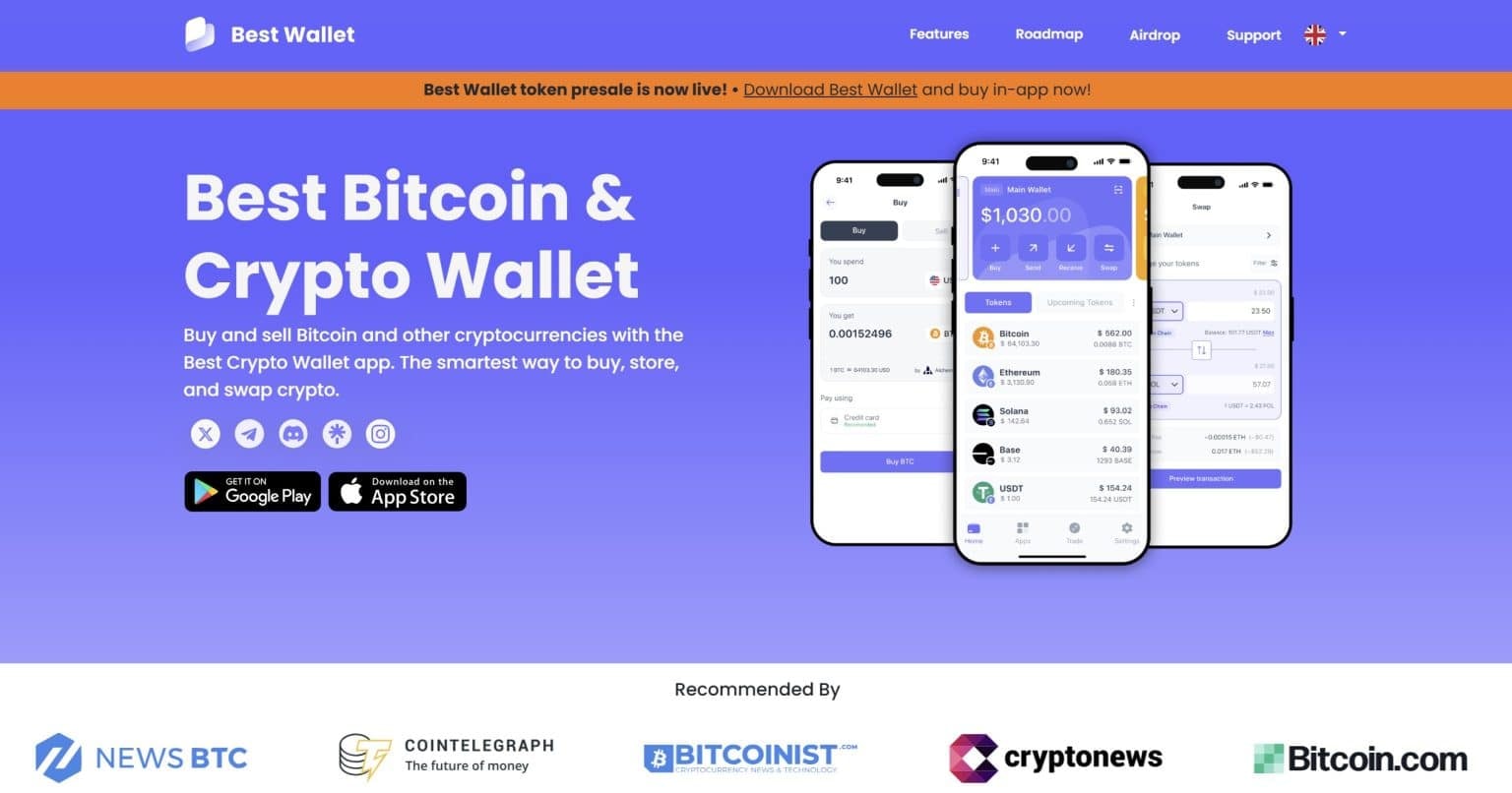
The app focuses on privacy and security: keys stay encrypted on your device, you can lock access with biometrics or 2FA, and there’s no need to hand over personal details. Swaps are handled through an integrated DEX aggregator, so you don’t have to move assets elsewhere to trade.
Best Wallet also includes extras that make it more than just storage. There’s access to crypto presales and upcoming tokens, plus plans for features like staking, analytics, and a built-in NFT gallery. It’s still newer compared to big names like MetaMask or Trust Wallet, but it’s building steadily and has gained attention for its balance of simplicity and functionality.
Why Best Wallet Is Our Top Choice?
Best Wallet Pros & Cons
Pros
-
Non-custodial and private, no KYC required
-
Works with 60+ blockchains and 1,000+ assets
-
DEX aggregator built in for token swaps
-
Extra security with biometrics, 2FA, and encryption
-
Presale and upcoming token access for early opportunities
Cons
-
Some features like staking and analytics still rolling out
-
Shorter track record than older wallets like MetaMask
-
Support is limited, no round-the-clock live chat
Best Wallet is a straightforward, privacy-friendly option for storing and trading Chainlink. It skips KYC, supports a wide range of assets, and offers smooth in-app swaps while keeping your funds in your control. Although it’s still developing compared to some older wallets, its focus on security and new features makes it worth considering for anyone who wants a clean, mobile-first experience with LINK and other tokens.
In our opinion, Best Wallet is the top web3 wallet for Chainlink and a popular mobile wallet for LINK token due to its wide range of features and ease of use. Check out our complete Best Wallet Review 2026 to know more.
Zengo – Top Multi-Chain Wallet Supporting Chainlink
Zengo takes a different approach to crypto security by removing the need for seed phrases or private keys. Instead, it uses Multi-Party Computation (MPC) combined with three-factor authentication (3FA).
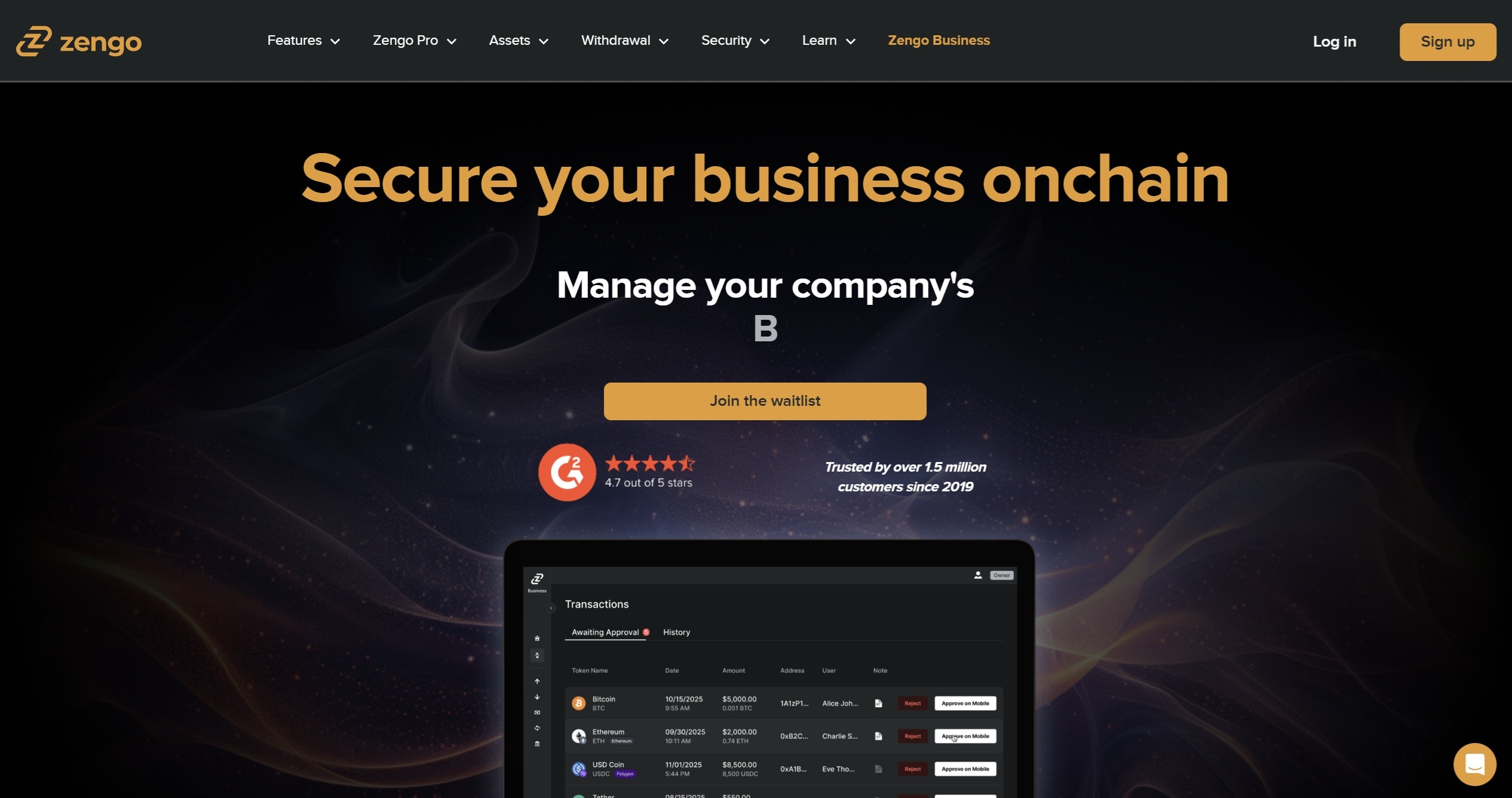
This means your access is split into multiple parts, so there’s no single weak spot. Since launching, the wallet has managed over a million accounts without any reported hacks.
The wallet supports hundreds of assets across popular blockchains and layer-2 networks, including Chainlink (LINK). You can buy, swap, send, receive, and even stake directly from the app without having to use external services.
Zengo also connects smoothly to the wider Web3 world, with dApp integration, NFT galleries, and a Web3 firewall for an added layer of protection. Its interface is simple and friendly, which makes it easy for newcomers to get started without worrying about technical steps.
Zengo Pros & Cons
Pros
-
MPC + 3FA recovery system removes the need for seed phrases
-
No hacks reported since launch
-
Supports Chainlink and a broad list of other assets
-
In-app features for swaps, staking, and NFT access
-
Simple, user-friendly setup and navigation
-
24/7 support, with extra features available through the Pro tier
Cons
-
Some advanced features only available with a paid Pro plan
-
Relies partly on Zengo’s servers, which may deter full decentralization purists
-
Supports fewer blockchains compared to some larger multi-chain wallets
-
Trading and purchase options not available everywhere, and limited desktop/browser support
Zengo makes crypto management approachable by removing the hassle of seed phrases and focusing on strong security that’s still simple to use. Its support for LINK and other assets, combined with in-app swaps, staking, and NFT features, makes it practical for everyday use.
While it doesn’t cover as many blockchains as some competitors and advanced options require a subscription, it offers a balance of safety, usability, and access that appeals to both new and experienced users looking for a secure way to manage Chainlink.
If you want to learn more, read our complete Zengo Review.
Binance Wallet – Best Hot Wallet to Store Chainlink
Binance Wallet (also called the Binance Web3 Wallet) is a self-custody wallet built right into the Binance app. Instead of seed phrases, it uses Multi-Party Computation (MPC), where your access is split between your device, Binance’s servers, and your own cloud backup.
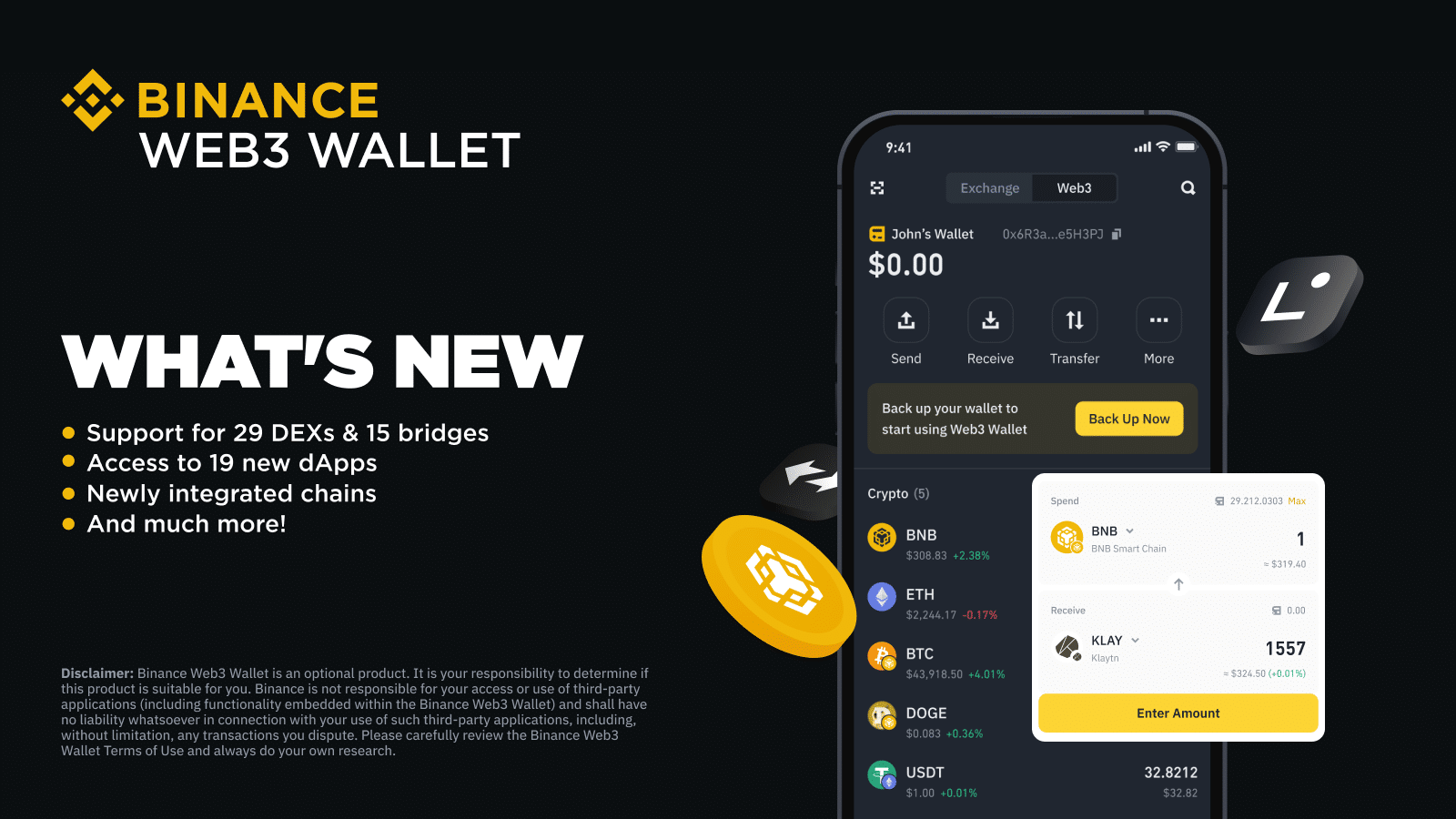
This setup makes recovery simpler while reducing the risk of losing everything if one piece goes missing.
The wallet is designed for people who already use Binance, letting you move between your exchange account and self-custody with just a couple of taps. It supports Chainlink (LINK) along with a wide range of other tokens across major chains. You can swap and bridge assets inside the wallet, connect to dApps through WalletConnect, and even stake LINK or earn yield through Binance’s in-app features.
That said, because it lives inside the Binance app, it’s tied to Binance’s ecosystem. It’s mobile-only, requires a Binance account, and isn’t available everywhere. It’s a good Chainlink wallet for beginners to start with.
Binance Wallet Pros & Cons
Pros
-
Built directly into the Binance app, so switching between exchange and wallet is simple
-
No seed phrase needed thanks to MPC security
-
Supports cross-chain swaps and bridges across major networks
-
Easy connection to dApps and LINK-based protocols via WalletConnect
-
Earn and stake LINK through Binance Earn without leaving the wallet
Cons
-
Mobile-only, with no desktop or extension support
-
Relies on Binance’s ecosystem, which adds central dependency
-
Requires a Binance account and verification to use
-
Closed-source code with limited public audits
-
Not available in some regions, including the U.S.
Binance Wallet makes it easy for LINK holders who already use Binance to step into self-custody without much extra effort. Its MPC model removes seed phrases, it handles cross-chain operations smoothly, and it adds staking and earning features directly in-app.
The main trade-off is that it’s still tied to Binance’s ecosystem and doesn’t offer full transparency or broad accessibility. For mobile users who want convenience and are comfortable within the Binance platform, it’s a practical hot wallet option for managing Chainlink.
For a deeper look, check out our Binance Wallet review.
Bybit Wallet – Popular Chainlink Wallet for Beginners
Bybit Wallet (also called the Bybit Web3 or Cloud Wallet) is built directly into the Bybit app, making it a straightforward option for anyone already trading there.
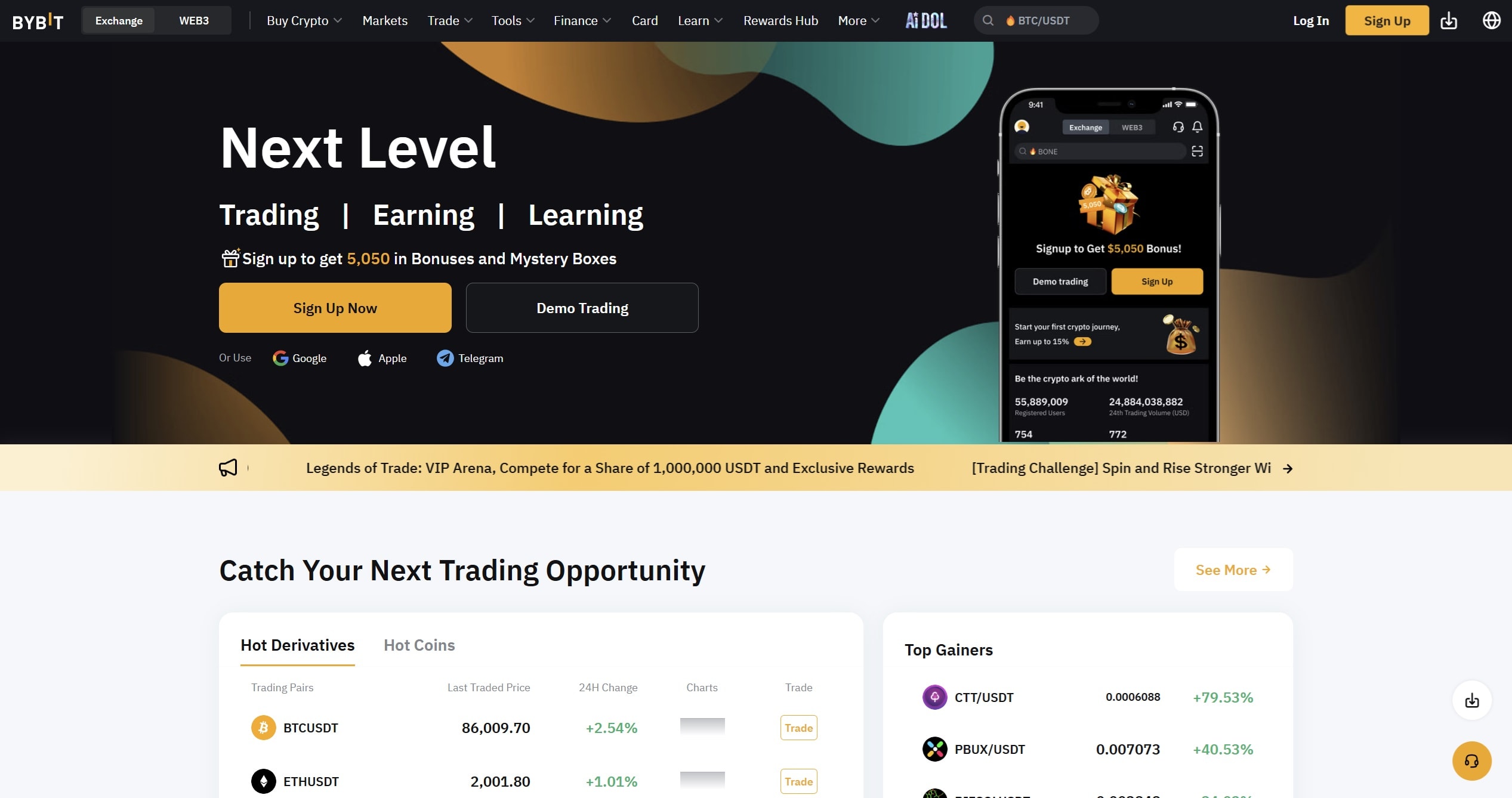
It’s a custodial hot wallet, which means Bybit holds the keys for you, so you don’t need to worry about seed phrases or backups.
For beginners, the appeal lies in how much you can do in one place: swap tokens, stake assets like LINK, take part in token launches, or even try out NFTs and GameFi. Everything is accessible without setting up extra wallets or browser extensions. The design focuses on ease of use, with 24/7 customer support available if you get stuck.
The trade-off is that you don’t fully control your assets since Bybit manages the keys. It’s also tied entirely to the Bybit ecosystem, so you can’t use the wallet independently or outside the app.
Bybit Wallet Pros & Cons
Pros
-
Quick and beginner-friendly setup inside the Bybit platform
-
Built-in support for NFTs, DeFi, token sales, and swaps
-
Includes staking and launchpad features for LINK and other tokens
-
24/7 live customer support available for new users
Cons
-
Custodial setup, Bybit controls the keys, not you
-
Wallet is tied to your Bybit account and app, not standalone
-
Hot wallet design is less secure than cold or self-custody options
Bybit Wallet is a smooth on-ramp for beginners who want to explore Chainlink and Web3 without wrestling with seed phrases or multiple apps. It shines when it comes to convenience, staking, and support, but it’s less appealing if you want total control over your keys or plan to hold large amounts long-term. For many newcomers, it’s a helpful first step into crypto, though pairing it with a non-custodial wallet later is a smart move.
Check out our full Bybit Review 2026 for more details.
MetaMask – Most Secure Software Wallet to Store LINK
MetaMask is one of the most recognized wallets in crypto, available as both a browser extension and a mobile app. It supports Chainlink (LINK) as an ERC-20 token, and you can manually add LINK to your wallet if it doesn’t show up automatically.
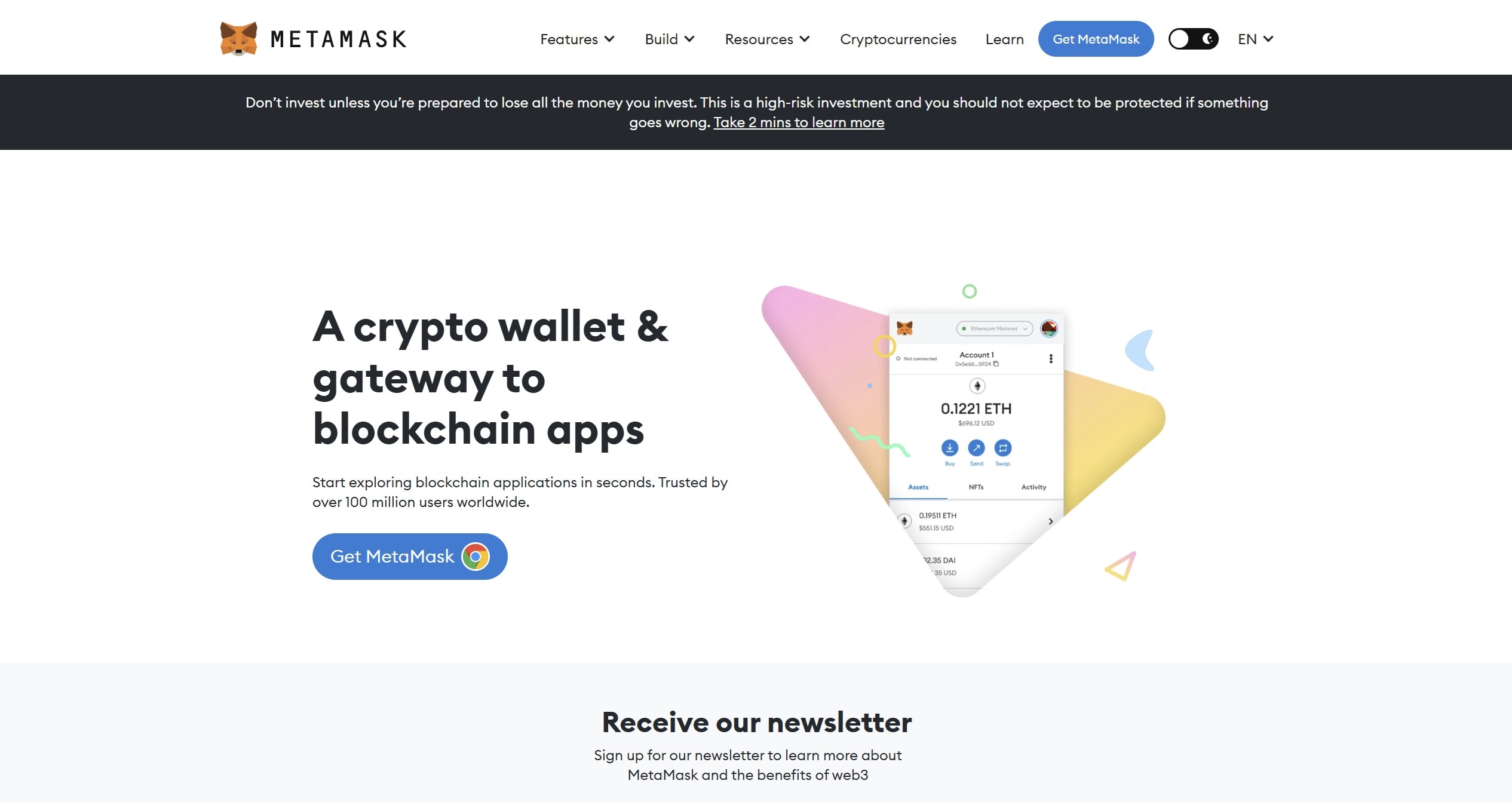
The wallet is fully self-custodial, meaning you hold the keys and decide how your assets are managed. It connects smoothly with thousands of dApps, lets you swap tokens in-app using decentralized exchanges, and even integrates with hardware wallets like Ledger or Trezor for added safety.
Security is reinforced by features like transaction warnings, network validation when adding custom chains, and ongoing threat monitoring. Its open-source nature and long history in the crypto community give it a strong track record of reliability.
MetaMask Pros & Cons
Pros
-
Full self-custody with private key control
-
Works with Ledger, Trezor, and other hardware wallets
-
Broad Web3 compatibility, including dApps, token swaps, and NFTs
-
Security features like transaction checks and active threat monitoring
-
Open-source and customizable, trusted by the developer community
Cons
-
No built-in two-factor authentication
-
Browser use can expose wallet activity to trackers
-
Limited to Ethereum and other EVM-compatible chains
-
Swap fees can be higher than using direct DEXs
MetaMask is a reliable software wallet for storing and using Chainlink. It gives you full control of your assets, works across browsers and mobile, and integrates with hardware wallets for extra peace of mind. While it doesn’t support non-EVM chains and lacks built-in two-factor authentication, its security track record, open-source design, and deep Web3 integration keep it as one of the most trusted choices for LINK holders. Check out our dedicated MetaMask review for further details.
Best Cold Wallets for Chainlink (LINK)
Think of cold wallets as a vault for your LINK. They don’t stay online, which means hackers and scams have no easy way in. Instead, your keys are locked safely inside the device until you connect it to approve a transaction.
If your goal is to hold Chainlink without constantly moving it around, a cold wallet gives you peace of mind that your tokens are protected for the long term.
Ledger Flex – Best Hardware Wallet for Chainlink
The Ledger Flex combines Ledger’s well-known hardware security with a more approachable design. Instead of relying on blind signing, it uses a secure E Ink touchscreen powered by a CC EAL6+ Secure Element, so you always see exactly what you’re approving.
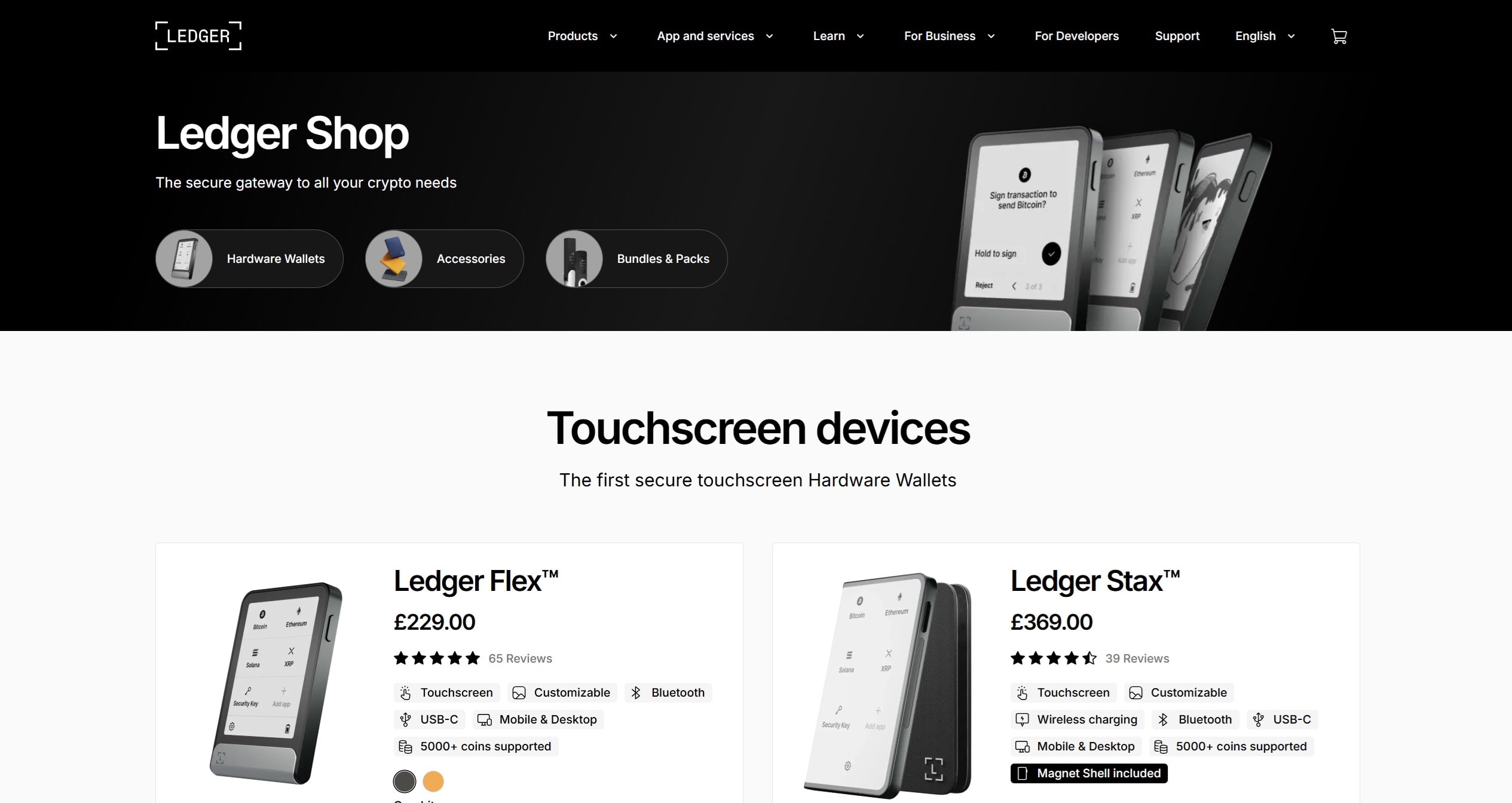
At around $249, the Flex sits in the middle of Ledger’s lineup. It offers both Bluetooth and USB-C connectivity, a 2.84″ grayscale screen, long battery life, and support for thousands of tokens, including Chainlink (LINK) through Ledger Live.
It also includes small but practical extras: you can set an NFT or image as your standby screen, and the folio-style case adds a layer of protection. Through Ledger Live, you can buy, send, swap, stake, and track LINK alongside the rest of your portfolio.
Ledger Flex Pros & Cons
Pros
-
CC EAL6+ Secure Element and secure touchscreen for safe transaction approval
-
Easy navigation with Bluetooth, USB-C, and a clear E Ink display
-
Supports 5,500+ tokens and NFTs, including Chainlink
-
Personalization options like custom standby screen images
-
Good balance of features and price compared to premium models
Cons
-
No wireless charging, unlike Ledger’s high-end Stax
-
Battery is fixed, not user-replaceable
-
Pricier than entry-level options like Nano S Plus
-
Requires Ledger Live for full Chainlink management
The Ledger Flex is a good balance between high-end security and everyday usability. Its secure touchscreen and flexible connectivity make handling Chainlink safe and straightforward, while Ledger Live ties it all together for portfolio management.
It doesn’t include every premium feature, wireless charging being the main omission, but it still delivers Ledger’s trusted protection in a well-rounded package. For anyone looking to store and manage LINK with confidence while keeping things practical, the Ledger Flex is possibly the best hardware wallet for Chainlink. Well, we must say that Ledger Stax is equally good.
Take a read through our Ledger Stax Vs. Flex Reviews 2026 to know which one you should pick.
Trezor Safe 5 – Popular Chainlink Hardware Wallet For Beginners
The Trezor Safe 5 is one of the more approachable hardware wallets from Trezor, designed to balance ease of use with strong security. It features a 1.54-inch color touchscreen with haptic feedback, which makes confirming transactions more intuitive than the older button-only models.
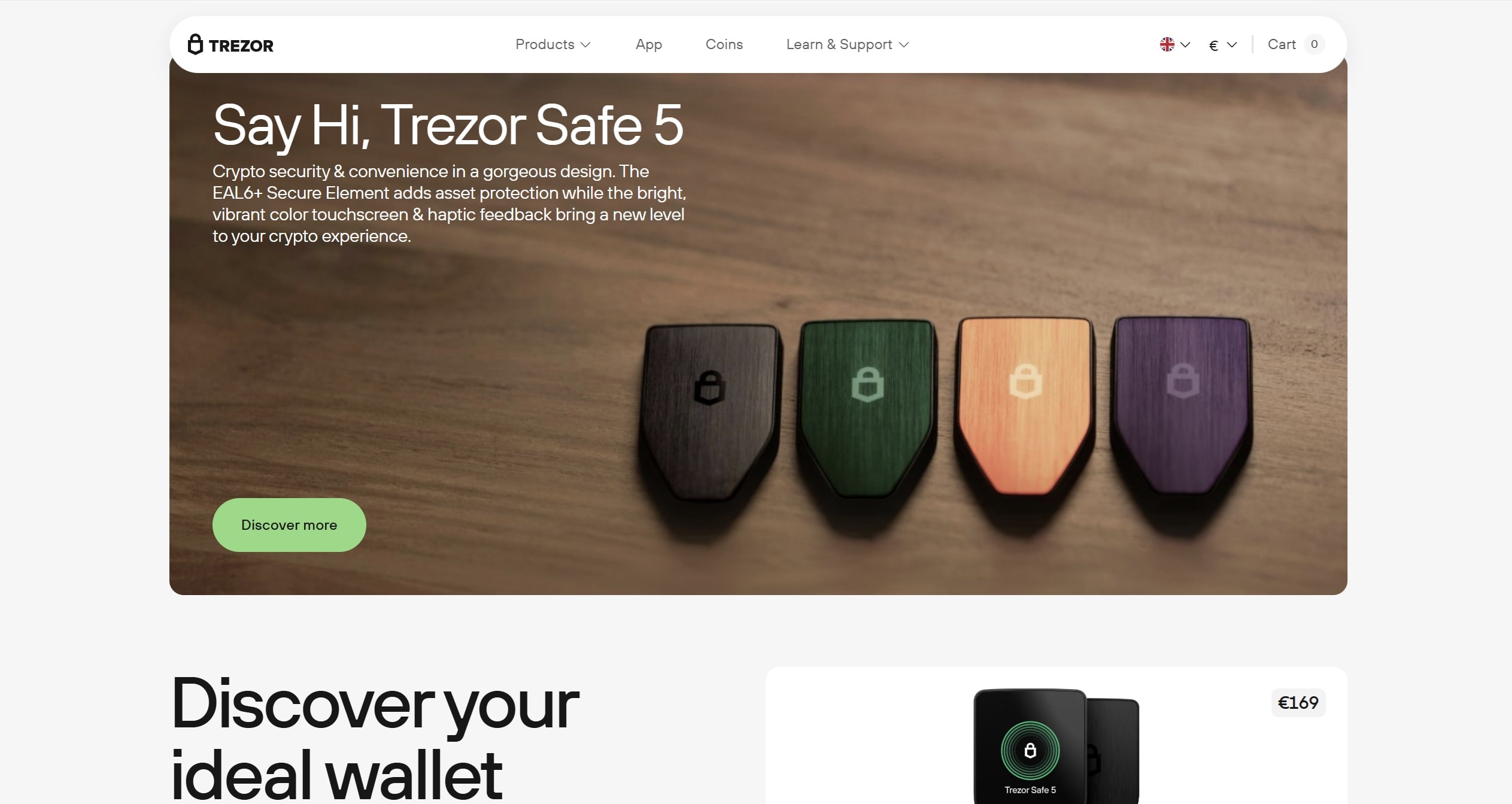
Security is built on an EAL6+ Secure Element, PIN and passphrase options, and an open-source framework that allows public review of its code.
The Safe 5 supports thousands of tokens, including Chainlink (LINK). You can manage assets through Trezor Suite, available on desktop and mobile, or connect it with third-party apps like MetaMask. Trezor Suite also makes it simple to buy, send, swap, and even stake crypto, giving beginners a straightforward way to manage LINK while still offering tools for advanced users.
Trezor Safe 5 Pros & Cons
Pros
-
Touchscreen with haptic feedback makes navigation and approvals easier
-
Strong security setup with Secure Element, PIN, passphrase, and open-source transparency
-
Advanced backup choices, including SLIP-39 multi-share backups
-
Supports thousands of tokens, including Chainlink via ERC-20 compatibility
-
Seamless integration with Trezor Suite for portfolio management
Cons
-
Priced higher than entry-level hardware wallets (around $169)
-
Touchscreen may feel unnecessary for casual holders
-
Recovery process using SLIP-39 can be more complex for beginners
The Trezor Safe 5 offers a beginner-friendly entry point for anyone new to hardware wallets, especially those looking to secure tokens like Chainlink. Its touchscreen and haptic feedback make it more user-friendly than older models, while its security and advanced backup tools provide reassurance for long-term use.
It does cost more than simpler devices, and some may never use the extra features, but the combination of modern usability and trusted Trezor security makes it a strong choice for beginners who want confidence and clarity in managing their LINK.
Curious about what the Trezor Safe 5 can do? Our Trezor Safe 5 Review 2026 review covers everything you need to know.
Ellipal Titan 2.0 – Decentralized Wallet For Chainlink
The Ellipal Titan 2.0 is built for users who want complete offline protection for their crypto, including Chainlink (LINK). Unlike most wallets, it never connects through Wi-Fi, USB, or Bluetooth.
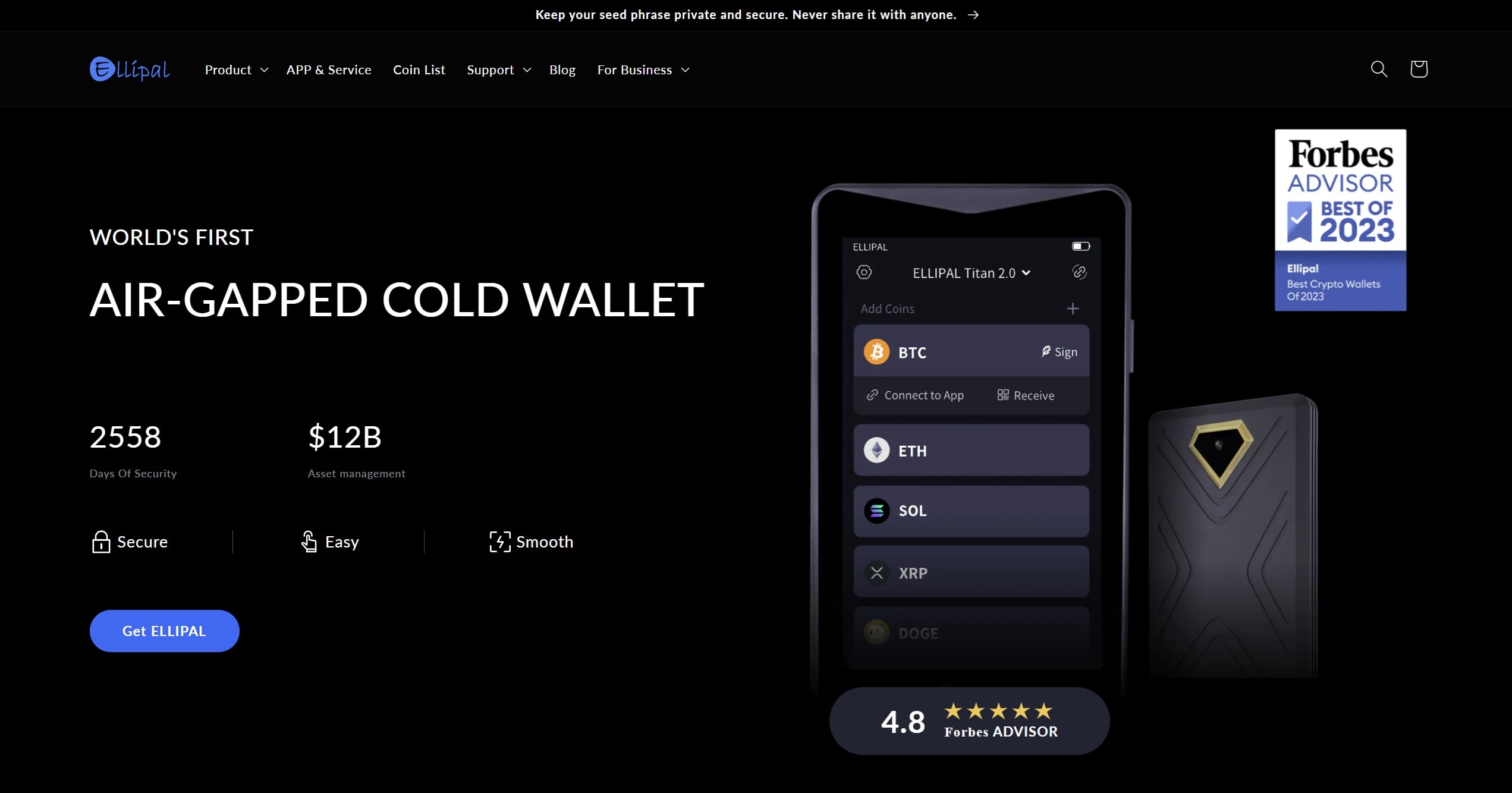
Instead, it relies on QR code transfers for transactions, which keeps private keys isolated from online threats.
The device itself is a sealed metal unit designed to resist tampering. If someone tries to physically break in, it automatically wipes its internal memory, making it far harder for attackers to extract data. The 4-inch color touchscreen makes reviewing and confirming transactions straightforward, cutting down on the risk of signing something you didn’t intend.
It supports more than 10,000 coins and tokens across 50+ blockchains, with LINK included via ERC-20. By pairing with the companion mobile app, users can connect to dApps, DeFi platforms, and NFT markets through WalletConnect or MetaMask. Firmware updates are carried out offline via a microSD card, and recovery is handled with standard 12 or 24-word seed phrases, which also makes it portable across other compatible wallets.
Ellipal Titan 2.0 Pros & Cons
Pros
-
Fully air-gapped security with QR-only operation
-
Tamper-resistant build with automatic self-wipe
-
Large, easy-to-read touchscreen for safe confirmations
-
Supports over 10,000 tokens across 50+ chains, including LINK
-
Mobile app integration for dApps, staking, swaps, and NFTs
Cons
-
More expensive than entry-level hardware wallets
-
Requires mobile app for full functionality, no standalone desktop access
-
Larger and heavier than some alternatives, less portable
-
Occasional reports of sluggish performance or screen issues
The Ellipal Titan 2.0 is a good option for those who want their Chainlink and other tokens stored with maximum separation from online threats. Its QR-only operation, sealed alloy body, and large touchscreen create a user experience that feels both highly secure and practical.
It does come at a higher price and bulk than smaller devices, and the reliance on a companion app may not appeal to everyone. Still, for users who prioritize offline control and durability, the Titan 2.0 delivers one of the most complete air-gapped storage options available today.
Our in-depth Ellipal Titan 2.0 Review will help you understand more about this wallet.
Best Chainlink Wallets Compared
Finding the best wallets to store Chainlink comes down to what matters most to you. Some people want simplicity and a quick setup, while others put security above everything else. There are also those who want in-app extras like staking or swaps. Below you’ll see a side-by-side look at the most popular options and what they’re best at.
Wallet
Type
Security Features
Extra Functions
Best For
Best Wallet
Mobile, Non-custodial
Encrypted keys, biometrics, 2FA
DEX swaps, presale access, NFT gallery
Users who want safe storage options for Chainlink with full privacy
Zengo
Mobile, MPC + 3FA
Multi-Party Computation, no seed phrases
Staking, swaps, NFT support, Web3 firewall
Anyone learning how to store Chainlink token safely without worrying about seed phrases
Binance Wallet
Mobile, MPC Hot Wallet
Keys split across device, server, cloud
Cross-chain swaps, staking, dApp access
Traders who want crypto wallets with Chainlink support linked to Binance
Bybit Wallet
Custodial Hot Wallet
Bybit-managed keys, standard protections
Staking, launchpad, NFT & GameFi access
Beginners testing DeFi wallets that support Chainlink inside one app
MetaMask
Browser & Mobile, Non-custodial
Private keys, hardware wallet integration
dApps, token swaps, NFT management
Long-term Web3 users who want flexibility and full control
Each wallet handles LINK differently, so the right choice depends on your priorities. Best Wallet and Zengo prioritize security and privacy, Binance and Bybit simplify the exchange process for users, while MetaMask remains a go-to for anyone active across Web3.
How We Ranked the Top Chainlink Wallets (Methodology)
When looking at wallets to store LINK, we focused on more than just basic features. The goal was to identify which options give the strongest balance between security, usability, and support for the Chainlink network. To do that, we applied a mix of practical testing, industry research, and user feedback.
Here’s what shaped our rankings:
By combining these factors, we built a framework that highlights both the benefits and the potential risks of each option. Our goal is to make it easier to understand how to safely manage the LINK token, evaluate which wallets add real value, and help you access the right tools to grow your interest in the Chainlink network.
What is Chainlink?
Chainlink is a decentralized oracle network that connects blockchains with real-world data. Smart contracts on their own cannot pull in external information, and that’s where Chainlink comes in.
By feeding reliable data into blockchains, Chainlink makes advanced applications possible, from decentralized finance (DeFi) to insurance and beyond. The LINK token is what powers the network, rewarding node operators and securing the system.
If you want the full picture, check out our dedicated Chainlink Review. In case you are interested to know how high will LINK go, take a look at Chainlink Price Prediction.
How to Select the Best Chainlink Wallet?
Picking the right wallet is more than just downloading the first app you see. Chainlink works across multiple ecosystems, and you want a wallet that can keep up with both your security needs and your day-to-day use.
When comparing wallets, here’s what to pay attention to:
The wallet you choose should match your goals. If you just want safe storage for LINK, a hardware option like Ledger is a strong choice. If you want quick access to staking or dApps, a mobile or browser wallet might fit better. The best wallet is the one that balances security, features, and convenience in a way that works for you.
How to Set Up a LINK Wallet? Step-by-Step Guide
Below is a step-by-step walkthrough to help you safely set up your device and start storing LINK.
-
Install Best Wallet
Download the app from the official site or your mobile store.
-
Create a wallet
Set up your wallet in minutes. No KYC, just secure your PIN, biometric login, and keys.
-
Fund your wallet
Add ETH or another supported coin using card, bank transfer, or crypto deposit.
-
Swap for LINK
Open the swap tab, choose the asset you funded with, and trade for LINK through the DEX aggregator.
-
Track your LINK
Confirm the swap, and your LINK balance will appear in the wallet. You can monitor or use it directly in the app.
With those steps complete, your LINK is now stored securely. You can hold, send, or track your LINK with confidence knowing your keys are in your control.
Conclusion: Chainlink Wallets
Picking a Chainlink wallet depends on what matters most to you. If you want the strongest protection, a hardware wallet like Ledger Flex or Trezor Safe 5 is a solid choice. If you prefer convenience, mobile wallets such as Best Wallet or Zengo let you manage LINK quickly and easily on your phone. Exchange wallets from Binance or Bybit work well if you already trade there, but you’ll be giving up some control.
At the end of the day, the best wallet is the one that matches your goals. Whether you plan to hold LINK for the long run or use it regularly with apps, there’s an option that fits.
DISCOVER:
- Crypto Exchange Promos & Discounts
- Crypto Wallet Promos & Discounts
- Chainlink Staking: How to Stake LINK in 2026
FAQ
Can I store Chainlink in Exodus?

Yes, you can. The Exodus wallet supports LINK on both desktop and mobile. It also comes with built-in swaps and security features like fingerprint or face ID on mobile, so it’s an easy option if you want a simple setup.
Are there wallets made specifically for Chainlink?
There aren’t wallets built only for Chainlink, but many of the most trusted multi-asset wallets support it. Options like Ledger, Trezor, MetaMask, Zengo, and Exodus all let you store and manage LINK alongside other tokens.
Is it safe to store Chainlink in a mobile wallet?
Mobile wallets can be safe if you use them carefully. Keeping your phone updated, setting strong passwords or biometrics, and avoiding untrusted apps all make a big difference. For smaller amounts or daily access, mobile wallets are practical, while hardware wallets are a better choice for larger holdings.
What is the most secure wallet for Chainlink?
The most secure option is a hardware wallet. Devices like Ledger Flex, Ledger Stax, or Trezor Safe 5 store your private keys offline, which makes them much harder to steal compared to software wallets.
Are Chainlink wallets free to use?
Most mobile and desktop wallets are free to download and use, and the only cost you’ll face is the blockchain fee when sending or swapping LINK. Hardware wallets do require a one-time purchase, but they provide extra security for long-term storage.
Does Ledger support Chainlink?
Yes, it does. Because LINK is an ERC-20 token, Ledger devices fully support it through the Ledger Live app. Once set up, you can send, receive, and manage your LINK with the added protection of offline storage.
References
- Yen, Jennifer. The Oracle Problem: Unlocking the Potential of Blockchain. University of Pennsylvania, 2020. PDF. https://www.cis.upenn.edu/~fbrett/assets/theses/jennifer_yen.pdf
- “Blockchain Oracles: Their Importance & Types.” Hacken, https://hacken.io/discover/blockchain-oracles/
- “Blockchain, Explained.” MIT Sloan School of Management, https://mitsloan.mit.edu/ideas-made-to-matter/blockchain-explained
- “Private Key Vs Public Key – How They Work?” Blockchain Council, https://www.blockchain-council.org/blockchain/private-key-vs-public-key/

Why you can trust 99Bitcoins
Established in 2013, 99Bitcoin’s team members have been crypto experts since Bitcoin’s Early days.
Weekly Research
100k+Monthly readers
Expert contributors
2000+Crypto Projects Reviewed