In This Article
Buying crypto shouldn’t feel like cracking a safe. If you’re here to figure out how to buy NEAR Protocol (NEAR), this guide cuts through the noise and shows you exactly what to do. We’ll walk you through the best NEAR crypto exchanges, highlight what makes each one different, and break down every option from fast card payments to private crypto-only methods.
You’ll also get a practical step-by-step guide to buying NEAR, whether you’re stacking for the long haul or just exploring the NEAR ecosystem for the first time.
Key Takeaways
- There are multiple ways to buy NEAR, including credit cards, crypto deposits, P2P, and PayPal-based workarounds, depending on your region.
- Some platforms require full identity verification before you can trade or withdraw, while others allow crypto-only access without KYC.
- Each exchange offers different strengths, some focus on low fees or leverage, others on trading tools or cross-chain support.
- Always transfer NEAR to a non-custodial wallet for long-term safety, especially when using centralized platforms.
- Recent exchange hacks highlight the importance of keeping only what you need on trading platforms and storing the rest securely.
- Choosing the right platform depends on your goals, speed, privacy, features, and access to the broader NEAR ecosystem.
How to Buy Near Protocol Crypto? Summary
This guide is built to help you understand the best ways to buy NEAR Protocol, whether you’re just getting started or looking for more control over your crypto. It covers common buying methods like card payments and PayPal, explains what to expect from different exchanges, and compares features like fees, KYC rules, and trading tools.
You’ll also learn how to store NEAR safely and what makes the protocol unique in the broader crypto ecosystem. The goal is simple: make your first (or next) NEAR purchase as smooth, informed, and secure as possible.
How to Buy Near Protocol: Best NEAR Token Exchanges
Before buying NEAR, it’s important to choose a platform that fits your needs. This section helps you understand where to buy NEAR crypto by comparing trusted platforms based on things like payment options, fees, security, and whether you need to verify your identity.
The Near Protocol exchange list shows which platforms are better for beginners, which support advanced trading tools, and which ones offer full control over your funds. If you’re looking for the best platforms to buy NEAR, this comparison gives you the key details so you can make a smart and informed choice.
Best Wallet
Best Wallet is a mobile-only, self-custody crypto wallet designed to keep things simple while still giving you a lot of control. It supports 60+blockchains, handles fiat on-ramps through Onramper, and uses a DEX aggregator to find the best swap rates.
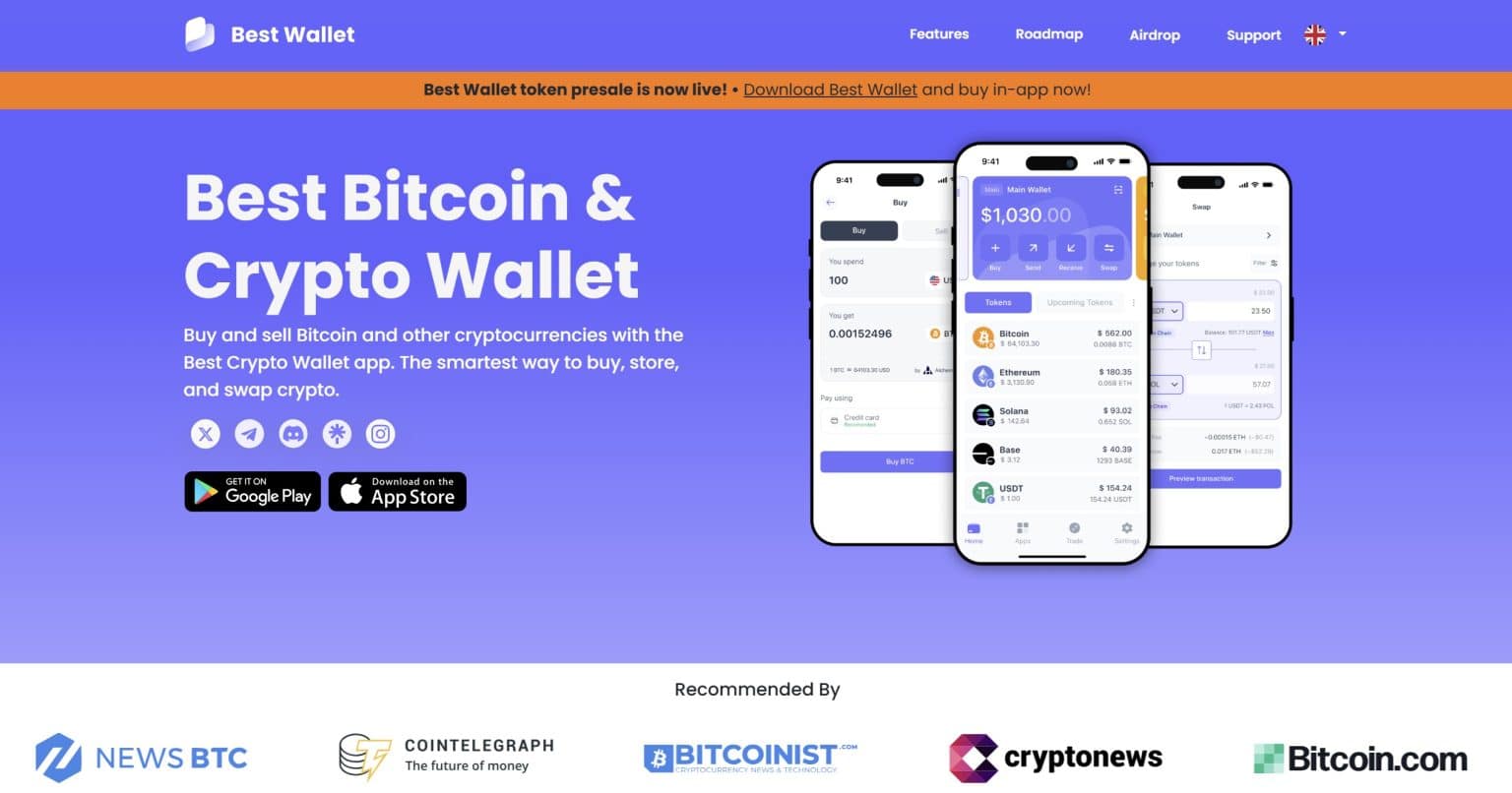
You can stake NEAR, join crypto presales, and manage your entire portfolio without giving up your private keys. There is no desktop version yet, but for mobile users who care about privacy and ease, it covers a lot of ground.
To learn more about this user-friendly, multi-blockchain crypto wallet, check out our Best Wallet Review.
How to Buy NEAR With the Best Wallet
-
Open the App and Choose NEAR
Head to the “Buy” section inside Best Wallet and select NEAR as the asset you want to purchase.
-
Enter Amount and Payment Method
Pick your currency, enter how much you want to spend, then choose between card or bank transfer.
-
Optional KYC Prompt
Depending on your fiat provider, you might be asked to verify your identity. Not all methods require it.
-
Review and Confirm
Double-check the conversion rate, fees, and estimated NEAR amount before approving the purchase.
-
Receive Your NEAR
Once the transaction goes through, your NEAR tokens land directly in your non-custodial wallet.
Best Wallet Key Features
- Fiat Buy + DEX Swaps: Combines Onramper for fiat payments with DEX routing for best-price swaps
- 60+ Chain Support: You can manage NEAR alongside dozens of other networks from one app
- Full Self-Custody: You hold your own keys, nothing gets handed over to third parties
- Security Focused: Built with Fireblocks tech, plus biometric login and encrypted local storage
- Stake and Join Presales: Supports in-app NEAR staking and lets you participate in early token launches
Best Wallet Pros and Cons
Pros
-
Handles fiat buys, swaps, staking, and presales all in one place
-
No KYC required for most features
-
Strong security setup with Fireblocks protection and local encryption
-
One app, many networks, easy asset management across chains
Cons
-
No desktop or browser version yet
-
Still new to the market without long-term history
-
Swap rates depend on third-party DEXs
-
Not officially certified under ISO standards
If you’re looking to buy NEAR and manage it from a mobile wallet that respects your privacy, Best Wallet makes the process quick and painless.
It covers a lot in one app, from buying and staking to portfolio management, without handing over control of your funds. It’s new, yes, and only available on mobile, but for users who prefer simplicity without sacrificing security, it checks all the right boxes. To know more about this web3 wallet, head to our dedicated Best Wallet review.
Binance
Binance has been around since 2017 and has grown into the heavyweight of crypto exchanges. It’s got a bit of everything: trading, staking, learning tools, you name it. If you’re looking to get your hands on NEAR Protocol, you’ll find multiple ways to do it here.
Between the variety of trading pairs, fiat payment options, and serious liquidity, it’s a solid platform to grab and manage NEAR. Just be ready for a lot of features coming at you fast.
How to Buy NEAR With Binance?
-
Go to 'Buy Crypto' or Spot Trading
Search for NEAR under the Buy Crypto tab or head straight to the spot market and pick NEAR/USDT or other available pairs.
-
Pick a Payment Method
Choose how you want to pay, credit card, bank transfer, or swapping another crypto.
-
Set Your Order Type
Want it now? Use a market order. Want a specific price? Go with a limit order.
-
Confirm the Details
Double-check the price, fees, and amount before hitting confirm.
-
Check Your Spot Wallet
Once done, NEAR lands in your Binance Wallet, and you’re good to go.
Binance Key Features
- Multiple NEAR Pairs: Trade NEAR against USDT, BUSD, USD, and more
- High Liquidity: Large volumes mean smoother trades and better prices
- Fiat On-Ramp Options: Supports global currencies like USD, EUR, INR, AUD
- Powerful Trading Tools: Access advanced options like copy trading, bots, and margin
- Built-In Security Layer: SAFU fund, two-factor authentication, and regular audits to keep your account safe
Binance Pros and Cons
Pros
-
Plenty of NEAR trading pairs with strong liquidity
-
Buy NEAR directly using card or bank transfer
-
Packed with tools for advanced traders and serious users
-
Solid security setup with reserve backing and industry compliance
Cons
-
Regulatory issues in some countries can limit features
-
New users may feel overwhelmed by all the options
-
Card payments and fiat purchases may include added fees
-
Some features vary depending on your region
Binance gives you multiple ways to buy NEAR and loads of tools to do more with it once it’s in your wallet. Whether you’re trading casually or diving deep into the NEAR ecosystem, it has the infrastructure to support both.
It’s not the simplest interface, and it’s been in the headlines for regulatory reasons, but when it comes to access and volume, few platforms come close. Read more about this platform in our dedicated Binance review.
Margex
Margex is a crypto exchange built for traders who want flexibility, leverage, and a clean interface without jumping through verification hoops. It launched in 2019 and focuses heavily on derivatives, but you can also trade NEAR on the spot market or use margin with up to 5× leverage.
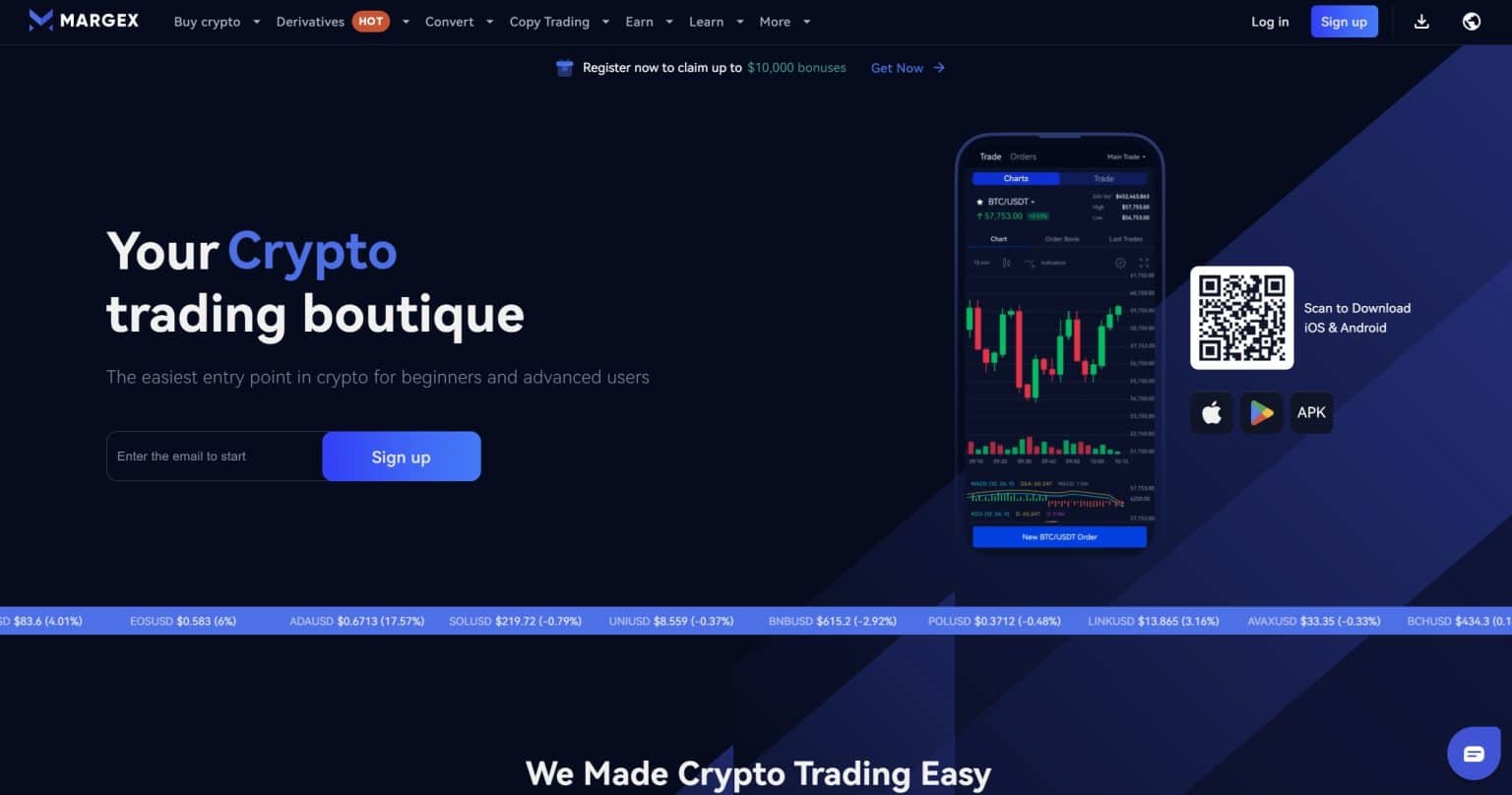
You don’t need KYC for crypto-to-crypto trading, and the security setup is solid, including cold wallets and 2FA. It’s light on spot pair variety and has no fiat on-ramp, so it’s better suited to users who already have crypto.
How to Buy NEAR Token With Margex?
-
Register an account
Sign up with your email or phone number and enable two-factor authentication. No ID required if you’re using crypto.
-
Deposit crypto funds
Add USDT, BTC, ETH, or other supported coins to your wallet. These will be used for trading or margin collateral.
-
Navigate to NEAR market
Head to the trading section and search for NEAR/USD or NEAR/USDT to find the right pair.
-
Execute a trade
Choose a market or limit order, set the amount you want, and confirm to open your position.
-
Manage or close your position
Track it in your dashboard, use leverage if needed, and close when you’re ready to exit.
Margex Key Features
- Leverage on NEAR: Trade NEAR with up to 5× leverage through the margin or perpetual markets.
- High Leverage on Majors: Up to 100× leverage on BTC, ETH, and a few other big-name assets.
- Copy Trading and Tools: Follow successful traders, test strategies in demo mode, and set price alerts.
- No KYC for Crypto: Start trading immediately with just a crypto deposit.
- Security First: Cold wallet storage, MP Shield anti-manipulation system, and two-factor login.
Margex Pros and Cons
Pros
-
High leverage for NEAR and major assets supports more advanced trading strategies.
-
No KYC needed for crypto-only accounts keeps sign-up fast and private.
-
Clean interface with copy-trading and demo tools makes it easy to get started.
-
Security features like MP Shield and cold storage protect your funds.
Cons
-
Unregulated platform may be a concern for users who prefer licensed exchanges.
-
High withdrawal minimums make it less convenient for smaller transactions.
-
Limited spot trading pairs beyond NEAR and major coins.
-
No fiat on-ramps means you’ll need crypto before you can use the platform.
Margex is a good choice for crypto traders who want leverage, flexibility, and anonymity, all without sacrificing ease of use. The lack of fiat options and regulation may not suit everyone, but for those who already own crypto and want to trade NEAR with decent liquidity and minimal setup, it does the job well. Just know what you’re signing up for and make sure it fits your trading style. Learn more about this exchange in our separate Margex review.
OKX
OKX has been active for over a decade and leans into both traditional and Web3 trading. It gives you access to NEAR via spot markets, plus tools to hold, trade, and even use NEAR inside its built-in non-custodial wallet.
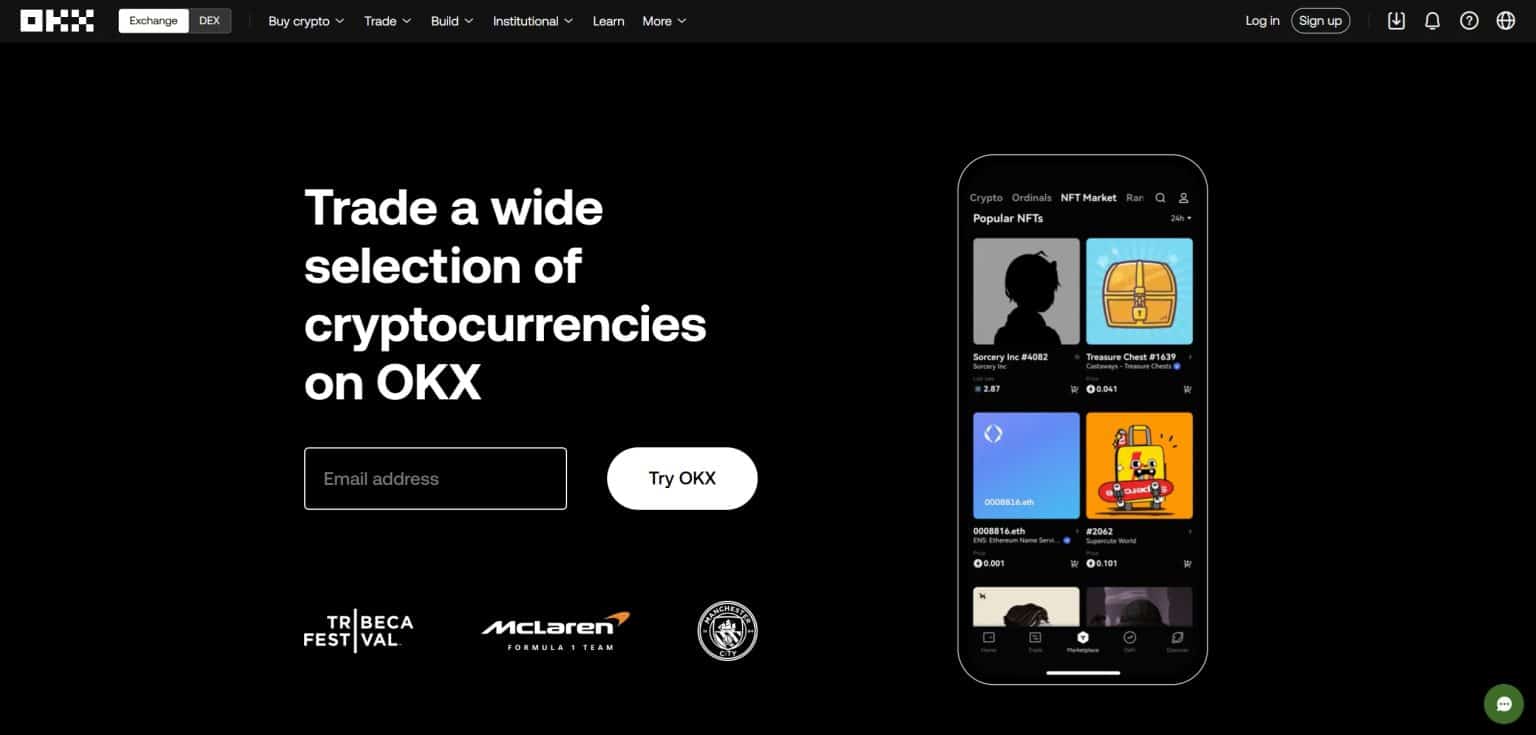
It’s packed with features and backed by international licenses, so you’re getting security and utility in one place. That said, it’s not the most beginner-friendly platform and does ask for ID before you can unlock everything.
How to Buy NEAR Crypto With OKX?
-
Create and verify your account
Sign up using the OKX app or website and go through identity verification (ID and selfie required).
-
Add funds to your wallet
You can fund your account with fiat (card, bank transfer) or crypto like USDT, BTC, or ETH.
-
Go to the NEAR market
In the Spot section, search for the NEAR/USDT pair and open the trading interface.
-
Place your buy order
Pick either a market order for instant purchase or a limit order to set your preferred price, then confirm the trade.
-
Store or use your NEAR
Your NEAR will show up in your OKX Wallet, ready for holding and swapping.
OKX Key Features
- NEAR Spot Trading: Active since late 2023, with full charting and order options available.
- Web3 Access Built-In: OKX Wallet supports NEAR-based dApps, NFTs, and DeFi tools like Paras.
- Licensed Around the World: Regulated in multiple regions and holds ISO 27001 and SOC 2 certifications.
- Advanced Trading Suite: Offers deep charts, flexible order types, and margin or futures for more experienced users.
- Multiple Ways to Fund: Accepts both fiat (P2P, card, bank) and crypto deposits.
OKX Pros and Cons
Pros
-
Globally licensed with certifications like ISO 27001 and SOC 2.
-
NEAR trading and storage all happen within the same platform.
-
Comprehensive tools for both spot and margin traders.
-
Web3 wallet makes it easy to explore NEAR-based dApps and NFTs.
Cons
-
The platform’s complexity may intimidate new users.
-
ID verification is required before accessing key features like withdrawals.
-
Some features and payment methods vary depending on your region.
-
The exchange supports ISO-compliant assets but isn’t ISO 20022 certified itself.
OKX works best if you’re looking for more than just a buy button. With support for NEAR trading, staking, and Web3 usage in one place, it’s built for users who want flexibility without compromising on compliance or tools. It does have a learning curve, but once you’re in, it gives you full access to the NEAR ecosystem and more. Check out our OKX review for 2026 to learn more about it.
Bybit
Bybit is fast, flexible, and pretty easy to use. It added NEAR to its listings in late 2023, and if you already have crypto, getting started takes no time. You can top up your wallet using a card or P2P, and unless you’re dealing with fiat, you won’t need to go through full ID checks.
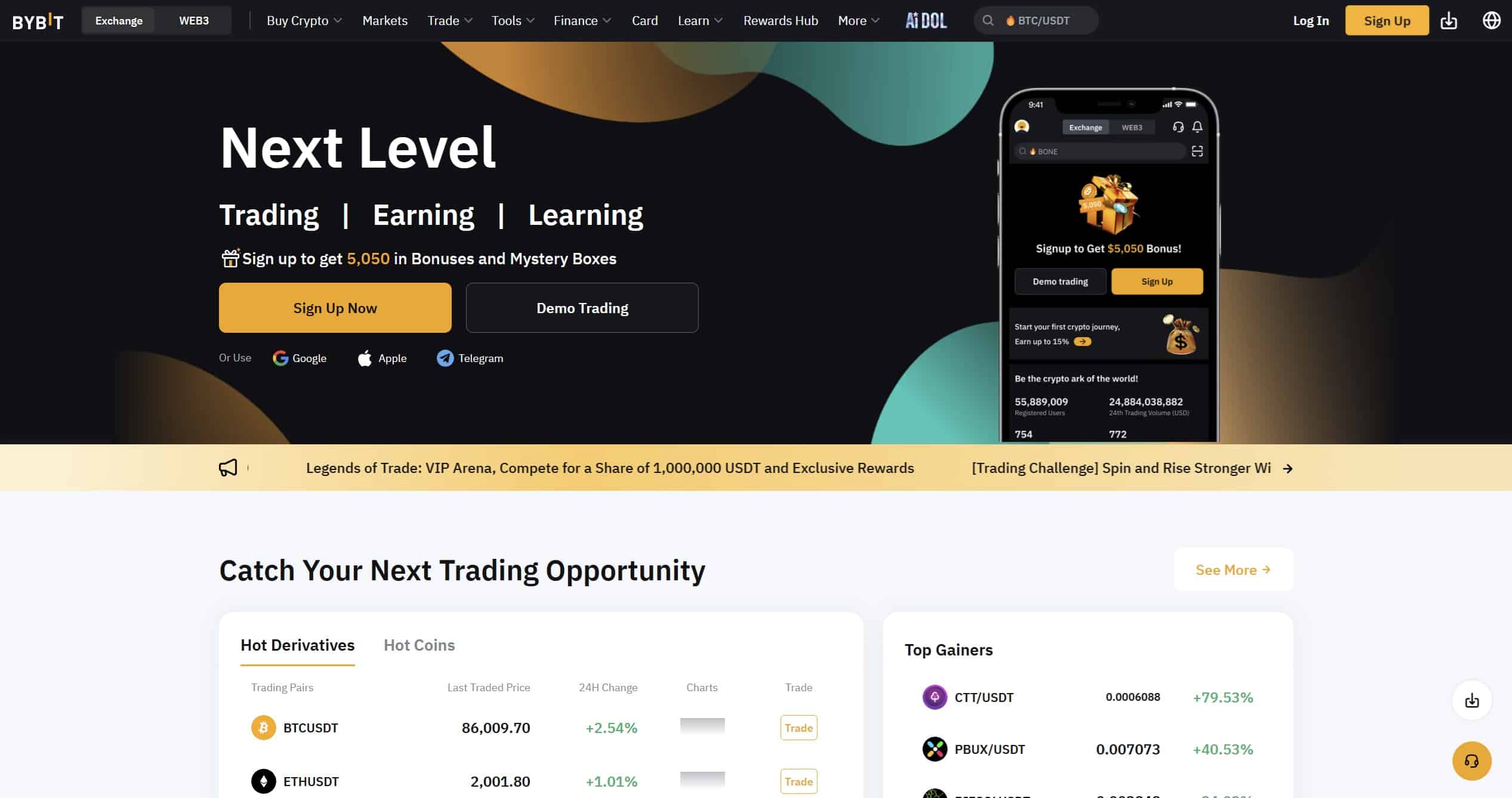
The platform has solid liquidity, plenty of trading tools, and a clean, user-friendly layout. On the downside, it’s not available in every country, and there’s no direct fiat-to-NEAR option, which might be a dealbreaker for some.
But here’s something important: Bybit was hacked in early 2025, and it wasn’t a small hit. Hackers stole around 400,000 ETH, worth over $1.5 billion, making it the biggest crypto exchange hack ever recorded. The breach was traced back to North Korea’s Lazarus Group. They didn’t break into Bybit directly. Instead, they compromised a third-party wallet provider Bybit relied on. The hackers slipped malicious code into the wallet’s interface, and when Bybit’s team approved what looked like a routine transaction, the funds were quietly drained.
To their credit, Bybit acted fast. They worked with partners to replace the stolen funds and rolled out a major security overhaul. Still, it’s a reminder that even big-name platforms aren’t immune to serious risks.
If you’re thinking about using Bybit, just be smart about it. Don’t store more crypto there than you need to, and definitely keep long-term holdings in your own wallet. Use it for trading if it suits your needs, but stay cautious, because in crypto, safety really does come first.
How to Buy NEAR Coin With Bybit?
-
Register and log in
Sign up with your email or mobile number and enable two-factor authentication for extra security.
-
Deposit crypto or buy with card/P2P
Add funds via crypto, card, or peer-to-peer marketplace. USDT and BTC are the easiest for NEAR trades.
-
Search for NEAR
In the Spot section, search for NEAR/USDT or NEAR/BTC and open the trading screen.
-
Place your trade
Choose market or limit order, set your amount, and confirm your purchase.
-
Track or withdraw
Your NEAR will show in your Spot wallet. You can hold, trade more, or withdraw to an external wallet.
Bybit Key Features
- Card and P2P funding: Offers flexible purchase routes even without full KYC.
- Solid liquidity for NEAR: NEAR/USDT pair sees strong volume and quick order matching.
- Full trading suite: Spot, futures, copy-trading, and savings all in one place.
- Low fees and instant swaps: Crypto-to-crypto conversions are fast and fee-free.
- Good security stack: Uses cold wallets, 2FA, anti-manipulation tools, and public reserve reports.
ByBit Pros and Cons
Pros
-
Multiple ways to fund your account, including P2P and cards.
-
Tight NEAR spreads and competitive fees keep trading efficient.
-
Skip the ID checks if you’re trading crypto-to-crypto.
-
Plenty of tools for traders who want more than just buy and hold.
Cons
-
Blocked or restricted in several major regions like the U.S. and the UK.
-
No direct fiat-to-NEAR route, you’ll need to swap from another token.
-
Recent security incident in 2025 raised eyebrows despite partial recovery.
-
Not much NEAR-specific help or education available on the platform.
Bybit gives you flexibility and speed when buying NEAR, especially if you already hold crypto. It’s ideal for users who want tools beyond basic buys, but beginners or those needing direct fiat access may want to look elsewhere. If you’re in a supported region and value trading options without the friction of KYC, it’s a strong contender. To know more about the exchanges, head to our separate Bybit review
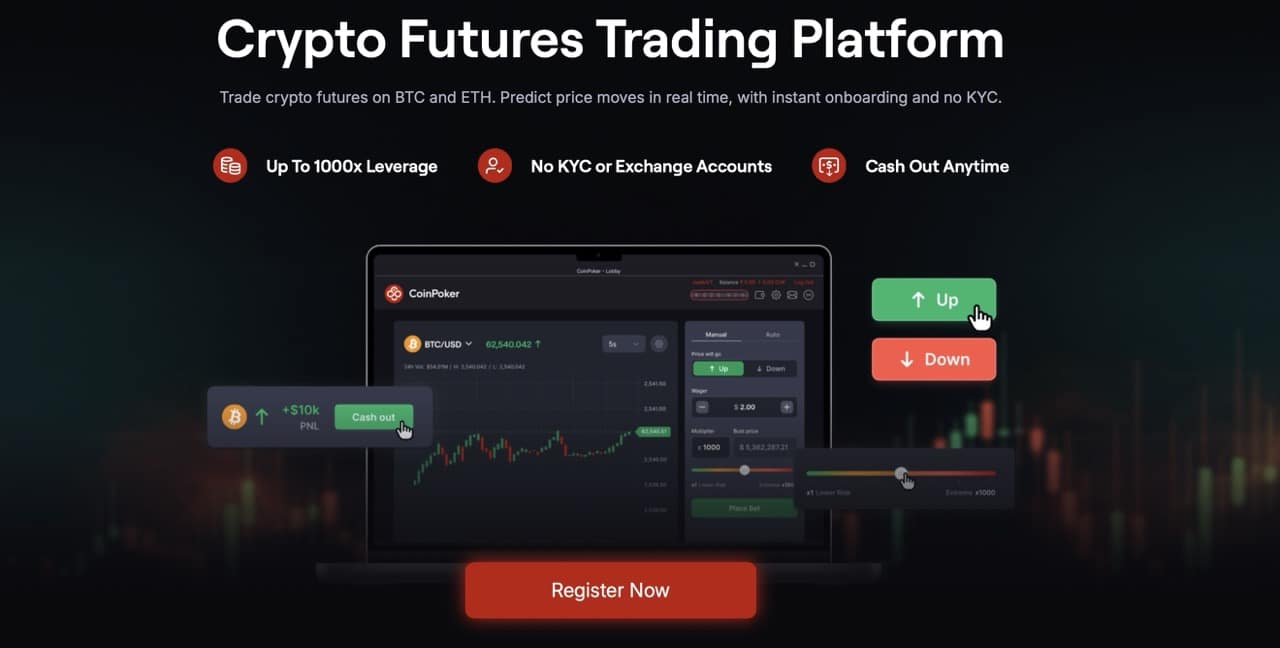
If you don’t want to go through the hassle of storing and securing cryptocurrencies on a crypto wallet or exchange account, you can speculate on the price of crypto tokens by using futures contracts. NEAR crypto futures contracts are financial derivative instruments that allow you to bet on the price movement of the NEAR token without owning it. You can bet on the price of NEAR moving in any direction, which mean that you can either go long (bet on the price of NEAR to rise) or go short (bet on the price of NEAR to fall). While NEAR isn’t listed on CoinFutures at the time of writing, the platform deserves a mention for readers who may want to explore crypto futures in a more beginner-friendly environment. CoinFutures is a crypto futures trading simulator that gamifies the market experience to make it easy for you to grasp the concepts of futures trading. The platform offers leverage up to 1000x. The key advantage of using futures contracts is the use of leverage, which lets you borrow funds to take large short/long positions with limited capital. The use of leverage can amplify your profits and losses. The platform offers leverage up to 1000x. The platform is also known for its no KYC requirement which enables instant and hassle-free onboarding. Other key features include risk management tools such as stop-loss and take-profit orders to automate trade. For more details, explore our in-depth CoinFutures review for 2026. To learn the exact process of trading BTC, check out our BTC Futures Trading guide. There’s more than one way to get your hands on NEAR, and the right method depends on what you already use, how fast you want it, and how much effort you’re willing to put in. Below are two reliable options: PayPal and card payments. Each has its trade-offs, so it’s worth knowing how they work before diving in. PayPal doesn’t support direct NEAR purchases in most regions, but in the U.S, you can use PayPal to buy crypto, just not NEAR directly. The workaround? Fund your account on a crypto exchange that supports both PayPal and NEAR. It’s a few extra steps, but still manageable. If you already use PayPal and want a familiar way to fund your account, this is a solid method. Just expect an extra step or two, and double-check the fees. Using a debit or credit card is one of the fastest ways to buy NEAR. It feels like a regular online checkout, so here’s a guide on how to buy NEAR using a credit card. Pick a platform that supports NEAR and accepts card payments. Install the app or visit the website and create your account. Most platforms will ask for basic ID verification before you can make card-based purchases. Navigate to the dashboard and choose the option to buy or fund your account with a card. Choose NEAR as the asset you want to buy. Input how much you want to spend. The platform will calculate the amount of NEAR you’ll receive after fees. Enter your debit or credit card details and billing address if prompted. Double-check the purchase summary, then approve the payment. Your NEAR tokens should arrive shortly. Enable features like two-factor authentication or biometric login to protect your funds. This is probably the easiest method for most people. It’s fast, it feels familiar, and the coins arrive quickly. Just keep in mind that card purchases often come with slightly higher fees than other methods. If you’re planning to buy NEAR, the platform you choose can make a big difference, whether you’re after convenience, trading tools, or full self-custody. Below is a side-by-side snapshot of how five top platforms compare on core features. Each platform brings something different to the table. Best Wallet keeps things clean and private for mobile-first users. Binance and OKX give you access to full trading ecosystems with deep liquidity. Margex is great if you already have crypto and want leverage without ID checks. Bybit sits somewhere in the middle, flexible and fast, but still recovering from past security concerns. Choose based on your needs and how hands-on you want to be. NEAR Protocol is a smart contract platform that aims to make blockchain tech easier to use without giving up speed or decentralization. It launched in 2020 with the goal of solving the scalability problems that bog down many other blockchains. Instead of sticking with a single-chain model like Bitcoin or Ethereum, NEAR uses something called Nightshade sharding to split up the work and run parts of the network in parallel. This design makes NEAR fast, with low fees and short confirmation times. But NEAR isn’t just about performance; it’s also designed to be accessible. Wallet addresses are readable (like alice.near instead of a random string), and developers can even pay transaction fees for users, making dApps feel more like regular apps. NEAR also supports Ethereum compatibility via Aurora, and it lets users move assets between networks using the Rainbow Bridge. On top of that, it’s positioning itself for the future by investing in tools for AI-native agents and cross-chain interoperability. NEAR was listed among the top artificial intelligence (AI) coins in our 10 Best AI Crypto Coins to Invest in 2026 article. Pro Tip: To know more about this blockchain project, consider checking out our comprehensive Near Protocol review. If you’ve made it this far, you should have a clear idea of how to invest in NEAR Protocol without getting lost in the noise. The truth is, buying NEAR isn’t hard, but picking the right way to do it can save you time, money, and stress down the line. We broke down what actually matters: fees, ease of use, how much control you get, and whether or not you need to verify your identity. So if you’re still wondering which exchanges sell NEAR Protocol, scroll back to the comparison and choose what fits your setup best. Just remember, buying is step one. Holding it safely? That’s just as important. See Also: You can buy NEAR on most major exchanges that support spot trading, including platforms with fiat, crypto, and P2P options. Yes, but only if you’re using crypto to trade. If you’re buying NEAR with cash, card, or bank transfer, most platforms will ask for ID. You can leave it on the exchange for quick access, but it’s safer to move it to a non-custodial wallet like Ledger or Trust Wallet. Yes, NEAR is a proof-of-stake token, and you can stake it directly through most wallets or exchanges to earn rewards. Yes, you’ll find NEAR on DEXs that support NEAR or wNEAR, but liquidity and prices can vary depending on the network. Most platforms let you buy as little as a few dollars’ worth, and NEAR itself has very low transaction fees and balance limits. Yes, expect trading fees, card or bank fees if using fiat, and small network fees if you move it to another wallet. Established in 2013, 99Bitcoin’s team members have been crypto experts since Bitcoin’s Early days. Weekly Research Monthly readers Expert contributors Crypto Projects ReviewedNot Into HODLing? Trade Crypto Futures Instead
CoinFutures: Trade Crypto Futures With 1000x Leverage
Pros and Cons of CoinFutures
Pros
Cons
Different Methods to Buy NEAR Protocol
Buy NEAR With PayPal
Check if PayPal is supported in your country
PayPal’s crypto features are only available in select regions like the U.S. NEAR isn’t directly supported, so you’ll need to use PayPal to fund an exchange that lists NEAR.
Choose a PayPal-compatible exchange that lists NEAR
Look for an exchange that accepts PayPal and supports NEAR. Coinbase allows PayPal deposits in the U.S., but it doesn’t always list NEAR. Tools like Cryptoradar can help you compare.
Link PayPal to your exchange account
Once signed up, go to the deposit settings, select PayPal as your payment method, and connect your account. You may need to complete verification.
Deposit funds
Use PayPal to transfer fiat currency into your exchange account. This usually takes a few minutes.
Buy NEAR
Search for NEAR on the platform, enter the amount you want to buy, and place your order.
Transfer NEAR to your own wallet
Once purchased, move your NEAR to a non-custodial wallet for better control and safety.
Buy NEAR Coin With Debit or Credit Card
Download a wallet or sign up to an exchange
Complete account setup and verification
Tap 'Buy' or 'Deposit'
Select NEAR from the list
Enter your purchase amount
Add your card information
Confirm the transaction
Secure your account
Near Protocol Exchanges Compared
Platform
Best For
Payment Options
KYC Required
Staking Available
Best Wallet
Mobile users who want full control
Card, Bank Transfer (via Onramper)
Optional (depends on provider)
✅ Yes
Binance
All-around trading and liquidity
Card, Bank Transfer, Crypto
✅ Required
✅ Yes
Margex
Leverage trading, no KYC
Crypto only
❌ Not needed (crypto only)
❌ No
OKX
Web3 features + global access
Card, Bank, P2P, Crypto
✅ Required
✅ Yes
Bybit
Fast setup, alt traders
Card, P2P, Crypto
Optional (crypto-only)
❌ No
What is Near Protocol Crypto?
Key Features of NEAR
Pros and Cons of Buying NEAR Tokens
Pros
Cons
Conclusion: How to Buy NEAR
FAQs:
Which exchanges support NEAR?

Is it possible to buy NEAR without KYC?
How do I store NEAR after buying?
Can I stake NEAR after buying it?
Is NEAR available on decentralized exchanges (DEXs)?
What’s the minimum amount of NEAR I can buy?
Are there any fees for buying NEAR?
References

Why you can trust 99Bitcoins