In This Article
Render (RENDER) is a decentralized GPU computing network built to make high-performance rendering and AI workloads more accessible. Instead of relying on centralized data centers, the network connects creators, developers, and AI teams with unused GPU power contributed by independent node operators.
This guide explains how the Render Network works, where to buy Render (RENDER) safely, and how to store and manage it in 2026.
Key Takeaways
- Render is a decentralized GPU network where users contribute computing power and earn RENDER in return.
- You can buy RENDER through major platforms like Binance, OKX, MEXC, or use mobile apps like Best Wallet.
- Each exchange offers different strengths such as mobile swaps, low fees, high liquidity, or advanced trading tools.
- RENDER is used to pay for rendering jobs and reward node operators that complete verified tasks.
- There’s no native staking, but some third-party platforms offer ways to earn with RENDER.
How & Where to Buy Render Crypto: Summary
This guide breaks down the best platform to buy Render tokens, whether you’re looking for mobile swaps, deep trading features, or fiat options. We’ve included step-by-step instructions on how to buy RENDER with a credit card or buy RENDER with PayPal, and covered the full list of crypto exchanges and wallets that support it.
You’ll also find guidance on where to store Render (RENDER) after buying, plus a breakdown of what Render is, how it works, and how to manage your tokens securely.
How to Buy Render: Best Exchanges for RENDER
In this section we’ll go through our curated RENDER exchange list, showing you how to buy Render, there are a few reliable exchanges that make the process simple.
Best Wallet
Best Wallet is a mobile-first crypto app that lets users buy, swap, and manage assets in one place. It supports buying RENDER without KYC through its built-in swap feature and gives users full control of their private keys as a non-custodial wallet.
The app is designed for people who want simple, self-custody without relying on centralized accounts. Buying RENDER is fast and private, though there’s no desktop version yet and the platform is still relatively new.
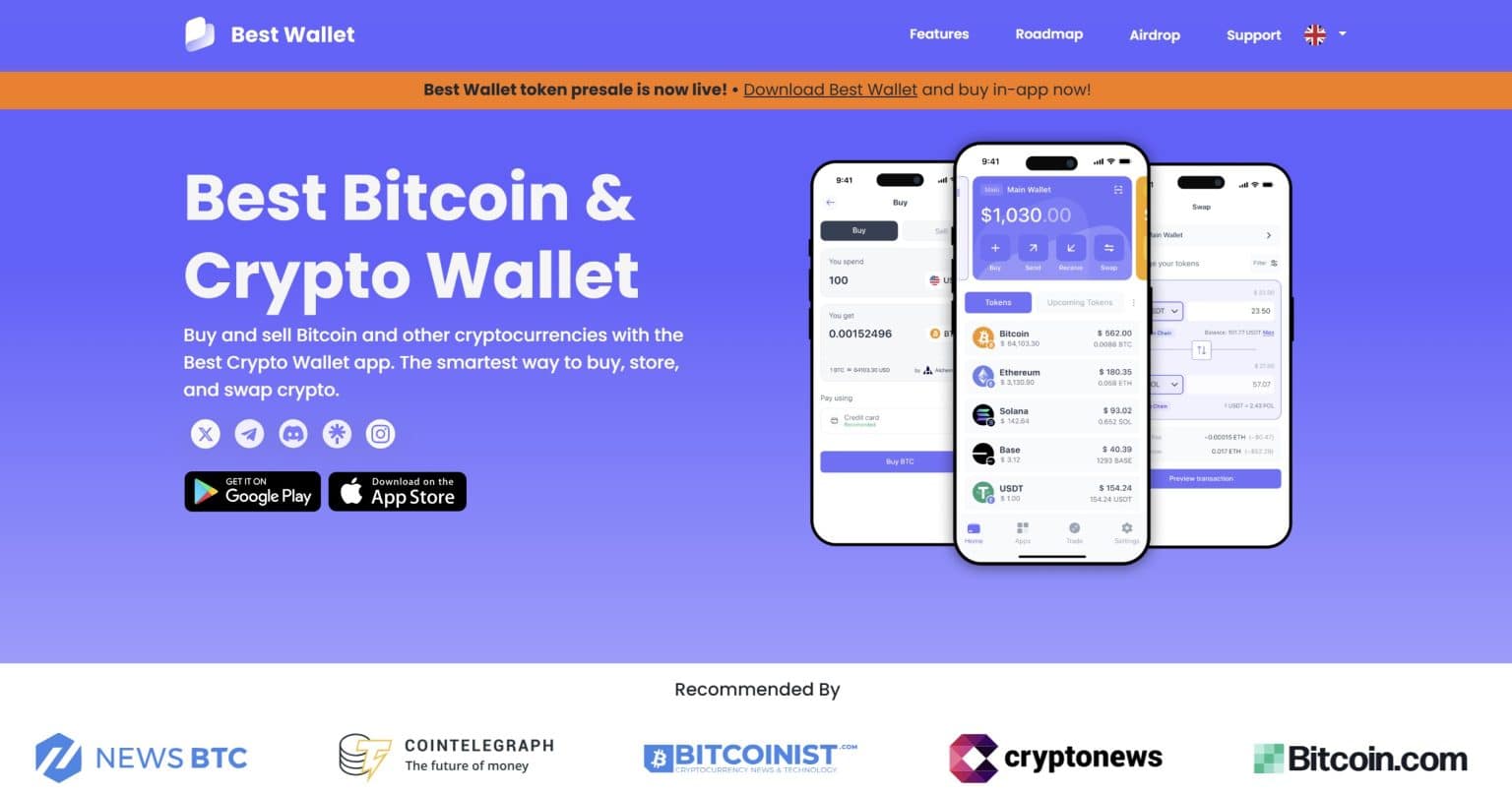
With support for 60+ blockchains, strong security, and built-in fiat onramps, Best Wallet works well for managing RENDER on the go. Its simple interface and all-in-one setup make it a solid choice for beginners.
To know more about this mobile wallet, head to our separate Best Wallet review.
How to Buy RENDER With the Best Wallet?
-
Download the app and open it
Grab Best Wallet from your app store, install it, and head to the DEX or Swap section.
-
Choose your tokens
Pick the token you’re swapping from (like USDT or ETH), then select RENDER as the one you want to buy.
-
Review the swap
Enter how much you want to spend, check the rate and gas fees, and make sure everything looks good.
-
Confirm with PIN or biometrics
Once you’re happy, approve the swap using your device’s PIN or fingerprint.
-
Get your RENDER
You’ll see the Render tokens appear in your wallet right after the swap is done.
Best Wallet Key Features
- DEX aggregator built in: Swaps route through multiple liquidity pools for better pricing.
- Supports 60+ chains: Ethereum, Solana, and others, all managed in one place.
- Full self-custody: Private keys stay on your device, protected with encrypted backups and Fireblocks-grade security.
- Fiat access included: Use Onramper to buy base tokens with a card, then swap for RENDER.
- Extra features: Join crypto presales, participate in token launchpad, and use in-app onchain token swaps.
Best Wallet Pros and Cons
Pros
-
Everything in one app, buy, hold and swap RENDER from your phone.
-
You control the keys, your wallet, your rules.
-
Security setup includes Fireblocks tech, encrypted storage, and biometrics.
-
Better swap rates thanks to DEX routing across multiple sources.
-
Access staking and early-stage token launches without leaving the app.
Cons
-
Only works on mobile, no desktop or browser extension support yet.
KCEX
KCEX is a compliant centralized crypto exchange that supports safe and reliable no KYC trading. The platform is among the crypto exchanges with the lowest fees in the market for real-time trading. You can buy, sell, and trade hundreds of coins like BTC, ETH, SHIB, DOGE, and PEPE across spot and futures markets with up to 100x leverage.
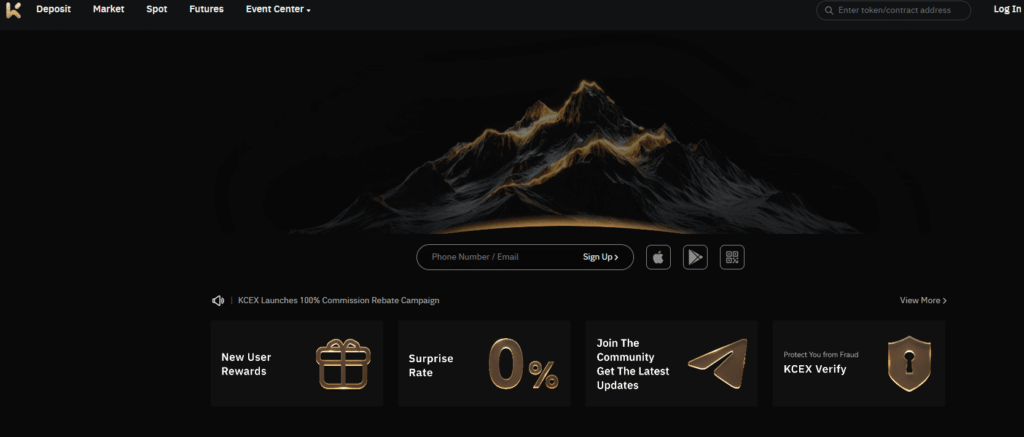
While the platform is relatively new, having launched in 2021, it has become a one-stop trading platform for all users. Along with user-first service, it has limited geographical restrictions. The exchange operates across multiple regions and is working toward broader regulatory coverage.
KCEX aims to simplify crypto participation while staying fully compliant with local laws. Meanwhile, its forte is multilingual user support round-the-clock for a global experience. KCEX is also a cheap option to purchase Render tokens as it charges 0% spot and futures maker fees.
How to Buy RENDER With KCEX?
-
Create your account
Go to the KCEX website or app and register with just an email address. No KYC is needed to start. -
Deposit your crypto
Send USDT, BTC, or another coin to your wallet using the deposit address shown. -
Choose Spot or Futures
Pick your trading style. Spot has 0% fees. Futures allow up to 100x leverage. -
Place your trade
Use the simple buy/sell interface, adjust your amount, and confirm your trade. -
Withdraw anytime
Withdraw funds at any time. KCEX has no withdrawal fees.
KCEX Key Features
- Zero Spot Fees: Trade without any fees on spot markets.
- No KYC Required: Sign up and withdraw with just an email without mandatory verifications.
- Wide Coin Selection: BTC, ETH, SHIB, PEPE, DOGE, SOL, TRB and more.
- Mobile App Access: Trade easily from anywhere with a clean, fast mobile app.
- Community Perks: Get new user rewards, surprise rates, and join the KCEX community for bonuses.
- Strong Security: Includes encryption, cold storage, fraud protection, and security audits.
KCEX Pros and Cons
Pros
-
No-KYC trading with global access and privacy.
-
Zero spot fees and low futures fees (0.01% taker).
-
Easy mobile experience with fast trades and simple UI.
-
Frequent bonuses, surprise rates, and new user rewards.
Cons
-
No staking, lending, or passive income features.
-
Still a new platform with fewer third-party audits.
Binance
Binance is the most popular crypto exchange in the world in terms of trading volume. What makes Binance popular is the easy payment with popular methods such as debit/credit cards, Apple Pay or Google Pay. You can also buy RENDER tokens by swapping with other crypto.
You can buy over 600 different tokens alongside RENDER on Binance. Other key features on the platform are copy trading, futures market, token launchpad and staking.
That said, Binance can feel a little full-on if you’re new. There’s a lot on screen, and depending on where you live, some features might not show up. Still, if you want to grab Render without much hassle and like having a few extra tools on hand, it gets the job done well.
Learn more about this centralized exchange in our Binance review.
How to Buy RENDER With Binance?
-
Create your account
Visit Binance and sign up using your phone or email. To use cards or mobile pay, complete the quick ID check.
-
Find Render
Tap “Buy Crypto” and search for Render (RENDER). Choose the currency you want to pay with.
-
Pick how to pay
Choose from debit card, credit card, Apple Pay, Google Pay, or Binance’s payment partners.
-
Set the amount
Type how much you want to spend or how much Render you want to get. Binance will show you the rate and any fees.
-
Confirm your payment
Double-check the details, hit confirm, and the Render will land in your wallet shortly.
-
Or trade from crypto
If you already hold USDT or another coin, you can swap it for Render through the spot market.
Binance Key Features
- Multiple payment options: Use your card, Apple Pay, Google Pay, or crypto to buy Render Network token
- High trading volume: Easy to buy or sell Render quickly without big price changes
- Low trading fees: Save more by using Binance’s token (BNB) for small fee discounts
- Extra trading tools: Track prices, schedule buys, or make swaps instantly
- Security protections: Binance has a safety fund and regular checks to protect users
Binance Pros and Cons
Pros
-
Easy card and mobile payments for Render
-
Lots of buyers and sellers so trades go through fast
-
Option to convert crypto to Render with zero trading fees
-
You can lower your fees by using BNB
-
Strong safety features like user protection fund and audits
Cons
-
Some parts of the site feel too complex for new users
-
Card payments can have extra fees added by providers
-
Not every feature is available in all countries
-
You need to verify your ID to use Fiat payments
MEXC
MEXC has been around since 2018 and offering access to a huge list of tokens, including RENDER. You can buy it using crypto or card, and once you’re in, the app gives you a lot of flexibility. From basic trading to futures, the options are all there.
The layout is fairly simple once you get used to it, but some parts might feel a bit much for first-time users. Also, if you’re in the U.S., you’re out of luck since MEXC doesn’t currently serve U.S. customers. For everyone else, it’s a solid way to get your hands on RENDER quickly.
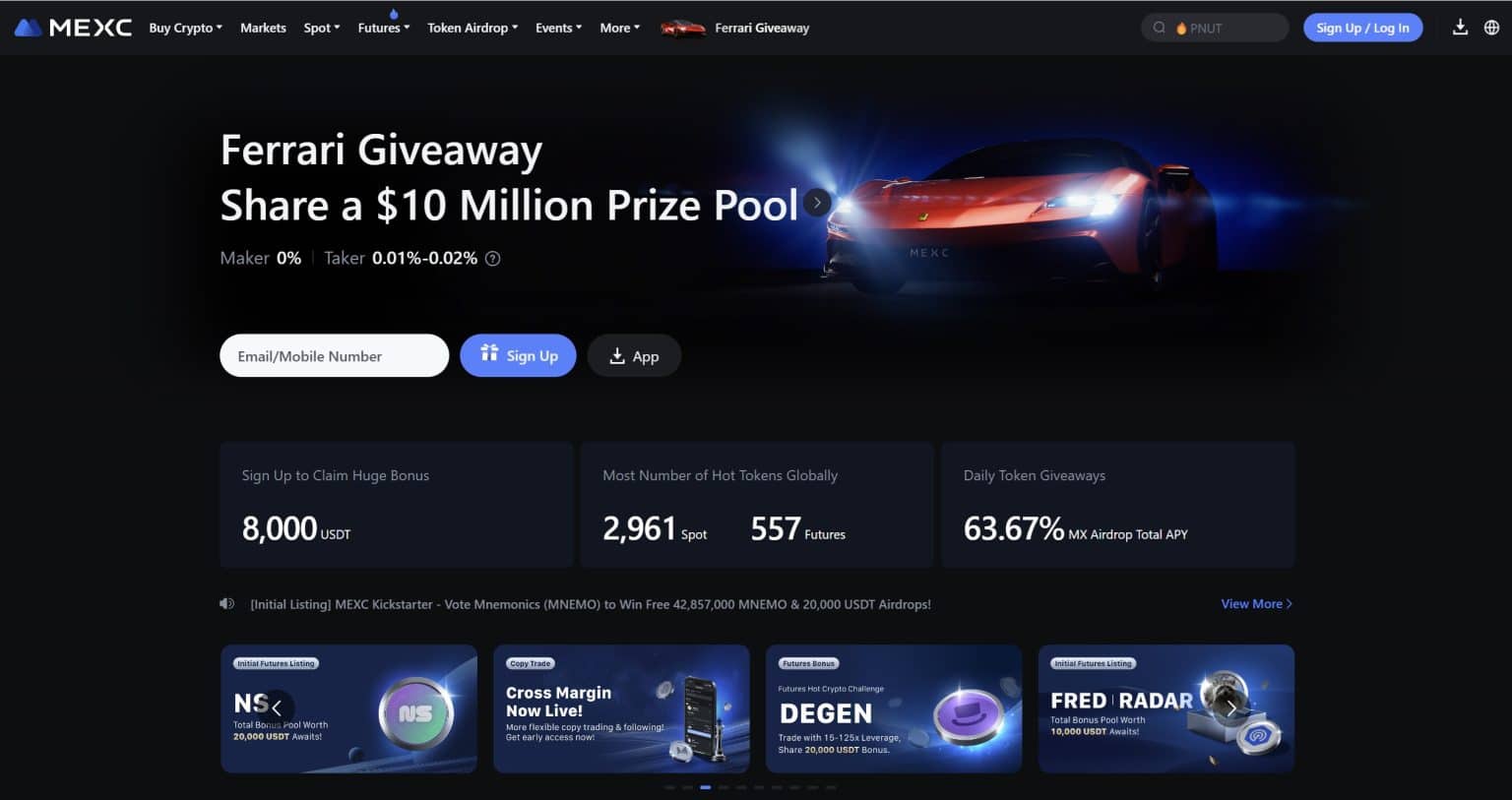
The biggest differentiator of MEXC is the high number of token listings. Crypto investors who want exposure to exotic tokens beyond RENDER will feel at home on MEXC.
You can read more about this exchange in our comprehensive MEXC review.
How to Buy Render Tokens With MEXC
-
Sign up
Visit MEXC website. Create your account using an email or phone number. You don’t have to verify right away unless you want to use fiat.
-
Add funds
You can deposit USDT or USDC (learn how to buy USDC) from another crypto wallet. If you prefer cash, use your card, bank transfer, or peer-to-peer.
-
Search for Render
Head to the Spot trading page and type in “RENDER.” Pick a trading pair like RENDER/USDT or RENDER/USDC.
-
Buy your tokens
Use a market order if you want it fast, or a limit order if you’re okay waiting for your price. Then hit buy.
-
Check your wallet
Once the trade goes through, you’ll find your Render tokens in your Spot Wallet.
MEXC Key Features
- Easy cash deposits: Fund your account with cards, bank transfer, or peer-to-peer
- Plenty of Render pairs: Trade RENDER against USDT or USDC with strong price support
- Trading extras available: Go beyond the basics with futures or leverage options
- Good security setup: Certified safety standards and regular audits keep things in check
- Fees are fair: Trading costs are low and don’t eat into your trades too much
MEXC Pros and Cons
Pros
-
For RENDER tokens, you’ll usually find good volume
-
Multiple ways to deposit cash or crypto make it easy to start
-
Lots of trading options if you want to do more than just buy and hold
-
Certified security systems and routine checks help keep your funds safe
Cons
-
Not available in the U.S., which cuts off some users
-
The full feature set might be a bit much for people just starting out
-
You’ll need to verify your ID if you want to use fiat options
-
Cash payments run through third-party systems, which may add extra steps or fees
OKX
OKX is a cryptocurrency exchange that has been around for years, but it truly gained momentum after rebranding from OKEx in 2022. It’s one of those exchanges that quietly does a lot behind the scenes while still giving you what you need upfront. You can buy RENDER directly, pay with a card, deposit crypto, or even go the peer-to-peer route.
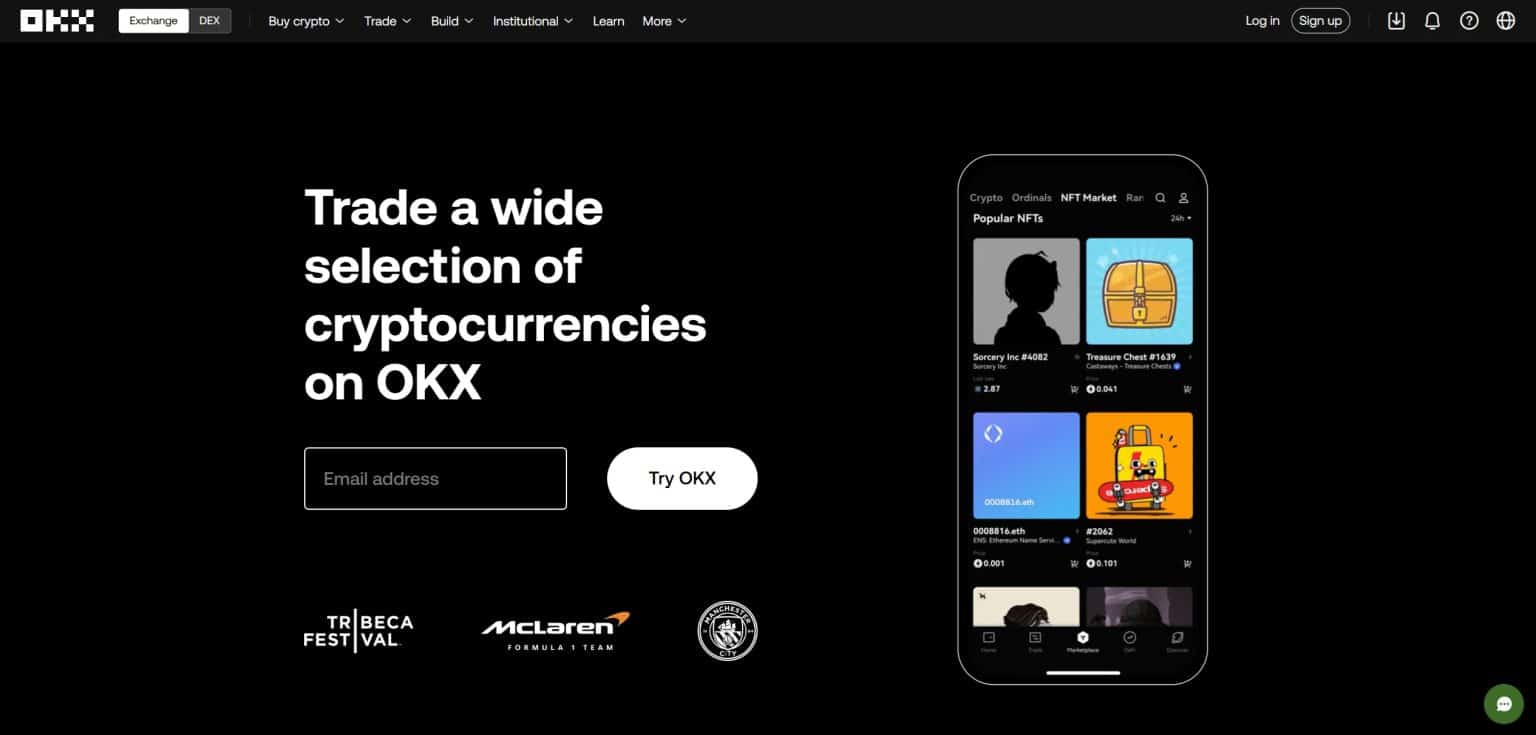
The interface isn’t too flashy, but it’s functional. If you’re someone who wants a bit more control and a wider set of tools without being buried in confusing menus, OKX strikes a nice balance. The extra features like futures and their Web3 wallet are there when you’re ready, but not in your face when you’re just starting out.
Want to learn more about this exchange? Go straight to our OKX review for 2026.
How to Buy RENDER Crypto Token With OKX?
-
Register and verify your account
Sign up on the OKX app or website. You’ll need to upload a photo ID and take a quick selfie to verify.
-
Add some funds
You can use a card, bank transfer, or deposit crypto like USDT or Bitcoin.
-
Find the RENDER market
Once you’re set up, look for RENDER/USDT under the Spot section.
-
Make the trade
Choose how much RENDER you want, hit buy, and you’re done.
-
Check your wallet
The tokens go straight into your OKX Spot Wallet, ready to hold or move.
OKX Key Features
- Spot and futures trading: Buy RENDER on the spot market or trade futures with up to 20× leverage
- Built-in Web3 wallet: Handy if you ever want to explore NFTs, swaps, or decentralized apps
- Plenty of payment choices: Cards, bank transfers, and P2P options are all available
- Regulated in multiple countries: Licensed to operate in major regions like the U.S., EU, and Australia
- Strong transparency: Publishes regular audits and proof-of-reserves for peace of mind
OKX Pros and Cons
Pros
-
Early support for RENDER with both spot and futures markets
-
Well-audited with strong safety measures and public proof of reserves
-
Built-in wallet and extra features for people who want more than just trading
-
Multiple ways to fund your account using regular money or crypto
Cons
-
You have to complete ID checks before you can start buying or taking money out
-
Some tools might be tricky to figure out if you’re just getting started
-
Not every feature is available in every country
-
Missing one of the newer tech standards used by some other exchanges
Different Methods to Buy Render
If you’re thinking about buying Render, there are a couple of practical ways to get started, depending on how you prefer to pay. Whether you’re leaning towards PayPal or just want to use a debit or credit card, here’s how to go about it without making things complicated.
Buy RENDER With PayPal
PayPal is a familiar option for a lot of people, and yes, you can use it to buy RENDER directly. It’s quick, easy, and works well if you’re already using PayPal for other things.
-
Pick a platform that supports PayPal
Start by choosing a service that lets you buy crypto using PayPal. Some crypto-onramp platforms support it directly. Once chosen, visit the site and sign up.
-
Search for RENDER
Once you’re in, look up RENDER on the platform and choose how much you want to buy.
-
Choose PayPal at checkout
At the payment stage, pick PayPal as your method and log in to your account to confirm the transaction.
-
Confirm your purchase
Follow the prompts, approve the transaction, and the platform will handle the rest.
-
Receive your tokens
Once everything goes through, the RENDER tokens will be sent straight to your wallet.
Buying the RENDER token with PayPal doesn’t take long, and it’s a good fit if you want to avoid typing in card details every time.
Buy RENDER With Debit or Credit Card
If PayPal’s not your thing, card payments are a solid go-to. It works just like buying anything else online. A few platforms let you plug in your card details, hit confirm, and you’re good. Here’s how to do it, step by step
-
Pick an exchange that allows card payments
Start by choosing a platform that accepts debit or credit cards. Some popular options do, and they’ll walk you through the setup.
-
Sign up and verify your account
Create your account and go through the ID check. It usually involves uploading a photo and confirming some basic info.
-
Search for RENDER and select how much to buy
Find Render in the token list. Decide how much you want to purchase, and get ready to pay.
-
Choose debit or credit card as your payment method
At checkout, select your card as the payment method. Both Visa and Mastercard are normally accepted.
-
Enter your card details
Pop in your card number, expiry date, and the security code on the back. It’s just like paying for anything else online.
-
Confirm and receive your RENDER
Finish the transaction, go through any quick security check, and once approved, the RENDER will land in your wallet.
Card payments are simple, especially if you don’t want to deal with crypto-specific methods. Just make sure your card is cleared for online or international purchases, and you’ll be sorted in a few minutes.
Top Render Crypto Exchanges Compared
Here’s a clean comparison to help you quickly see how the top platforms stack up when it comes to buying and managing Render (RENDER).
| Platform | Best For | Payment Methods | RENDER Access Type | Notable Limitation |
| Best Wallet | Mobile-first, no-KYC swaps | Crypto, card (via Onramper) | Built-in DEX swap | Mobile only, no desktop or extension |
| KCEX | No-KYC spot and futures trading | Crypto deposits, limited fiat options | Spot and futures trading | Newer platform, no staking features |
| Binance | All-around flexibility | Debit/credit card, mobile pay, crypto | Direct buy or spot/futures | Some features unavailable by region |
| MEXC | Fast setup with wide access | Card, crypto, bank transfer, P2P | Spot trading | Not available in the U.S. |
| OKX | Balanced tools and transparency | Card, crypto, bank transfer, P2P | Spot and futures | ID verification required |
| Bybit | Active traders and earn tools | Crypto, card, P2P | Spot and futures | Not available in the U.S. or U.K. |
What is Render (RENDER) Crypto Project?
Render is a decentralized network built to make high-powered GPU rendering more accessible. Instead of relying on massive data centers, it lets everyday users contribute their unused GPU power. On the other end, creators and developers purchase RENDER tokens to pay for rendering jobs like 3D animation, VFX, or AI model training.
The project was initially on the Ethereum blockchain, but it made the jump to Solana in 2023 in favor of higher throughput and lower transaction fees. That move helped the network scale faster and made job processing cheaper and smoother.
The main aim of Render is to redistribute computing power. Artists, studios, and AI labs can get the power they need without shelling out for expensive hardware. Meanwhile, contributors earn tokens by helping out. The whole system runs transparently, with job history, date, and payment details all logged on-chain. It’s a clever way to match supply and demand, and it gives people the resources to work securely and efficiently.
Pro Tip: To know more about this crypto, we suggest you check out our detailed Render Network (RENDER) review. No. Render does not currently offer native staking on its protocol. There is no mechanism to lock up RENDER tokens and earn on-chain staking rewards. Users can buy, hold, or spend RENDER for rendering services, but staking is not part of the network’s core design. Some third-party platforms offer indirect ways to earn on RENDER, such as exchange-based earn programs, token lending, or DeFi liquidity pools. These options are external to the Render ecosystem and introduce additional risks, including smart contract exposure and platform custody. There are multiple ways to buy Render, depending on how you want to pay and store your tokens. Mobile wallets like Best Wallet offer quick, self-custodial access, while exchanges such as Binance, OKX, MEXC, and Bybit provide deeper liquidity and trading tools. RENDER can be bought using crypto, cards, or PayPal on supported platforms. Before purchasing, review fees, verification requirements, and where you’ll store your tokens. Once set up, the buying process is straightforward and easy to complete. DISCOVER: No, some exchanges let you hold RENDER directly on their platform, but having your own wallet gives you full control and better security. Yes, as long as you use a trusted DEX and double-check the token contract address. Just be aware that you’re responsible for your own wallet and transactions. Yes, certain platforms like Best Wallet or some DEXs let you buy RENDER without KYC, especially when swapping crypto to crypto. Yes, you can store RENDER in a hardware wallet that supports Ethereum or Solana tokens, depending on which version of the token you hold. In most countries, crypto purchases and trades are taxable. Check your local laws or speak with a tax advisor. Render originally launched on Ethereum but migrated to Solana in 2023. Both versions may still exist, depending on the platform. Established in 2013, 99Bitcoin’s team members have been crypto experts since Bitcoin’s Early days. Weekly Research Monthly readers Expert contributors Crypto Projects ReviewedKey Features of Render: What Makes It Interesting?
Pros and Cons of Render
Pros
Cons
Can You Stake RENDER Tokens?
Conclusion: How to Buy Render (RENDER)
FAQs:
Do I need a crypto wallet to buy Render (RENDER)?

Is it safe to buy Render (RENDER) on a decentralized exchange?
Can I buy Render without verification (KYC)?
Can I store Render tokens in a hardware wallet?
Do I need to pay taxes on Render purchases?
What blockchain does Render use?
References

Why you can trust 99Bitcoins