We assume you have set up your crypto wallet by now. If you’re still deciding which option works best, our ‘Best Crypto Wallets for Beginners’ guide can help.
So, now it’s time to actually use it. Sending and receiving crypto might sound intimidating at first, but it’s really just a few steps once you know the process.
How to Send and Receive Crypto
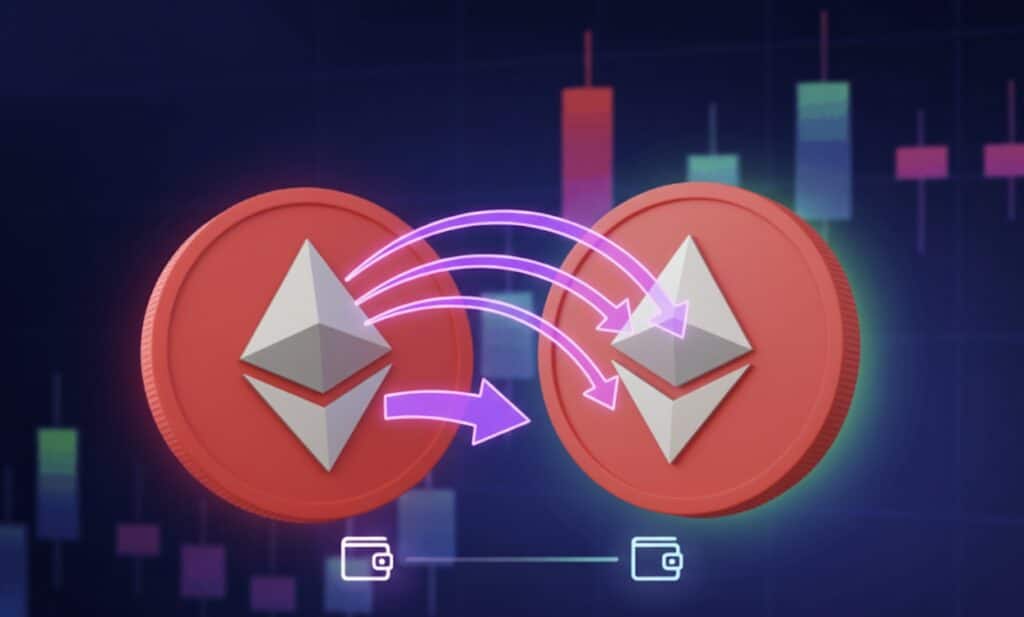
Here’s a quick guide to safely receive and send cryptocurrency using your wallet. Choose the token you want to send or receive.
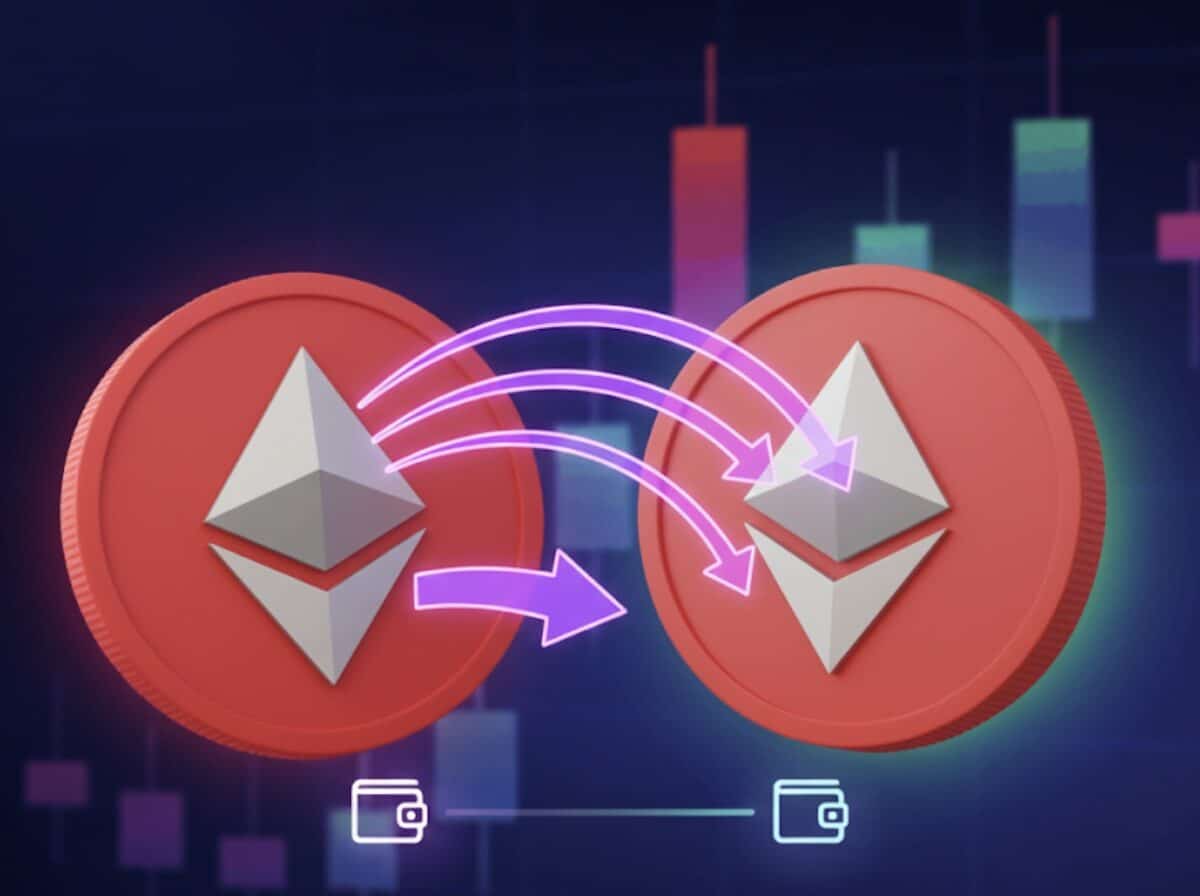
Tap “Receive”, copy your wallet address or share the QR code, and send it to the payer.
Tap “Send”, paste the recipient’s address, choose the right network, and enter the amount.
Double-check details, confirm the transaction, and pay the network fee.
Use the transaction ID on a block explorer to see when it’s confirmed.
That’s it – a simple process to send and receive crypto securely.
Open your wallet
To receive crypto
To send crypto
Confirm and pay fees
Track status
Pro Tip: If you’re sending to a new address for the first time, try sending a small test amount first to ensure it arrives at the intended address. Better safe than sorry. Remember that while sending crypto, you might have to incur some network fees, which are natively called ‘gas fees’.
Feel free to check out our video on the crypto transactions to see it in action:
What Are Gas Fees and Why Do They Matter
Every time you send crypto, the blockchain charges a small fee, called a gas fee. Think of it like postage for mailing a letter.
If you don’t pay enough gas, your transaction might get stuck or fail. Pay more, and it usually goes through faster. Whether your transaction is delayed, pending, or successful, you can always verify its status directly on the blockchain. See our guide to crypto transaction fees for further information on the subject, or watch our video: Ethereum Wallets Explained: Gas, Smart Contracts and Transactions.
How to Check Your Transaction on the Blockchain?
One of the coolest parts about crypto is that every transaction is public. You can literally check if your transfer went through on the blockchain itself.
Verifying your transaction on the blockchain is simple. Here’s how you can do it in just a few steps. After sending, copy the transaction ID (also called a tx hash) from your wallet or exchange.
Go to a block explorer like “Etherscan” (for Ethereum) or “Blockchain.com”(for Bitcoin).
Enter the transaction ID in the search bar to pull up the details.
You’ll see:
Get your transaction ID
Visit a block explorer
Paste your transaction ID
Review the transaction details
For additional information on this concept, check out our list of the most popular blockchain explorers, our full Blockchair Guide, and our tutorial on How to Read an Ethereum Transaction.
That’s all. Once your transaction has enough confirmations, it’s permanent. That’s your proof it went through. Remember, checking your transaction on the blockchain ensures peace of mind that your crypto arrived safely.
Chapter Quiz